
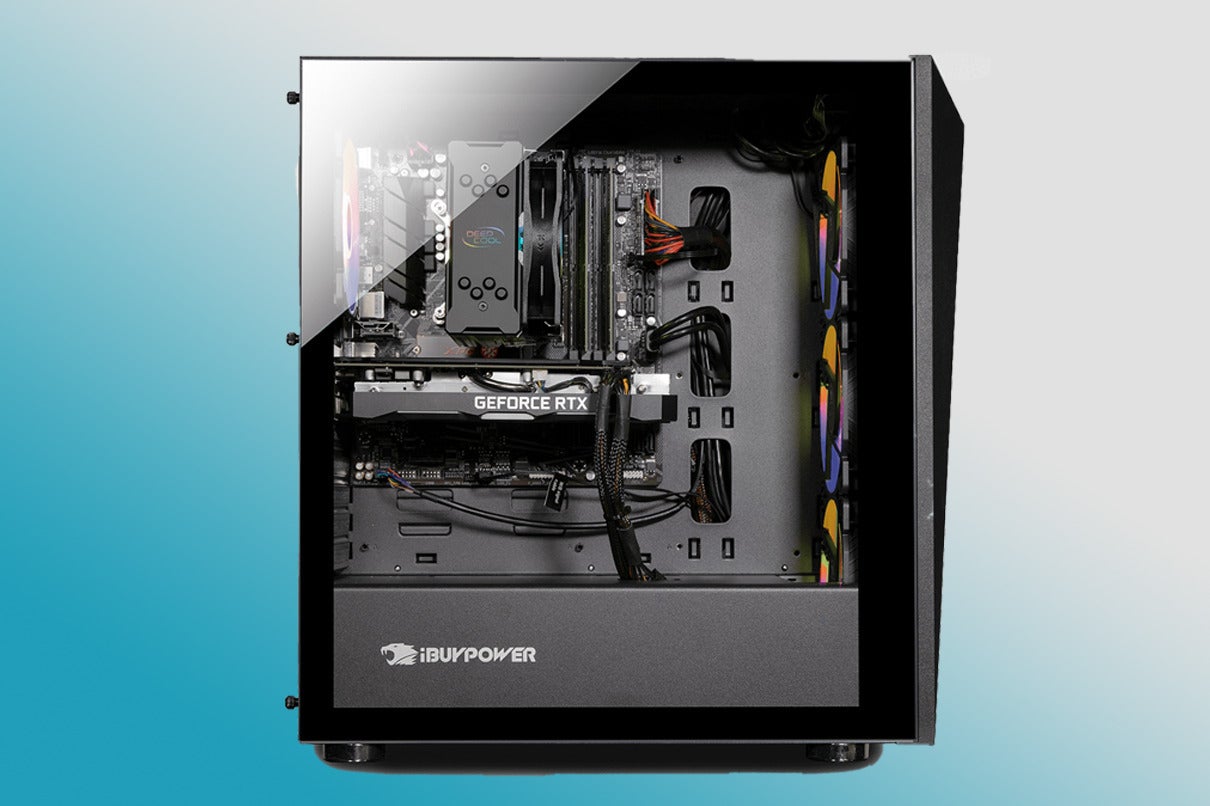

What makes a pc reef different
The term "PC reef" often causes confusion because it sits at the intersection of two very different hobbies. For most reef keepers, it simply refers to a computer used to monitor water parameters, control lighting cycles, or manage automated dosing systems. In this context, the hardware is a tool, not a destination. You are looking for a reliable machine that can run reef management software like Corral or custom dashboards without interrupting the delicate environment of your tank room.
However, the term also hints at a niche concept: a dedicated, purpose-built computer designed specifically for the aquarium environment. These are rare, often custom-built units sealed against humidity and salt spray. For the average hobbyist, building or buying such a specialized machine is rarely practical. Instead, the industry standard has shifted toward repurposing high-performance gaming rigs.
This repurposing happens because gaming PCs offer the processing power needed for complex data logging and video streaming at a fraction of the cost of industrial controllers. The trade-off is physical. A gaming rig is a beast of thermal output and acoustic noise. In a small tank room, a standard gaming PC can act like a space heater and a jet engine, stressing both your livestock and your patience.
The challenge lies in balancing performance with environmental stewardship. You need enough power to handle multiple sensors and cameras, but you must mitigate the heat and noise that come with it. This is why the distinction matters: you aren't just buying a computer; you are engineering a climate control solution. A standard gaming build might work out of the box, but without proper case modification or fan curve tuning, it can quickly become a liability in a sensitive reef ecosystem.
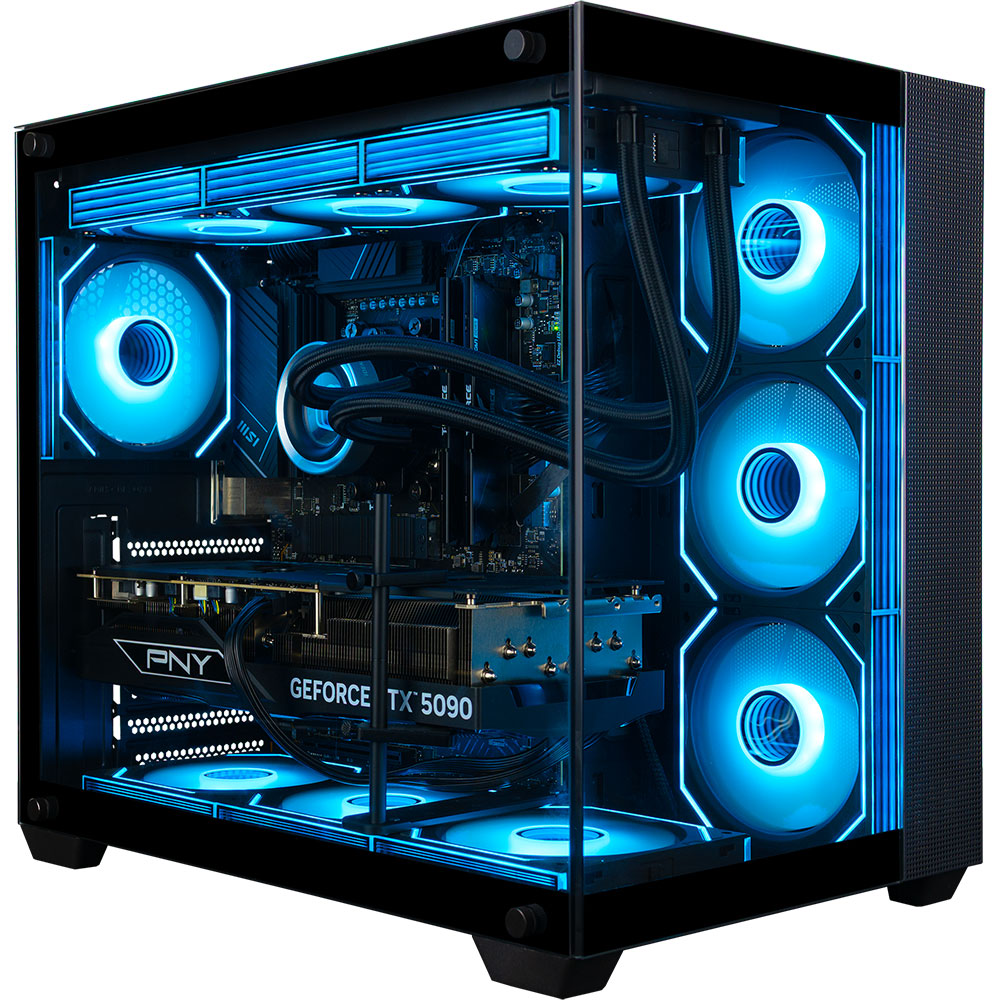
Cyberpower pc performance review
CyberpowerPC builds a strong case for reef keepers who need raw computing power without the premium price tag of boutique aquarium PCs. While dedicated reef computers are reliable, they often lack the processing muscle needed for complex data logging or running multiple simulation tools simultaneously. Cyberpower offers a middle ground: pre-built systems that deliver high-end specs for a fraction of the cost, making them ideal for hobbyists who want one machine to handle both tank monitoring and general computing.
For reef keepers, the primary concern is not just speed, but silence and heat. Tank rooms are often small, poorly ventilated spaces where extra noise or heat can stress marine life. Cyberpower’s budget-friendly models, such as the Gamer Xtreme series, typically use standard air cooling. While effective for performance, these systems can generate noticeable fan noise under load. However, for data logging tasks that run in the background, the fans often spin down to near-silent levels. If you plan to run heavy simulations or gaming alongside your reef software, you may need to manually tune fan curves to keep the tank room environment stable.
Thermal output is another factor to consider. High-performance CPUs and GPUs generate significant heat, which can raise the ambient temperature in a small tank room. Cyberpower cases generally have decent airflow, but adding a PC to a confined space requires planning. Ensure your tank room has adequate ventilation or consider placing the PC on a stand with clearance for air intake. The trade-off is clear: you get powerful hardware for data logging and more, but you must manage the heat and noise it produces.
Recommended Cyberpower Models
Cyberpower offers several pre-built configurations that balance cost and performance. These models are well-suited for running reef monitoring software, home automation hubs, and light gaming.


As an Amazon Associate, we may earn from qualifying purchases.
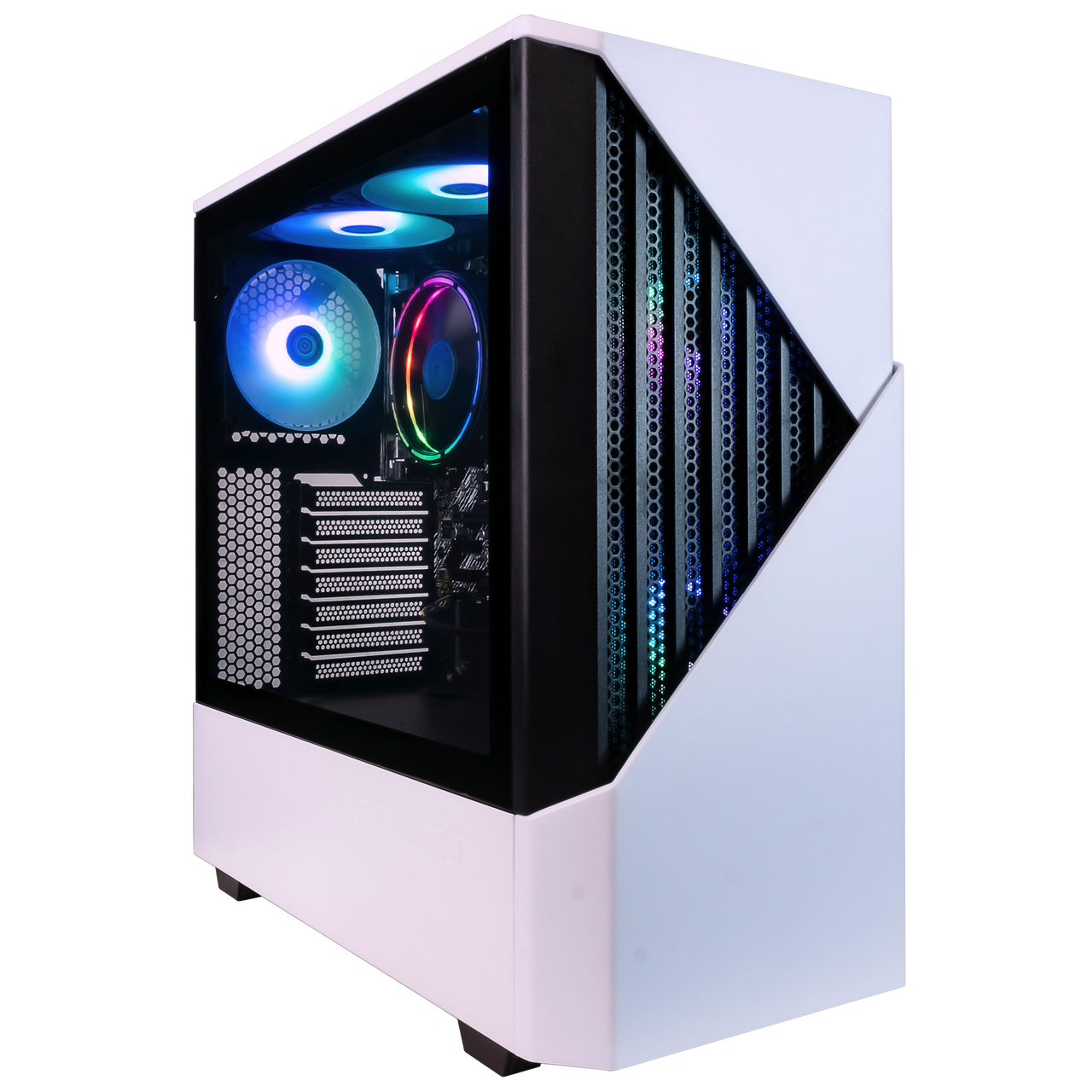
Skytech gaming pc build quality
Skytech has carved out a significant niche in the pre-built market by focusing on high-impact aesthetics. Their systems often feature aggressive styling, RGB lighting, and tempered glass panels that turn the computer into a visual centerpiece. For a reef room, this approach works well if you want your equipment to look like part of the decor rather than hidden away in a closet. The visual appeal is immediate, offering a "wow" factor that matches the vibrant colors of a well-lit aquarium.
However, the priority in a tank room is not just how a PC looks, but how it behaves. Reef keepers need silence and cool temperatures. Skytech generally uses standard cooling solutions that keep the system stable, but they are not always the quietest options on the market. The fans can become audible during heavy gaming sessions or rendering tasks. If your tank room is small or adjacent to a living space, this noise might be noticeable. It is important to check the specific cooling configuration of the model you choose, as some builds prioritize airflow over silence.
Performance-wise, Skytech delivers solid value for the price. They use reputable components from Intel, AMD, and NVIDIA, ensuring that the PC can handle modern games and simulation software without breaking the bank. The build quality is adequate for most users, with decent cable management inside the case. While it may not match the meticulous craftsmanship of a custom boutique build, it is reliable enough for daily use. The trade-off is that you are buying a package designed for gamers first, so the thermal and acoustic tuning may need adjustment for a sensitive reef environment.
Popular Skytech Models


As an Amazon Associate, we may earn from qualifying purchases.
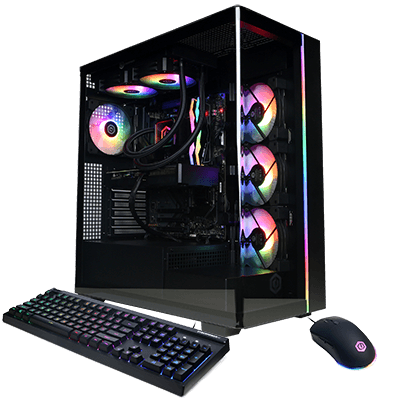
Alienware Gaming PC Premium Tier
Alienware represents the premium tier of prebuilt systems, offering a blend of industrial design, brand reliability, and enterprise-grade support. For reef keepers who view their tank as a critical, high-value asset, the appeal lies in the peace of mind that comes with dedicated technical assistance and robust build quality. While the cost is significantly higher than custom builds or consumer-grade options, the investment targets users who prioritize uptime and minimal maintenance over raw hardware customization.
Build Quality and Thermal Considerations
Alienware systems, such as the Aurora series, are engineered with a focus on aesthetics and structural integrity. The chassis often features premium materials and integrated RGB lighting, which can complement a modern tank room setup. However, this premium design comes with specific thermal implications. Alienware cases are often compact, which can restrict airflow compared to larger, open-frame custom builds. In a warm tank room, where ambient temperatures are already elevated, this can lead to higher internal component temperatures. Users must ensure their tank room has adequate ambient cooling or consider external fan setups to prevent thermal throttling during long monitoring sessions.
Noise levels are another critical factor. Alienware’s cooling solutions are tuned for performance, which can result in audible fan noise under load. For a quiet tank room, this may be distracting. It is advisable to check specific model reviews for acoustic performance or use software to adjust fan curves for a quieter, low-load profile suitable for 24/7 operation.
Enterprise Support and Reliability
The primary justification for choosing Alienware is the support infrastructure. Dell’s enterprise-grade warranty options, including on-site service and next-business-day hardware replacement, are invaluable for reef keepers who cannot afford downtime. If a system fails, the ability to have a technician on-site quickly minimizes the risk of losing critical monitoring data or control over skimmers, heaters, and lighting.
This reliability extends to the software ecosystem. Alienware Command Center provides centralized control over system settings, though it can be resource-intensive. For reef monitoring, a stable, unmodified operating system is preferable, so users should be prepared to disable unnecessary background services to ensure the PC remains dedicated to its monitoring tasks.
Alienware Aurora Models for Reef Integration
When selecting an Alienware system for reef monitoring, the goal is to balance performance with efficiency. You do not need the most powerful gaming hardware; rather, you need a reliable, quiet, and well-supported system.


As an Amazon Associate, we may earn from qualifying purchases.
Comparison: Alienware vs. Custom Build
The table below highlights the key differences between choosing a premium Alienware system and a custom-built gaming PC for reef monitoring.
| Feature | Alienware Premium | Custom Build |
|---|---|---|
| Cost | High ($1,500+) | Variable ($800-$1,500) |
| Support | Enterprise On-Site | Standard Retail |
| Thermal Control | Compact, Potential Heat | Custom Airflow |
| Noise Levels | Tunable, Often Quieter | Depends on Components |
| Upgradability | Limited by Proprietary Parts | Full Freedom |
Cyberpower vs. Skytech vs. Alienware: Quick Comparison
Choosing a PC for a reef tank room isn't just about raw power; it's about fitting the machine into a tight, climate-controlled space without adding noise or heat. The table below compares three popular pre-built options often considered for reef setups, focusing on the factors that matter most in a tank room: thermal output, acoustic footprint, and long-term support.
| Brand | Starting Price | Core Tier | Noise Level | Support |
|---|---|---|---|---|
| Cyberpower | $900 - $1,200 | Entry-Mid (i5/Ryzen 5) | Moderate (Standard Fans) | 1 Year Parts/Labor |
| Skytech | $1,100 - $1,500 | Mid-High (i7/Ryzen 7) | Low-Moderate (Optimized Case) | 1 Year Parts/Labor |
| Alienware | $1,800+ | High-End (i9/RTX 4080+) | Low (Premium Cooling) | 2-3 Year Premium Support |
Cyberpower offers the most budget-friendly entry point, making it a safe bet if you are building a secondary PC for tank monitoring. However, standard cooling solutions can run louder, which might be distracting in a quiet home environment. Skytech sits in the middle, often providing better airflow configurations that help keep the room temperature stable. Alienware commands a premium price but delivers superior thermal management and quieter operation, which is critical if your tank room is near a living space. For reef keepers, the extra cost of Alienware often pays off in reduced noise and lower heat output, protecting both your coral and your sanity.
Choosing the right pc reef setup
Selecting between a dedicated PC reef controller and a repurposed gaming rig ultimately comes down to how you prioritize your tank room’s environment. The core trade-off is between raw computational power and specialized reliability. A custom-built PC reef setup offers modularity and long-term value, while a repurposed gaming rig provides immediate performance at a lower initial cost, provided it can handle the thermal load.
Budget vs. Reliability
A repurposed gaming PC often wins on initial price. You can source an older, high-performance tower for a fraction of the cost of a new, purpose-built controller. However, gaming rigs are designed for burst performance, not 24/7 stability. Components like high-end GPUs and CPUs generate significant heat and consume more power when idle. In a confined tank room, this excess thermal output can raise ambient temperatures, stressing corals and increasing the workload on your air conditioning or exhaust fans.
Dedicated PC reef setups, often built with low-power mini-ITX components, run cooler and quieter. They are engineered for continuous operation, reducing the risk of hardware failure during critical system outages. While the upfront investment is higher, the long-term reliability and lower electricity costs often justify the expense for serious keepers.
Aesthetics and Noise
Noise is a critical factor. Gaming rigs with large fans and liquid cooling loops can be audible, especially if the tank room is near living spaces. A dedicated reef PC setup typically uses passive cooling or low-RPM fans, ensuring silent operation. Aesthetically, a sleek, compact controller blends into the cabinet, whereas a gaming tower with RGB lighting and glass panels may look out of place in a marine environment.
Before purchasing, verify that your chosen setup has the necessary ports for your reef controllers (e.g., Inkbird, Apex, or CoralVue). Ensure the case has adequate ventilation for the humid environment and that the warranty covers continuous operation.
- Check port availability for reef controllers and sensors.
- Verify noise output levels against your room’s acoustic needs.
- Confirm warranty terms cover 24/7 continuous operation.
- Assess thermal output to ensure it won’t raise room temperature.
Final Recommendation
If you are on a tight budget and have a well-ventilated, non-living tank room, a repurposed gaming rig can work. For most keepers, however, a dedicated, low-power PC reef setup is the safer choice. It minimizes heat, reduces noise, and provides the stability your corals need to thrive.
No comments yet. Be the first to share your thoughts!