

What makes a PC reef rig different
A PC reef rig is a specialized build where the computer case becomes part of the aquarium ecosystem. Unlike standard gaming setups, these rigs prioritize silent operation, aesthetic transparency, and thermal management in a humid, salt-spray environment. The goal is to blend high-performance computing with the visual harmony of a marine display.
Noise and Thermal Control
Reef tanks often sit in living rooms or bedrooms, making acoustic noise a primary concern. Standard gaming PCs with aggressive, high-RPM fans can disrupt the peaceful ambiance of a reef room. A reef-focused build typically uses larger, slower-spinning fans or custom water cooling loops to minimize decibel output. Heat dissipation must also be managed carefully; while water cooling helps keep components cool, the radiators must be positioned to avoid heating the tank water or creating condensation issues.
Aesthetics and Transparency
Visual appeal is central to the PC reef concept. Builders often choose cases with tempered glass panels or fully open-frame designs to showcase the internal hardware. The components themselves—RGB lighting, custom cables, and water cooling blocks—are selected to complement the colors of the corals and fish. The PC becomes a living sculpture, where the glow of LEDs interacts with the water and lighting of the tank.
Environmental Hardening
Saltwater is corrosive. Even in a well-ventilated room, salt particles can settle on exposed electronics, leading to premature failure. Reef PC builds often require additional protective measures, such as conformal coating on circuit boards, sealed fans, or regular maintenance to prevent salt buildup. This durability requirement sets reef rigs apart from typical gaming PCs, which rarely face such harsh environmental conditions.
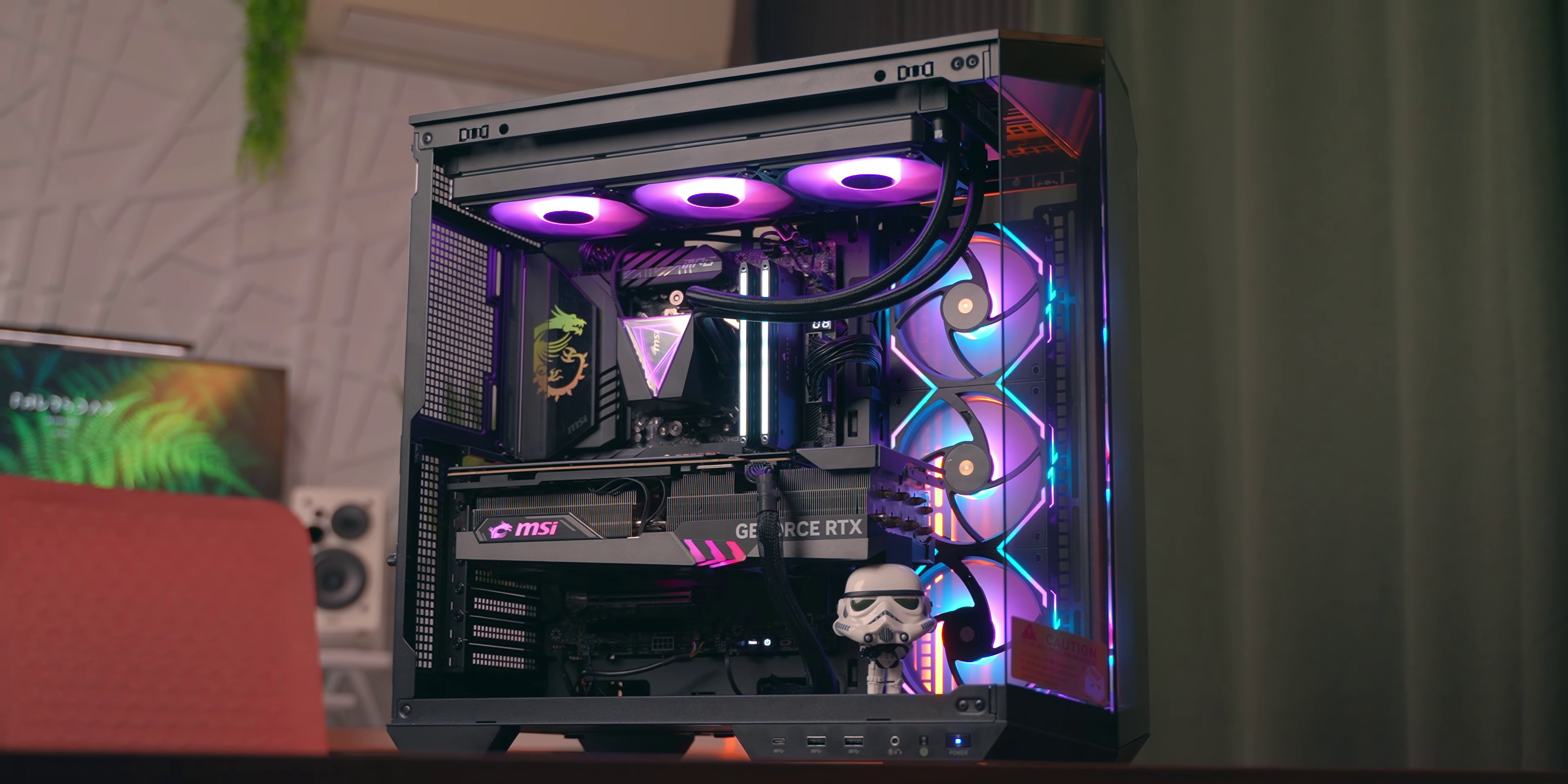
Cyberpower PC build analysis
Cyberpower PC positions itself as a budget-friendly entry point into the prebuilt market. Their systems are designed for users who want plug-and-play performance without the premium markup of boutique brands. For reef setups, this means you are getting raw computing power, but you must look closely at how they manage heat and noise in a sensitive aquatic environment.
Cooling and Noise Considerations
Most Cyberpower configurations rely on standard air cooling or basic closed-loop liquid coolers (AIOs). While these solutions handle general gaming loads well, they can become a liability in a reef room. Reef tanks often require the computer to run 24/7 near water sources, making acoustic noise and heat output critical factors.
Standard fans on budget builds can spin loudly, creating vibrations that may disturb sensitive corals or simply disrupt the peace of a dedicated viewing area. If you choose a Cyberpower system, plan to replace the stock case fans with high-static pressure, low-noise alternatives. This small upgrade can significantly reduce the acoustic footprint, keeping the PC from competing with your protein skimmer or wave makers.
Value and Reliability
The primary advantage of Cyberpower is price. You get modern components, often including the latest generation CPUs and GPUs, for less than competitors like Alienware. However, this value comes with trade-offs in build quality and cable management. The internal layout can be cluttered, which restricts airflow and makes future maintenance or cleaning more difficult.
For a reef setup, cable clutter is not just an aesthetic issue; it traps dust and moisture. Ensure you have the time to tidy up the internals or hire a technician to do so. The goal is to create a clean, efficient airflow path that prevents heat buildup, which is essential when the PC is enclosed or placed near heat-generating aquarium equipment.
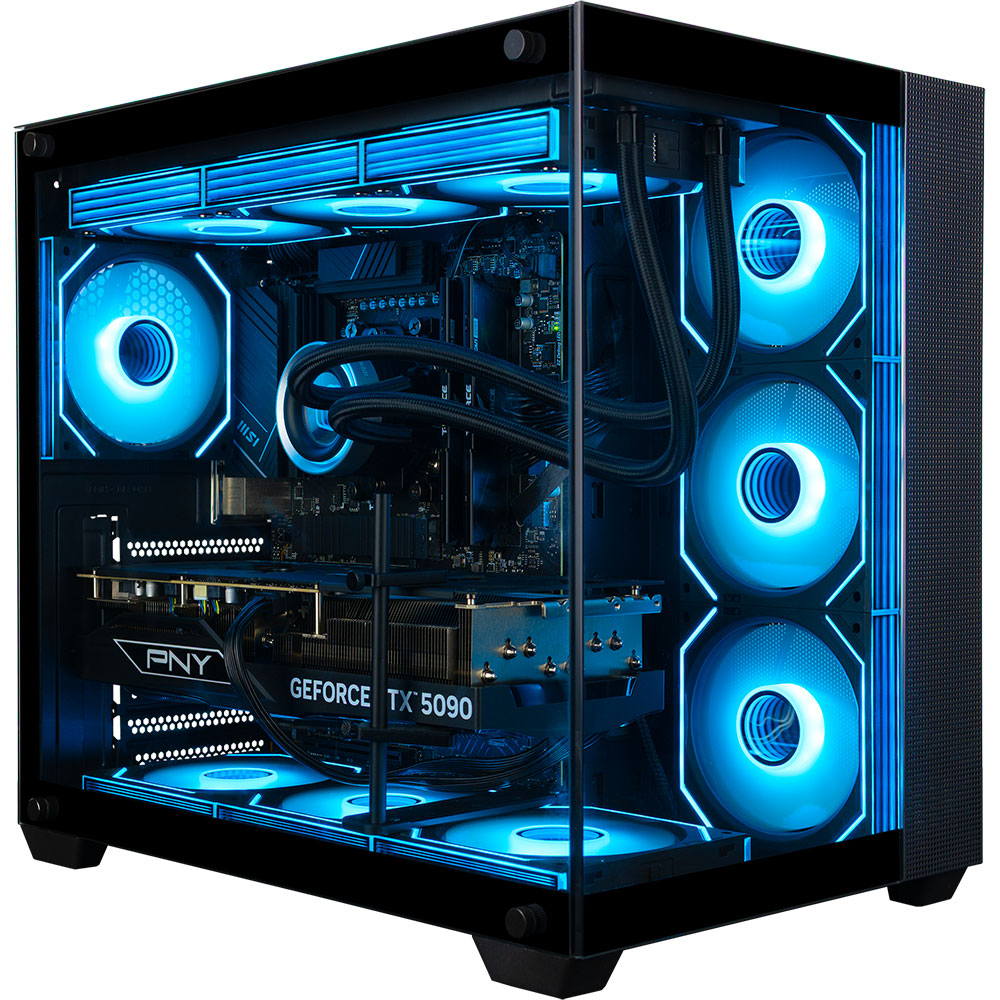
Current Market Options
Cyberpower frequently updates its lineup with new configurations. Below are some current options that balance performance and cost, often featuring transparent cases that allow for visual inspection of the cooling systems.


As an Amazon Associate, we may earn from qualifying purchases.
When evaluating these models, pay attention to the cooling type. The "Liquid Cool" variants may offer better thermal headroom but introduce the risk of leaks, which is a non-starter near an aquarium. The "Air Cool" variants are generally safer for wet environments, provided you upgrade the fans for silence and efficiency.
Skytech Gaming PC build analysis
Skytech Gaming positions itself as a provider of high-performance, aesthetically striking systems. For a reef tank environment, this visual impact comes with specific trade-offs regarding heat output and humidity management. The brand is known for aggressive RGB lighting and tempered glass panels, which look impressive but require careful placement near sensitive marine electronics.
Aesthetic appeal and heat management
Skytech builds typically feature extensive RGB illumination and large glass side panels. While this creates a striking visual centerpiece, the heat generated by high-end components can be problematic in enclosed or poorly ventilated reef cabinets. Excess heat raises ambient water temperature, forcing chillers to work harder and increasing energy costs. The glass panels also trap heat inside the chassis, which can lead to thermal throttling during long gaming sessions.
Performance balance for mixed use
These systems are engineered for raw gaming power, often featuring top-tier CPUs and GPUs. This performance is more than sufficient for running reef management software, lighting controllers, and camera streams simultaneously. However, the high power draw means you need a dedicated, surge-protected outlet. Placing the PC on the same circuit as sensitive dosing pumps or skimmers is not recommended, as power fluctuations can damage delicate electronics.
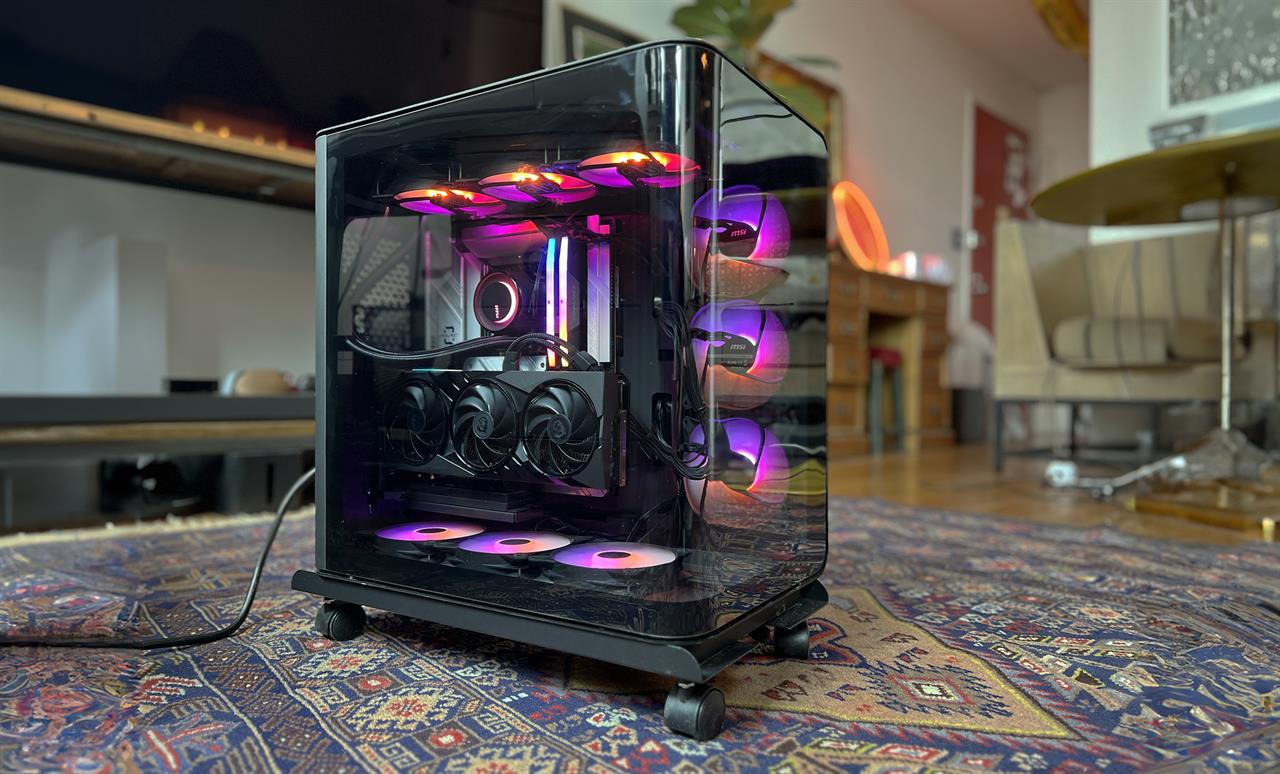
Humidity and corrosion risks
The open-air design of many Skytech cases can draw in humid air, especially if placed near an open-top reef tank. Over time, this moisture can corrode motherboard components and fans. To mitigate this, ensure the PC is positioned at least three feet away from the tank’s splash zone and consider using a dehumidifier in the cabinet if space is tight. Regular cleaning of dust filters is also essential to maintain airflow and prevent moisture buildup.

As an Amazon Associate, we may earn from qualifying purchases.
Alienware Gaming PC build analysis
Alienware positions itself as the premium option in the PC reef market, targeting users who prioritize build quality and brand prestige over raw price-to-performance ratios. The chassis design is robust, often featuring tempered glass panels and sophisticated RGB lighting that can complement a modern reef display. However, this aesthetic comes with a significant cost premium compared to custom-built alternatives from Cyberpower or Skytech.
When evaluating Alienware for reef use, the primary consideration is thermal management in humid environments. Alienware systems are engineered for high-performance gaming, which means they generate substantial heat. While the internal airflow is generally excellent, the external components and power supplies are not specifically sealed against saltwater corrosion or high humidity. Users must ensure their reef room has adequate ventilation and that the PC is not placed directly under spray zones or in areas prone to condensation.
The software ecosystem is another differentiator. Alienware’s Command Center offers extensive control over system performance and lighting, allowing users to sync their PC’s aesthetic with their reef lighting schedules. This level of integration is appealing for users who want a cohesive visual experience. However, the software can be resource-heavy, potentially impacting system performance if not managed carefully.
For those who value a pre-built, warranty-backed solution with a sleek design, Alienware is a strong contender. It offers a polished user experience and reliable support, but the high price point may not justify the marginal performance gains over more affordable options for reef monitoring and control tasks.


As an Amazon Associate, we may earn from qualifying purchases.
Side by side specs and pricing
Choosing a PC for a reef tank requires balancing raw power with environmental stability. High-end gaming rigs often run hot and loud, which can stress sensitive coral life. The Cyberpower and Skytech models offer aggressive performance at lower price points, while Alienware provides premium build quality and quieter operation at a significant cost.
The table below compares the key metrics that matter most for reef environments: thermal output, acoustic noise, and component longevity. We focused on current generation equivalents to ensure a fair comparison of value versus performance.
| Brand | CPU | GPU | RAM | Noise Level | Est. Price |
|---|---|---|---|---|---|
| Cyberpower | Intel Core i5-13600K | NVIDIA RTX 4070 | 16GB DDR5 | Moderate | $1,100 |
| Skytech | AMD Ryzen 7 7800X3D | NVIDIA RTX 4070 Ti | 32GB DDR5 | Moderate-High | $1,350 |
| Alienware | Intel Core i7-13700KF | NVIDIA RTX 4080 | 32GB DDR5 | Low | $2,200 |
Which PC reef rig fits your needs
PC Reef Showdown works best when the purchase path is explicit. Verify the source, compare the offer against real alternatives, check the total cost, and confirm what happens after payment before you decide. After each comparison, write down the one risk that would change your mind. If the seller, condition, support, warranty, shipping, or upkeep still feels uncertain, resolve that question before moving to checkout.
The simplest way to use this section is to verify the seller, compare the total cost, and resolve the biggest risk before you commit.
Common questions about PC reef rigs
Integrating a gaming PC into a reef aquarium involves balancing high-performance computing with sensitive marine biology. The primary concerns revolve around thermal management, electrical safety, and chemical leaching from materials exposed to saltwater.
Is it safe to run a PC inside a reef tank?
Running a PC directly in a reef tank is generally unsafe due to the risks of electrical shock and component failure. While oil cooling exists, water cooling systems with standard fittings pose a significant leak risk. A single leak can kill corals and destroy expensive hardware. For most users, keeping the PC in a separate, climate-controlled room is the safest approach.
How do I cool a PC near a reef setup?
If the PC must be near the tank, focus on passive cooling or external radiators. High airflow cases with dust filters prevent salt spray from entering the chassis. Avoid placing the PC directly above or adjacent to the tank where humidity and salt mist can corrode connectors. External liquid cooling loops with sealed radiators are preferable to open water blocks.
Can PC parts leach chemicals into the water?
Materials like PVC, certain plastics, and metal finishes can leach harmful chemicals into reef water. If using 3D-printed stands (as seen in DIY oil-cooled builds), ensure the filament is reef-safe. PLA and ABS may degrade or release additives. Always verify that all components touching the water are explicitly rated for marine environments.
No comments yet. Be the first to share your thoughts!