
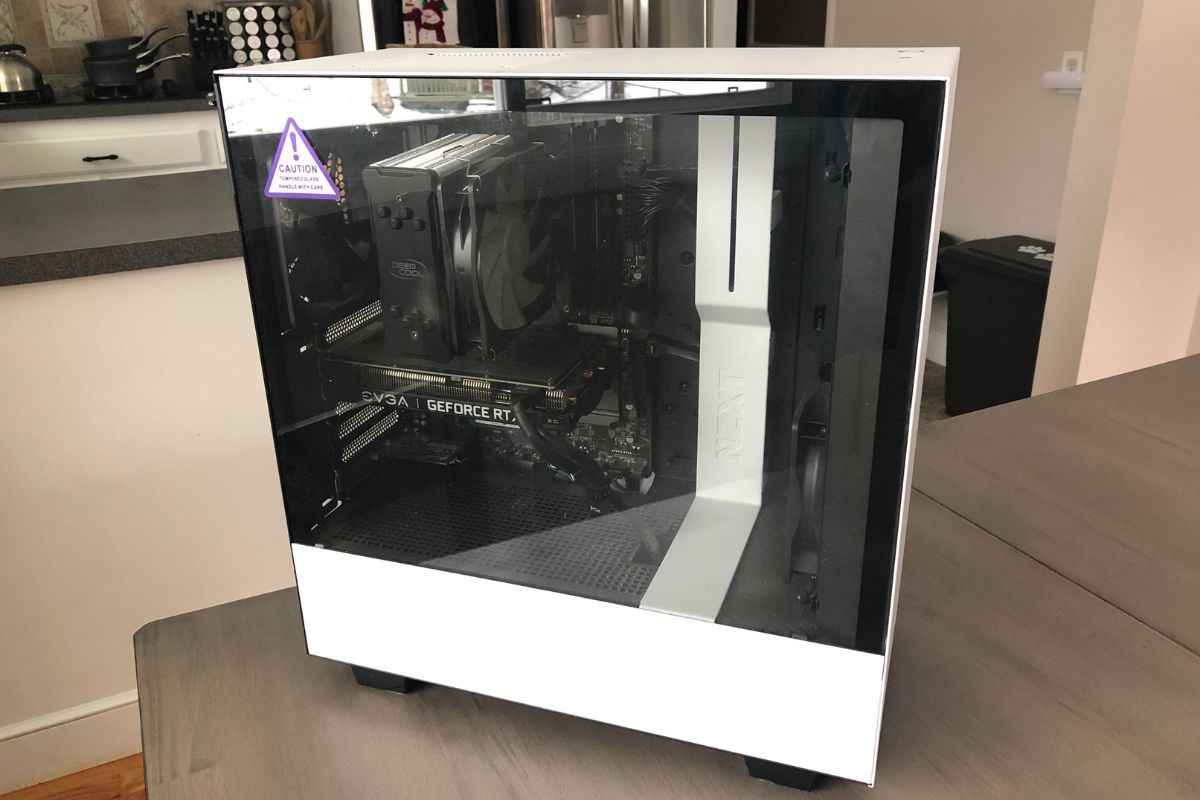

How we picked these gaming rigs
At PC Reef, we evaluate pre-built gaming PCs based on three pillars: GPU performance, thermal management, and build quality. We analyzed systems from Cyberpower, Skytech, Lyte, Apex, Alienware, and ASUS to identify models that deliver reliable performance without compromising on essential components like cooling solutions and power supplies.
GPU tiers and real-world performance
The graphics card is the most critical component for gaming performance. We categorized each system by its GPU tier, focusing on current-generation NVIDIA and AMD cards capable of handling modern titles at high settings. We excluded configurations where the GPU was bottlenecked by weak CPUs or insufficient power supplies. Our goal was to identify systems where the graphics card could perform as intended without being held back by other hardware limitations.
Cooling and thermal management
A powerful PC is ineffective if it overheats and throttles. We examined the cooling solutions in each case, prioritizing models with quality fans, good airflow design, and effective liquid cooling implementations. Many pre-built systems use proprietary or low-quality fans that create excessive noise under load. We favored cases with mesh fronts and organized cable management to ensure free airflow over the GPU and CPU. Systems with inadequate cooling were disqualified, regardless of their raw specifications.
Build quality and longevity
We inspected the build quality of each chassis, including motherboard tray stability, power supply unit (PSU) quality, and ease of future upgrades. A good pre-built should allow for additional RAM or storage expansion. We also considered the manufacturer's reputation for customer support and warranty handling. Brands like Alienware and ASUS offer robust support networks, while smaller builders like Skytech and Cyberpower vary more in service quality. We balanced raw performance with the assurance of accessible support.
Before you buy, use this quick checklist to ensure the system meets your needs:
- Verify the GPU model matches your target resolution (1080p, 1440p, or 4K).
- Check that the PSU wattage is sufficient for the GPU, with at least 20% headroom.
- Ensure the case has enough drive bays for your planned storage expansion.
- Confirm the manufacturer's warranty covers parts and labor for at least one year.
- Review the return policy, especially for open-box or refurbished units.
Best overall gaming PC: Alienware Aurora
The Alienware Aurora R16 stands as a benchmark for pre-built gaming systems, offering a blend of premium design and high-end performance. It features advanced thermal management and sleek aesthetics that fit well in any modern setup. The system is designed to handle demanding titles at high settings, ensuring longevity and consistent frame rates.
Below, we compare the Aurora’s key specifications against other top contenders to highlight its value proposition.
| Model | CPU | GPU | Price Range |
|---|---|---|---|
| Alienware Aurora R16 | Intel Core i9-14900KF | NVIDIA GeForce RTX 4080 Super | Premium |
| CyberPowerPC Gamer Supreme | Intel Core i7-14700KF | NVIDIA GeForce RTX 4070 Ti Super | Mid-High |
| Skytech Shadow Elite | AMD Ryzen 7 7800X3D | NVIDIA GeForce RTX 4070 | Mid |
| ASUS ROG Strix GA15 | AMD Ryzen 9 7900X | NVIDIA GeForce RTX 4070 Ti | Premium |
For those ready to explore current configurations, the following widget displays available Alienware Aurora models on Amazon. These listings reflect real-time inventory and pricing, allowing you to select the exact specs that match your gaming needs.


As an Amazon Associate, we may earn from qualifying purchases.
Best value builds: Skytech and Cyberpower
When every dollar counts, Skytech and CyberpowerPC dominate the entry-level market. These brands strip away the premium markup of brands like Alienware to deliver raw performance. For budget-conscious gamers, they offer the most accessible path into modern gaming without sacrificing frame rates.
Both companies frequently update their configurations, often swapping in the latest mid-range GPUs to keep prices competitive. You will typically find them offering solid 16GB RAM kits and fast NVMe storage as standard, which is a significant upgrade over older budget defaults. This focus on modern essentials means you get a system that is ready to play current titles out of the box.
Below are the current best-selling models from both brands available on Amazon.


As an Amazon Associate, we may earn from qualifying purchases.
Mid-range contenders: Lyte and Apex
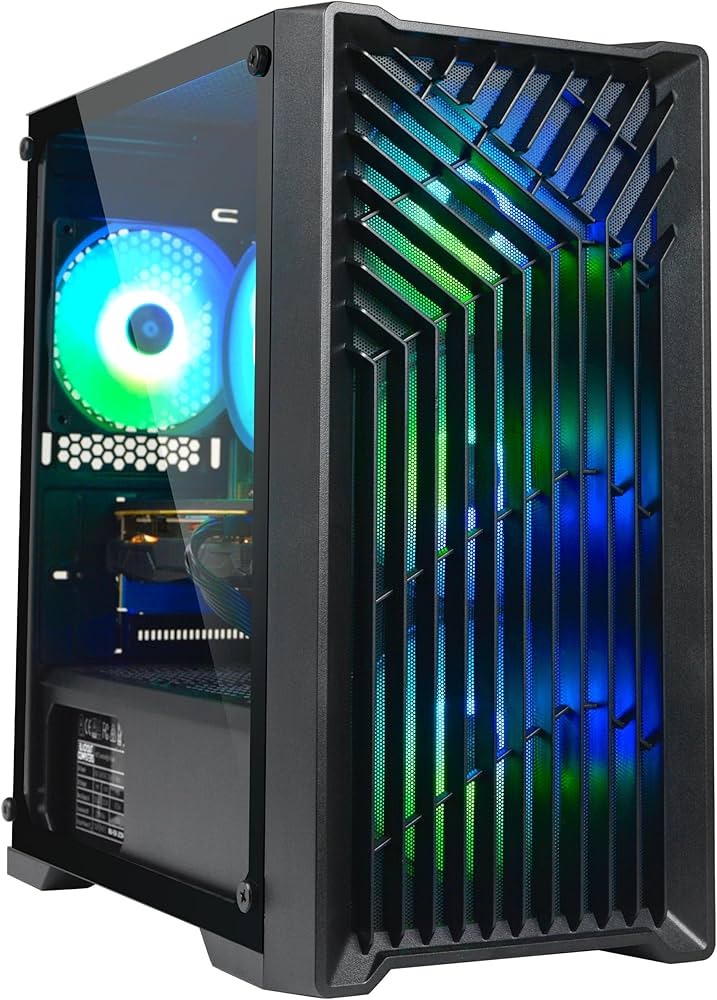
For many gamers, the mid-range segment offers the best balance between raw performance and build quality. Unlike entry-level rigs that often cut corners on airflow and aesthetics, systems from Lyte and Apex provide better cooling solutions and more polished chassis designs without jumping into the premium price bracket.
Lyte focuses heavily on thermal efficiency and clean cable management. Their cases are designed to maximize airflow, which keeps temperatures lower during extended gaming sessions. This attention to detail means the system runs quieter and lasts longer than typical budget builds. Apex, on the other hand, prioritizes visual impact with aggressive styling and robust RGB integration, appealing to those who want a centerpiece for their setup.
Both brands offer configurations that can handle modern titles at high settings. You are getting better components and superior build quality compared to the entry-level options, making these a smart choice for gamers who plan to keep their PC for several years.

As an Amazon Associate, we may earn from qualifying purchases.
ASUS ROG and custom options
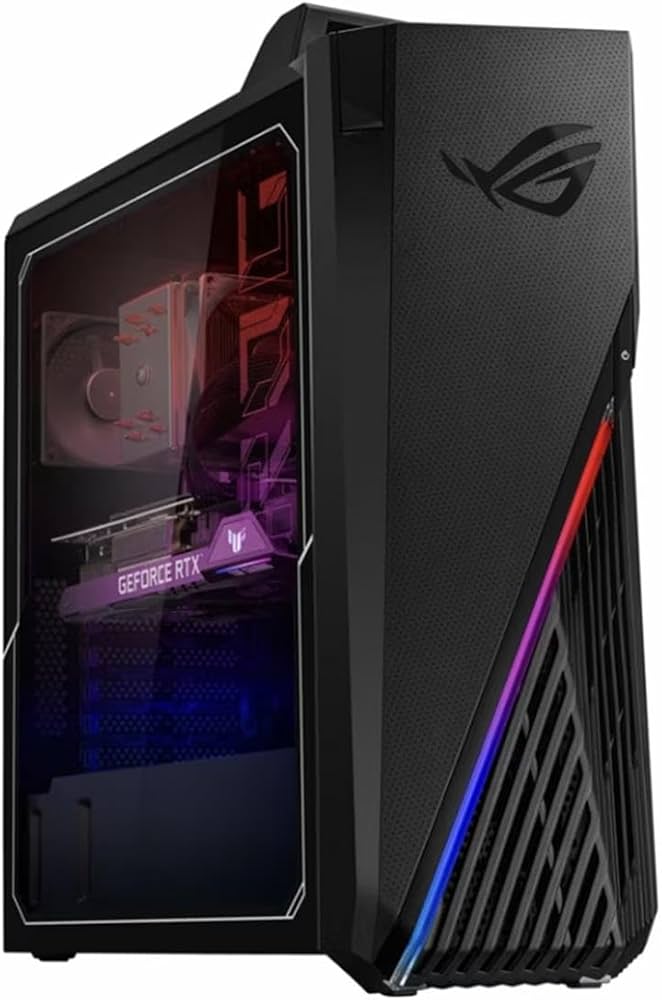
ASUS ROG builds target the high end of the enthusiast market, offering factory-tuned systems that prioritize aesthetic cohesion and thermal performance. These machines often feature custom liquid cooling loops and premium chassis designs that distinguish them from the standard tower builds found at lower price points.
The ROG Strix series represents the core of ASUS's pre-built lineup, blending high-performance internals with the brand's signature RGB lighting and aggressive styling. These systems are designed to handle the most demanding titles at high refresh rates, often utilizing the latest Intel Core i9 or AMD Ryzen 9 processors paired with top-tier NVIDIA GeForce RTX graphics cards. The integration of ASUS's Aura Sync ecosystem allows for synchronized lighting across compatible components, creating a unified visual identity that appeals to gamers who value aesthetics as much as raw power.
For those seeking something beyond the standard retail boxes, custom options and niche builders offer specialized configurations. These include liquid-cooled systems with custom tubing and reservoirs, or builds focused on specific form factors like mini-ITX. While the "PC Reef" concept in the dossier highlights community-driven customization, the market for high-end pre-builts remains dominated by established brands like ASUS, Cyberpower, and Skytech, each offering distinct value propositions for different types of gamers.


As an Amazon Associate, we may earn from qualifying purchases.
Quick comparison of top picks
Choosing between Cyberpower, Skytech, Lyte, Apex, Alienware, and ASUS comes down to balancing raw performance against build quality and brand prestige. We have compared the key specifications and ideal use cases for each system to help you find the right fit for your setup. Whether you need a budget-friendly entry point or a premium all-in-one, here is how they stack up side-by-side.
| Brand | CPU | GPU | RAM | Price Tier |
|---|---|---|---|---|
| Cyberpower | Intel Core i5-13400F | NVIDIA RTX 4060 | 16GB DDR4 | Budget |
| Skytech | AMD Ryzen 5 7600 | NVIDIA RTX 4060 Ti | 16GB DDR5 | Budget |
| Lyte | Intel Core i7-13700K | NVIDIA RTX 4070 | 32GB DDR5 | Mid-Range |
| Apex | AMD Ryzen 7 7800X3D | NVIDIA RTX 4070 Ti | 32GB DDR5 | Mid-Range |
| Alienware | Intel Core i7-13700KF | NVIDIA RTX 4080 | 32GB DDR5 | Premium |
| ASUS | Intel Core i9-13900K | NVIDIA RTX 4090 | 64GB DDR5 | Premium |
Common questions about pre-built rigs
Choosing between a pre-built system from brands like Cyberpower, Skytech, Lyte, or Alienware and a DIY build often comes down to time versus cost. While building your own PC offers maximum customization, pre-builts provide a streamlined experience with standardized parts and integrated support.
How do warranties work on pre-built PCs?
Pre-built systems typically come with a single-point warranty covering the entire unit, rather than managing separate claims for individual components like CPUs or GPUs. This simplifies troubleshooting, as you contact one manufacturer regardless of the faulty part. Brands like ASUS and Alienware often offer extended support options, while budget-focused brands like Skytech and Cyberpower provide standard one-year coverage with optional upgrades.
Can I upgrade a pre-built gaming PC later?
Most modern pre-built PCs from these brands are upgradeable, but compatibility varies. You can generally swap out GPUs, add RAM, or install additional storage drives. However, proprietary motherboards or custom power supplies in some Alienware or Lyte models may limit your choices. Always check the specific model's manual or product page to ensure the case has room for new components and the PSU has enough wattage.
Are pre-built PCs good value compared to DIY?
Pre-built PCs save time and effort, offering a "plug-and-play" experience that DIY builders must assemble themselves. However, DIY builds often provide better value per dollar, allowing you to select high-quality parts without paying for assembly labor or brand premiums. If you prioritize convenience and immediate performance, a pre-built from a reputable brand is a solid choice. For those who want to maximize performance within a tight budget, building your own PC remains the more economical path.
No comments yet. Be the first to share your thoughts!