

The $1,500 reality in 2026
Building or buying a PC for $1,500 in 2026 is tougher than it was a few years ago. Prices for mid-range parts have crept up, so you have to be picky about where your money goes. You can still get a machine that handles 1440p without a struggle, but you'll likely have to settle for a plastic case or a smaller SSD to keep the price tag under the limit.
The good news is that competition is fierce, and manufacturers are responding with increasingly efficient designs. We’re seeing a sweet spot emerge around the RTX 5060 Ti – a card that, according to recent benchmarks highlighted on YouTube channels like PC Centric, delivers excellent performance for 1440p gaming without completely breaking the bank.
At $1500, you're aiming for a system that can handle current AAA titles at high settings with respectable frame rates. It's a realistic goal, but it requires understanding where to prioritize your spending. A focus on the GPU and CPU is key, while potentially making concessions on things like flashy RGB lighting or the absolute fastest storage speeds.
The pre-built market has exploded in the last few years, offering a convenient alternative to building your own PC. Companies like CyberpowerPC, Skytech Gaming, and ASUS ROG are all vying for your attention. Each offers a different approach, catering to different needs and preferences. This guide will break down what each brings to the table.
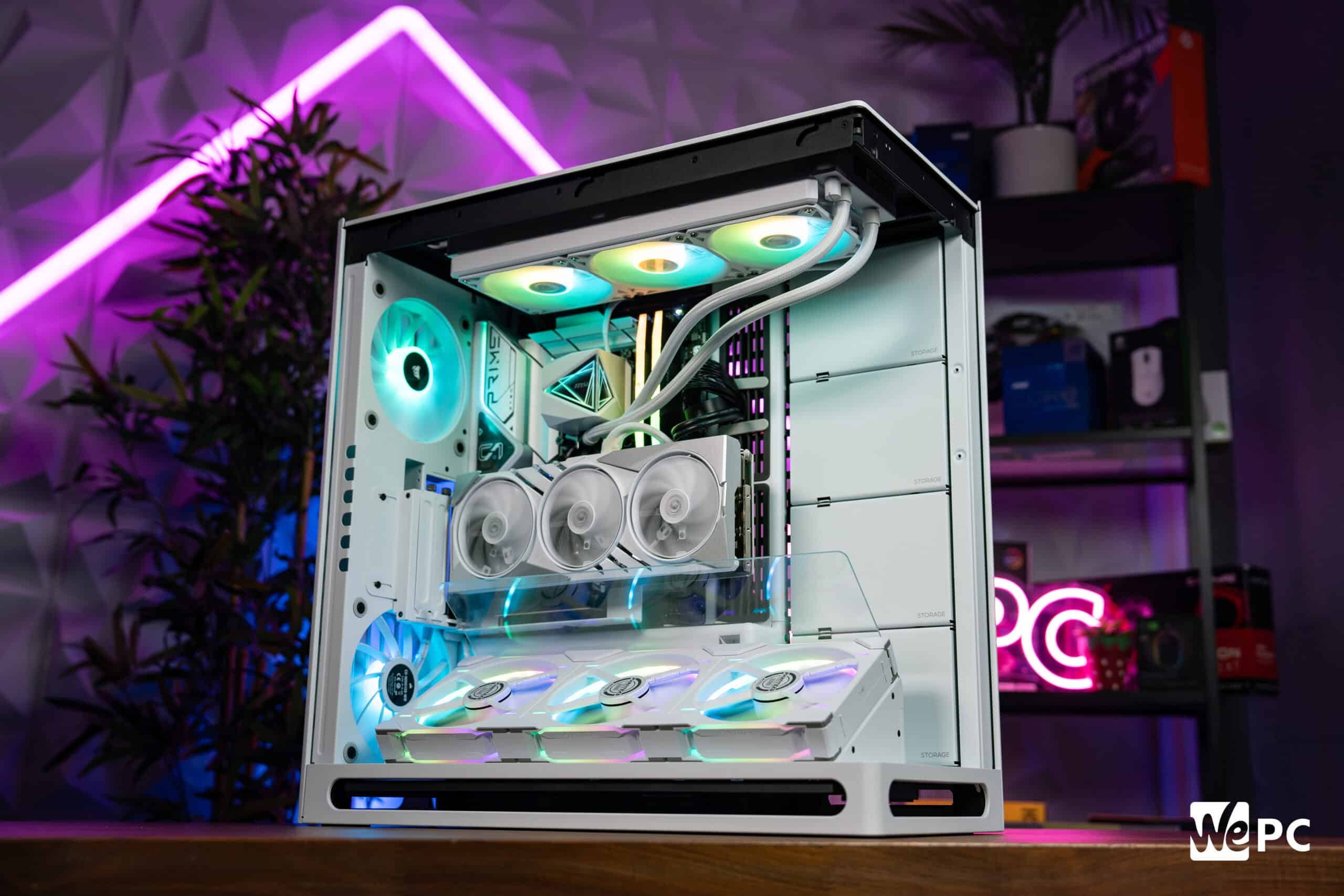
CyberpowerPC: the trade-off for total customization
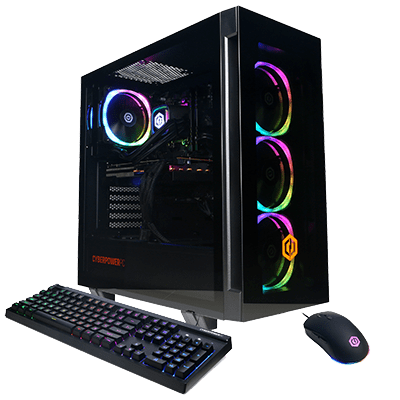
CyberpowerPC has built a strong reputation for offering a massive degree of customization. Their website genuinely attempts to simplify the PC shopping experience, letting you filter by budget and intended use. They really do lean into letting you build exactly what you want, or start with a pre-built and then tweak it to your liking.
The sheer range of configurations available is impressive. You can select everything from the case and cooling system to the motherboard and RAM. This level of control is a major draw for enthusiasts who want a truly personalized machine. They have systems specifically marketed as being under $1500, and their configurator makes it easy to stay within that budget.
I’ve been browsing their current offerings, and you can easily configure a system around an RTX 5060 Ti, a Ryzen 5 9600X, and 32GB of DDR5 RAM for just under $1500. You can even play with different case options and add extra fans to improve cooling.
However, there are potential downsides. Heavily customized orders can take longer to build and ship. And while their website is helpful, the sheer number of options can be overwhelming for first-time buyers. Customer service reports are mixed – some users have praised their responsiveness, while others have experienced delays in getting issues resolved.
Check the specific brands for the power supply and RAM before you hit buy. CyberpowerPC often swaps between manufacturers for these parts depending on what's in stock. I've seen them use high-end Corsair sticks in one build and generic green-PCB modules in another for the same price.
Overall, CyberpowerPC is a great option if you value customization and are willing to spend some time researching and configuring your system. Just be prepared for a potentially longer wait time and do your due diligence on component selection.
Skytech: better parts, fewer choices
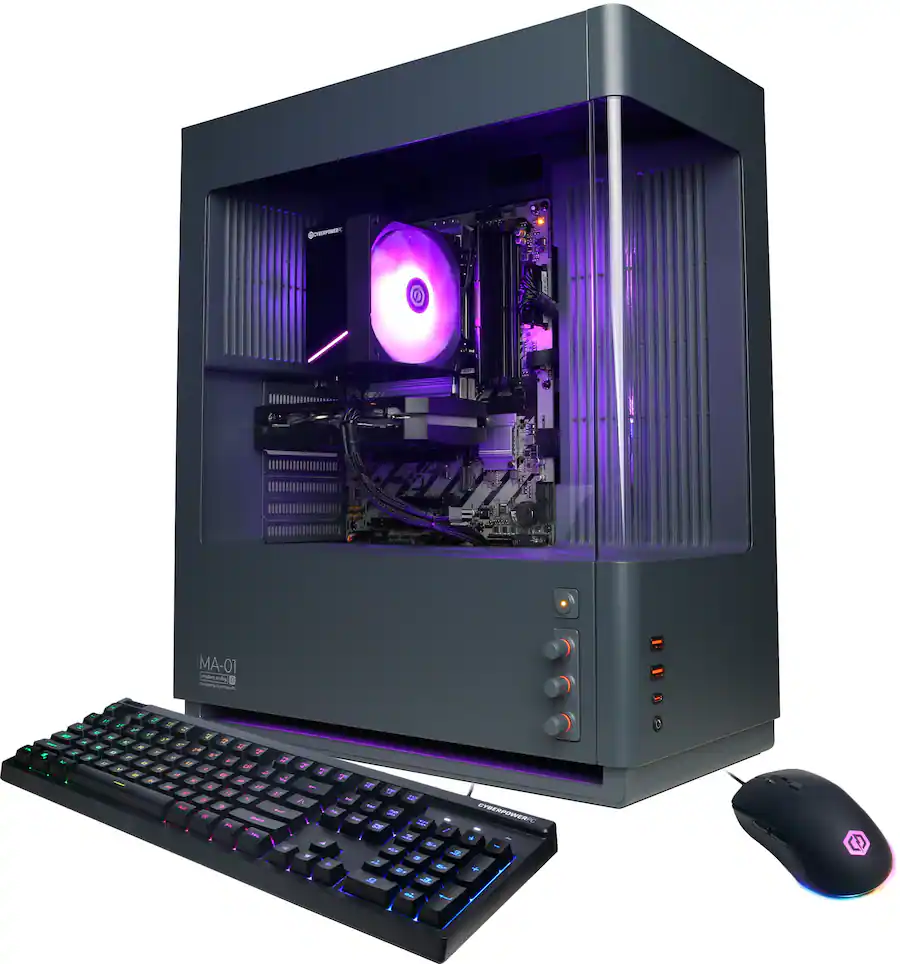
Skytech Gaming positions itself as a brand focused on delivering maximum performance out of the box. They specialize in pre-built systems, designed to offer a hassle-free gaming experience. They seem to prioritize getting the best possible components into a system at a given price point, rather than offering extensive customization options.
Looking at their website, Skytech's $1500 systems typically include a powerful CPU – often a Ryzen 5 9600X or a comparable Intel processor – paired with an RTX 5060 Ti. They also tend to include a generous amount of RAM (16GB or 32GB) and a fast NVMe SSD for quick loading times.
Compared to CyberpowerPC, Skytech's builds often feel more curated. They’ve made the component choices for you, aiming for a balanced configuration that delivers optimal gaming performance. This can be a benefit for those who don't want to spend hours researching and comparing parts.
I noticed that Skytech often opts for higher-wattage power supplies than some of their competitors, which is a good sign for future upgradability. They also tend to use reputable brands for their components, which can provide peace of mind. They are focused on delivering a strong gaming experience without a lot of frills.
One potential downside is the limited customization options. You can't tweak the specs as much as you can with CyberpowerPC. But if you're happy with their pre-defined configurations, Skytech offers a compelling value proposition.
Featured Products

AMD Ryzen 5 5500 processor · NVIDIA RTX 5050 8GB graphics card · 1TB NVMe SSD and 16GB DDR4 RAM
This Skytech Gaming PC offers a strong balance of performance and value, making it an excellent choice for gamers looking to stay within a $1500 budget in 2026.

AMD Ryzen 5 5500 processor · NVIDIA RTX 3050 6GB graphics card · 1TB SSD and 16GB DDR4 RAM
This Skytech Gaming PC offers a strong balance of performance and value, making it an excellent choice for gamers looking to stay within a $1500 budget in 2026.

AMD Ryzen 7 7700X processor · NVIDIA RTX 5070 12GB graphics card · 32GB DDR5 RAM and 1TB NVMe SSD
This Skytech Gaming PC offers a strong balance of performance and value, making it an excellent choice for gamers looking to stay within a $1500 budget in 2026.

AMD Ryzen 5 5500 processor · NVIDIA RTX 5050 8GB graphics card · 1TB NVMe SSD and 16GB DDR4 RAM
This Skytech Gaming PC offers a strong balance of performance and value, making it an excellent choice for gamers looking to stay within a $1500 budget in 2026.
As an Amazon Associate I earn from qualifying purchases. Prices may vary.
Asus ROG: paying the brand tax for better builds
ASUS ROG (Republic of Gamers) is known for its premium build quality, sleek aesthetics, and often, higher-end components. Their gaming PCs are generally more expensive than those from CyberpowerPC or Skytech, but they offer a different kind of experience.
ASUS ROG systems often feature robust cooling solutions, high-quality motherboards, and meticulously crafted cases. They pay attention to detail, and the result is a PC that looks and feels like a premium product. Their systems emphasize aesthetics as much as performance, with integrated RGB lighting and stylish designs.
At the $1500 price point, you might need to make some compromises with ASUS ROG. You might end up with a slightly less powerful GPU or CPU compared to what you could get from CyberpowerPC or Skytech for the same price. You’re paying a premium for the brand and the build quality.
However, the extra investment could be worthwhile if you value aesthetics and reliability. ASUS ROG systems typically come with a comprehensive warranty and excellent customer support. I’ve heard positive things about their responsiveness and willingness to resolve issues quickly.
ASUS ROG also offers a range of software tools that allow you to monitor system performance, customize RGB lighting, and optimize game settings. These tools can be helpful for enthusiasts who want to fine-tune their gaming experience. They also offer a strong ecosystem of compatible peripherals.
Component Breakdown: What You Get for $1500
Let's break down what you can realistically expect inside a $1500 gaming PC in 2026. The graphics card will be the biggest determining factor in performance, and the RTX 5060 Ti is the likely candidate. This card should handle most modern games at 1440p with high settings.
The CPU will likely be a Ryzen 5 9600X or an equivalent Intel processor. These CPUs offer a good balance of performance and price, providing enough power for gaming and everyday tasks. You want something with at least 6 cores and 12 threads.
RAM is another important component. 16GB of DDR5 RAM is the minimum I'd recommend, but 32GB is becoming increasingly common and will provide more headroom for demanding games and multitasking. Speed is also important – look for RAM with a speed of at least 5200MHz.
Storage should definitely be a 1TB NVMe SSD. These SSDs offer significantly faster loading times than traditional hard drives. A larger SSD (2TB or more) is ideal, but a 1TB drive is a good starting point. Make sure it's a PCIe Gen4 drive for maximum speed.
Don't forget about the power supply. A 650W or 750W power supply should be sufficient for a system with an RTX 5060 Ti, but it's always better to have some headroom for future upgrades. A good cooling solution – whether it's an air cooler or a liquid cooler – is also essential to keep your components running at optimal temperatures.
Gaming PC Comparison: Under $1500 (2026)
| Brand | Customization Options | Performance | Build Quality | Customer Support |
|---|---|---|---|---|
| CyberpowerPC | Good | Good | Fair | Fair |
| Skytech Gaming | Good | Good | Good | Good |
| ASUS ROG | Fair | Excellent | Excellent | Good |
| Typical $1500 Build (based on sources) | Limited to Component Choices | Very Good (e.g., RTX 5060 Ti, Ryzen 5 9600X) | Good (dependent on component selection) | Variable (dependent on retailer) |
| CyberpowerPC (focus) | Wide range of pre-built configurations and some custom options. | Generally strong performance for the price point. | Build quality can vary; some reports of cable management issues. | Customer support experiences are mixed. |
| Skytech Gaming (focus) | Offers pre-built systems with some customization available. | Competitive performance, often utilizing current-generation components. | Generally well-built systems with attention to detail. | Generally positive customer support reviews. |
| ASUS ROG (focus) | More limited customization within pre-built offerings. | Typically delivers high-end performance due to component selection. | Excellent build quality and attention to detail. | Customer support is generally considered reliable. |
Illustrative comparison based on the article research brief. Verify current pricing, limits, and product details in the official docs before relying on it.
Real-World Gaming Performance: 2026 Titles
So, what kind of performance can you expect in real-world games? Let’s consider two popular titles: God of War Ragnarok PC and Ghost of Tsushima PC. Both are demanding games that will push your system to its limits.
With a $1500 gaming PC featuring an RTX 5060 Ti, you should be able to run God of War Ragnarok PC at 1440p resolution with high settings and achieve an average frame rate of 60+ FPS. You might need to tweak a few settings, such as shadow quality or ambient occlusion, to maintain a consistent frame rate.
Ghost of Tsushima PC is another demanding title. Expect similar performance to God of War Ragnarok, with an average frame rate of 60+ FPS at 1440p with high settings. Again, some settings adjustments might be necessary. Utilizing DLSS or FSR upscaling technologies can provide a significant performance boost without a noticeable loss in visual quality.
These numbers aren't set in stone. If you have Chrome open with fifty tabs or haven't updated your Nvidia drivers in six months, your frame rates will dip. Still, a $1,500 budget is the sweet spot for 2026—it's enough to play anything on the market today at high settings.
Beyond the Build: Peripherals & Upgradability
Don't forget about peripherals! A great gaming PC is only as good as the monitor, keyboard, mouse, and headset you use with it. A high-refresh-rate monitor (144Hz or higher) is essential for a smooth gaming experience. Invest in a comfortable keyboard and mouse, and a good headset for immersive audio.
Upgradability is another important consideration. A well-built gaming PC should be relatively easy to upgrade in the future. You can swap out the GPU, CPU, RAM, and storage to keep your system up-to-date. A good power supply with sufficient wattage is crucial for future upgrades.
Consider a modular power supply – this allows you to easily add or remove cables as needed. Also, make sure your case has good airflow to keep your components cool. Planning for future upgrades now will save you time and money down the road.
Look for systems with available PCIe slots and M.2 slots for storage expansion. These are key indicators of a system designed with future upgrades in mind. Don’t skimp on the power supply; it's the foundation for future component additions.
- A 144Hz or 165Hz IPS monitor to actually see the frames your GPU is pushing.
- Comfortable keyboard and mouse
- Immersive gaming headset
Essential Gaming Peripherals
- Gaming Monitor - Look for a refresh rate of at least 144Hz and a response time of 1ms for smooth gameplay. Resolution options include 1080p, 1440p, and potentially 4K depending on your graphics card. Consider IPS panels for better color accuracy.
- Mechanical Keyboard - Offers tactile feedback and durability. Key switch types (Red, Brown, Blue) cater to different preferences – Red for speed, Brown for tactile feel, Blue for clicky feedback. Consider features like N-key rollover and backlighting.
- Gaming Mouse - Prioritize a comfortable ergonomic design and adjustable DPI (dots per inch) for precise control. Wired mice generally offer lower latency than wireless options. Look for mice with programmable buttons.
- Gaming Headset - Crucial for immersive audio and clear communication. Consider features like surround sound, noise cancellation, and a comfortable fit for long gaming sessions. Both wired and wireless options are available.
- USB Hub - Many gaming peripherals connect via USB. A powered USB hub can expand your connectivity options, especially with limited ports on your new PC.
- Mousepad - A quality mousepad provides a consistent surface for accurate mouse tracking. Options range from cloth pads for control to hard pads for speed. Size is also important – larger pads allow for wider mouse movements.
- Webcam - If you plan to stream or video chat, a dedicated webcam will offer better quality than a built-in laptop camera. Look for 1080p resolution and good low-light performance.
No comments yet. Be the first to share your thoughts!