

Bluetooth 6.0: A Gaming Leap?
Bluetooth 6.0 is starting to appear in PC accessories, and it’s promising some significant improvements over older versions. For a long time, Bluetooth wasn't really considered a viable option for serious PC gaming. The latency issues were just too significant to compete with wired connections or dedicated 2.4GHz wireless gear. But Bluetooth technology is evolving, and 6.0 is aiming to address those concerns head-on.
The biggest draws for gamers are the potential for lower latency, increased range, and improved reliability. Bluetooth 6.0 builds on the improvements introduced in 5.x, but takes things further. The Bluetooth Special Interest Group (SIG) is touting enhancements to connection management and data throughput. It’s a shift towards making Bluetooth a genuinely competitive option for wireless gaming accessories, not just headphones and speakers.
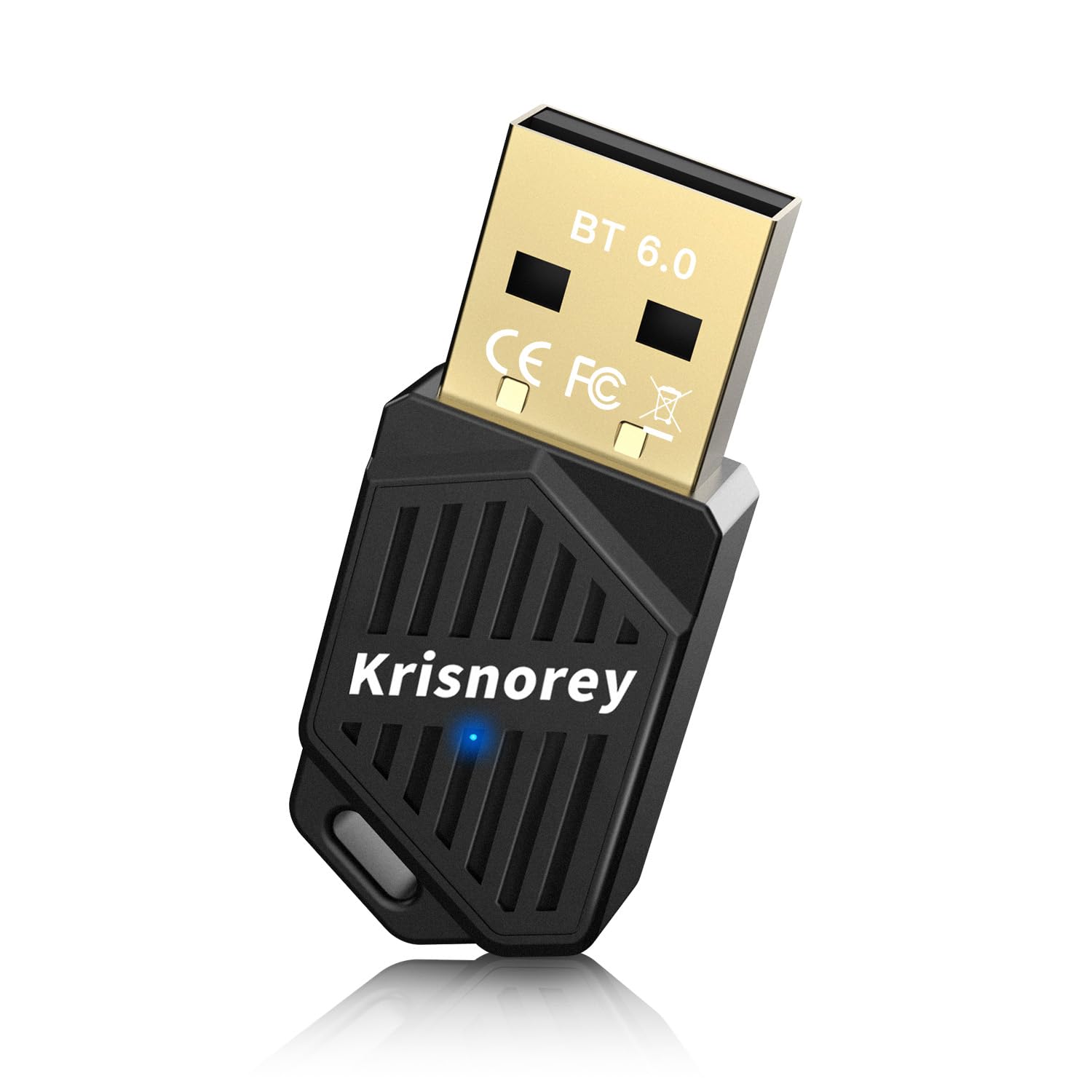
Currently, the adoption of Bluetooth in gaming peripherals is growing, especially for headsets. We’re seeing more gaming headsets that prioritize Bluetooth connectivity alongside traditional 2.4GHz options. But the real test will be whether Bluetooth 6.0 can deliver on its promises and convince gamers to cut the cord without sacrificing performance. The potential is there, and we’re starting to see the first wave of adapters hit the market.
Latency: The Biggest Hurdle
Latency, or lag, has always been the Achilles’ heel of Bluetooth gaming. Previous versions of Bluetooth simply couldn’t match the responsiveness of wired connections or dedicated wireless technologies like 2.4GHz. In fast-paced games – first-person shooters, fighting games, rhythm games – even a small amount of input lag can be the difference between victory and defeat.
Audio and input lag are two sides of the same coin. Audio lag means you hear game sounds slightly after the action happens on screen, throwing off your timing and situational awareness. Input lag means there's a delay between when you press a button and when the game registers that input. Both create a disconnect between your actions and the game’s response, making it feel sluggish and imprecise.
Bluetooth 6.0 aims to drastically reduce latency through a combination of factors, including improved connection management and data transfer speeds. While specific latency numbers are still being finalized and verified through independent testing, the Bluetooth SIG claims theoretical latency reductions of up to 50% compared to Bluetooth 5.3. That’s a substantial improvement, but the real-world impact will depend on the adapter, the headset, and the specific game being played. A lower latency will bring Bluetooth closer to the responsiveness of a wired connection.
Bluetooth Version Comparison: Impact on PC Gaming (2026 Outlook)
| Bluetooth Version | Latency | Range | Connection Stability | Typical Gaming Use Cases |
|---|---|---|---|---|
| Bluetooth 5.0 | High | Medium | Fair | Basic wireless controllers, older headsets |
| Bluetooth 5.1 | Moderate | Medium | Good | Improved wireless controllers, standard headsets |
| Bluetooth 5.2 | Moderate | Long | Good | Wireless controllers with more features, multi-device setups |
| Bluetooth 5.3 | Low | Long | Excellent | Competitive gaming with low-latency controllers, high-quality audio |
| Bluetooth 6.0 | Very Low | Long | Excellent | Esports-level gaming, VR/AR applications, demanding audio setups |
| Bluetooth 5.2 LE Audio | Low | Medium | Good | Enhanced audio quality, optimized for voice chat |
| Bluetooth 5.3 LE Audio | Very Low | Medium | Excellent | High-fidelity audio with minimal delay, immersive gaming soundscapes |
Qualitative comparison based on the article research brief. Confirm current product details in the official docs before making implementation choices.
Adapters Available Now (and Coming Soon)
The market for Bluetooth 6.0 adapters is still emerging, but several options are starting to become available. As of late 2024, finding dedicated Bluetooth 6.0 adapters is still a little challenging. Many adapters are still shipping with Bluetooth 5.3 or 5.4, but are forward compatible, and we can expect more true Bluetooth 6.0 adapters in 2025 and 2026.
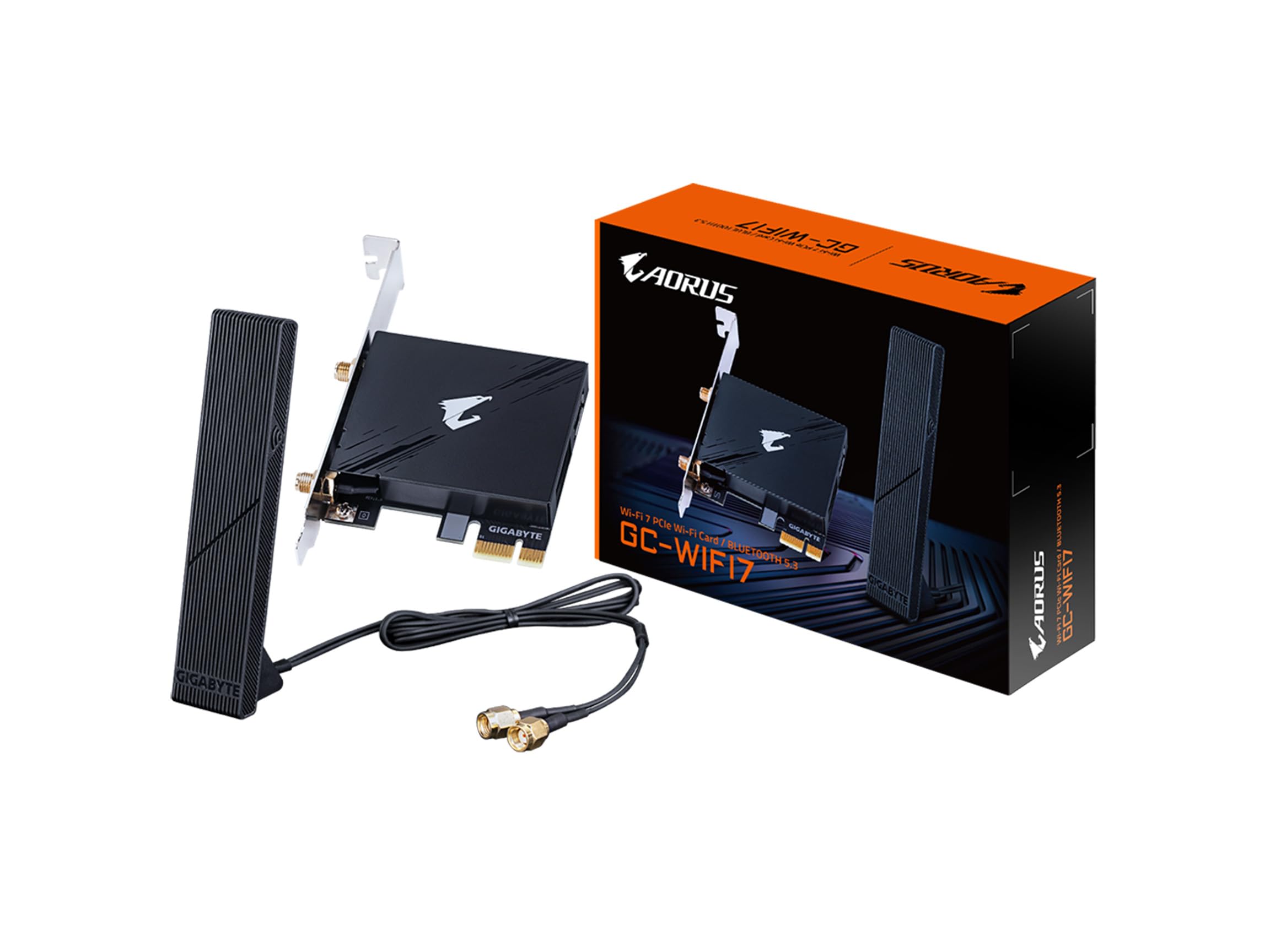
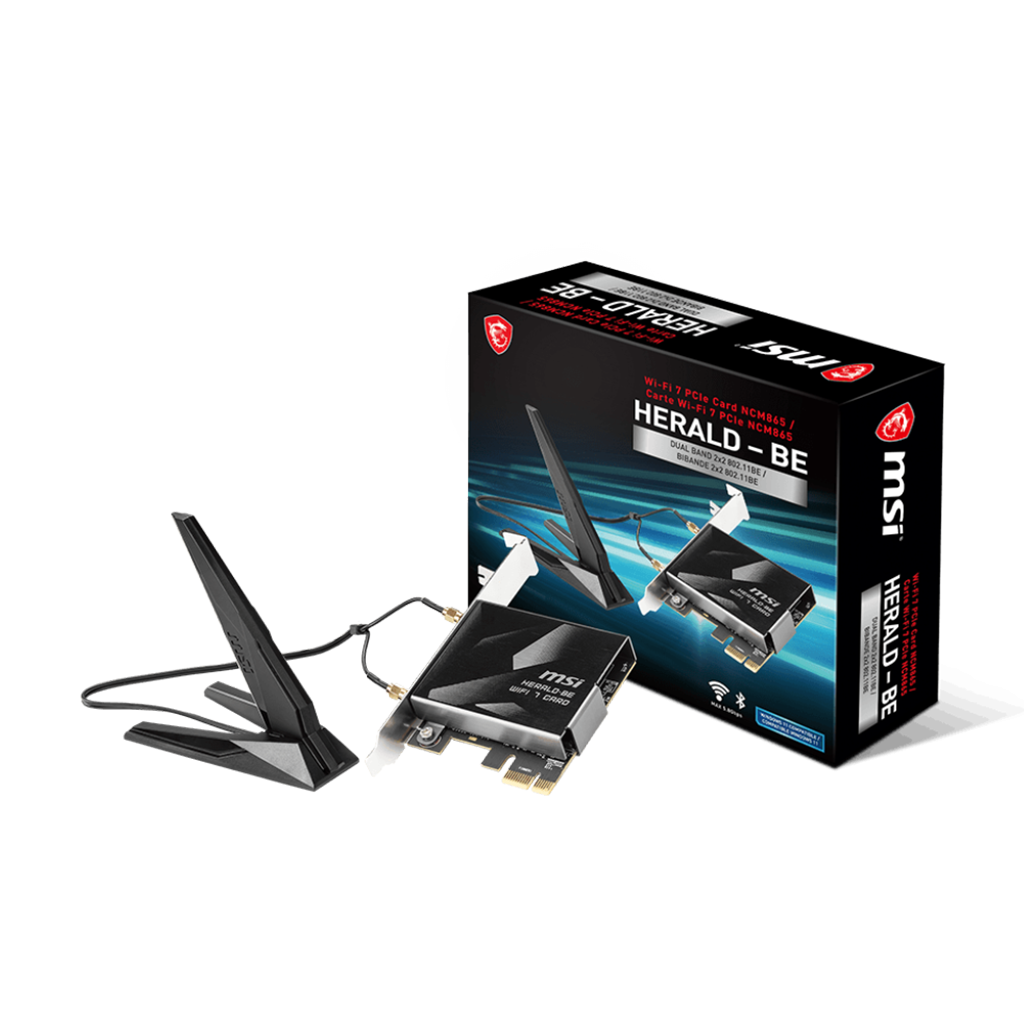
TP-Link is one of the first major manufacturers to announce a Bluetooth 6.0 USB adapter, the UB600. It’s priced around $30 and supports Windows 10 and 11. ASUS has also announced a Bluetooth 6.0 adapter, the PCE-BT600, which is a PCIe card designed for desktop PCs. Pricing for the ASUS adapter hasn’t been confirmed yet, but it’s expected to be more expensive than the TP-Link option. Both adapters emphasize low latency and improved connectivity.
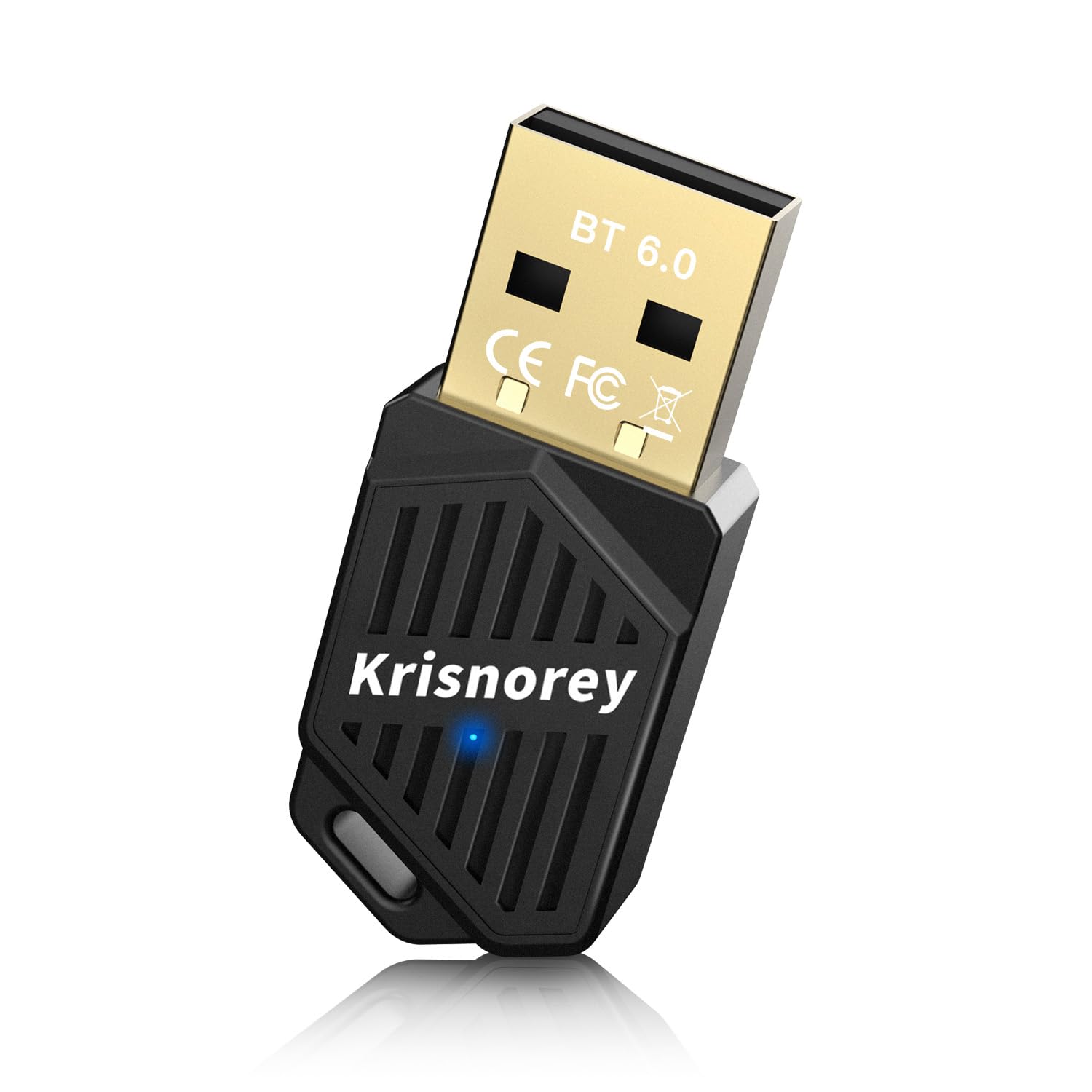
Several generic Bluetooth adapters on Amazon claim Bluetooth 6.0 support, but it’s important to be cautious. Many of these are unbranded and may not actually deliver the performance they advertise. I recommend sticking with reputable brands like TP-Link and ASUS, or waiting for more established options to become available. Most adapters are USB-A, but some, like the ASUS PCE-BT600, are PCIe-based for potentially better performance and stability.
Here’s a quick rundown of some notable options: TP-Link UB600: USB-A, ~$30, Windows 10/11 ASUS PCE-BT600: PCIe, Price TBD, Windows 10/11 Various Generic Adapters (Amazon): USB-A/USB-C, ~$15-30, Compatibility varies – exercise caution*.
Keep an eye out for adapters that specifically mention support for low-latency codecs like aptX Low Latency or LDAC, as these can further improve the gaming experience. It's also worth considering the form factor – USB-A is the most common, but USB-C and PCIe options offer different advantages.
Codec Support: What You Need to Know
Bluetooth audio codecs play a crucial role in determining audio quality and latency. SBC is the standard codec and is supported by all Bluetooth devices, but it’s not known for its high fidelity or low latency. AAC is commonly used by Apple devices and offers better audio quality than SBC, but latency can still be an issue.
aptX and LDAC are higher-quality codecs that offer improved audio performance and lower latency compared to SBC and AAC. aptX Low Latency is specifically designed for reducing audio lag, making it a good choice for gaming. LDAC, developed by Sony, offers even higher audio quality, but latency can be slightly higher than aptX Low Latency. Bluetooth 6.0 doesn't necessarily introduce entirely new codecs, but it improves the efficiency and reliability of existing ones.
It’s important to remember that codec support isn’t just about the Bluetooth adapter. Your headset or headphones also need to support the same codec to take advantage of its benefits. For example, if your adapter supports aptX Low Latency, but your headset only supports SBC, you won’t experience the lower latency. Check the specifications of both your adapter and your headset to ensure compatibility.
- SBC:** Standard codec, widely supported, but lower quality/latency.
- AAC: Better quality than SBC, commonly used by Apple devices.
- aptX: Higher quality and lower latency than SBC/AAC.
- aptX Low Latency: Optimized for low latency.
- LDAC: Highest audio quality, slightly higher latency.
Real-World Gaming Tests: Initial Impressions
Independent, comprehensive testing of Bluetooth 6.0 adapters in real-world gaming scenarios is still limited. As of late 2024, there aren’t many in-depth reviews available. However, early reports from tech enthusiasts and forum users suggest a noticeable improvement in latency compared to Bluetooth 5.x adapters. These are mostly anecdotal, so take them with a grain of salt.
Some users have reported a reduction in audio lag in competitive shooters like Valorant and Apex Legends when using Bluetooth 6.0 adapters with compatible headsets. Others have noted improved responsiveness in rhythm games like Beat Saber. However, the degree of improvement seems to vary depending on the specific adapter, headset, and game. It’s also important to consider that other factors, such as PC performance and internet connection, can also affect latency.
A few preliminary tests have shown that Bluetooth 6.0 adapters can achieve latency levels comparable to some 2.4GHz wireless headsets, but not all. The results suggest that Bluetooth 6.0 is closing the gap, but it hasn’t completely eliminated it. It’s also worth noting that some users have experienced occasional audio dropouts or connectivity issues, which may be related to driver bugs or interference from other wireless devices. More thorough testing is needed to fully assess the performance of Bluetooth 6.0 adapters in a variety of gaming scenarios.
Troubleshooting: Common Issues and Fixes
Even with Bluetooth 6.0, you might encounter some issues. Pairing problems are common – make sure your headset is in pairing mode and that your PC’s Bluetooth is enabled. Sometimes, simply restarting your PC and headset can resolve these issues. Interference from other wireless devices can also cause connectivity problems. Try moving away from other sources of interference, such as Wi-Fi routers and microwaves.
Audio distortion or dropouts can often be fixed by updating your Bluetooth adapter’s drivers. Check the manufacturer’s website for the latest drivers. Also, ensure that your headset’s firmware is up to date. Conflicts with other wireless technologies are less common, but can occur. Try disabling other Bluetooth devices or Wi-Fi networks to see if that resolves the issue.
Resources like the Bluetooth SIG website () and the support pages of your adapter manufacturer can be helpful for troubleshooting. Microsoft also has a helpful support article on pairing Bluetooth devices in Windows ().
Beyond Gaming: Other Perks of Bluetooth 6.0
While we've focused on gaming, Bluetooth 6.0 offers benefits beyond just reducing latency for your headset. It enhances the overall wireless experience for all your PC peripherals. Connecting a wireless mouse or keyboard via Bluetooth 6.0 can provide a more stable and responsive connection, reducing accidental clicks or missed keystrokes.
The convenience of wireless connectivity is a major draw. No more fumbling with cables or worrying about port limitations. Bluetooth 6.0 makes it easy to connect multiple devices to your PC without clutter. If you’re looking for a cleaner and more streamlined setup, a Bluetooth 6.0 adapter is a worthwhile investment, even if you’re not a hardcore gamer.
No comments yet. Be the first to share your thoughts!