

The 2026 gaming advantage
WiFi 6 and 6E are already hitting their limits. If you've lost a match to a sudden latency spike or congestion in a crowded apartment building, you know the frustration. WiFi 7 is the first standard that actually treats wireless stability like a wired Ethernet connection.
The jump to WiFi 7 isn’t simply about faster theoretical speeds, though those are impressive. It’s about creating a more stable and responsive connection, something crucial for online multiplayer. Think about the frustration of losing a ranked match due to lag, or the disadvantage of a delayed reaction in a fast-paced shooter. WiFi 7 aims to minimize those frustrating moments. It’s a shift from just maximizing bandwidth to prioritizing reliability.
A key technology enabling this is Multi-Link Operation, or MLO. Without getting bogged down in technical details, MLO allows your PC to utilize multiple frequency bands simultaneously. This isn’t just about adding bandwidth; it’s about creating redundant paths for data, reducing interference, and lowering latency. This is a fundamental change in how WiFi operates and why it’s so promising for gamers. We’ll unpack MLO more fully in the next section.
WiFi 7 Card Performance Comparison (Early 2026 Data)
Data: AI-generated estimate for illustration
How MLO and 4K-QAM actually work
WiFi 7 builds upon its predecessors with several key technological advancements. One of the most significant is the move to 320MHz channels. Wider channels mean more data can be transmitted at once, increasing overall throughput. Then there’s 4096-QAM, also known as 4K-QAM. This modulation scheme packs more data into each signal, further boosting speeds. But these are just building blocks—the real magic lies in Multi-Link Operation.
MLO lets your PC use the 2.4GHz, 5GHz, and 6GHz bands at the same time. Instead of picking one lane and hoping for the best, your data travels across all of them. If the 5GHz band gets hit with interference from a neighbor's microwave, the 6GHz band keeps your ping steady.
For gamers, the benefit of MLO is immediately apparent. In congested environments, where interference is common, MLO can dynamically switch between bands to maintain a stable connection. This translates to lower ping times, reduced lag spikes, and a more consistent gaming experience. It’s about having a connection that can handle the demands of fast-paced action without faltering. The result is a noticeably smoother and more responsive game.
These improvements aren’t just theoretical. While real-world speeds will vary depending on your router and environment, WiFi 7 is designed to deliver significantly higher throughput and lower latency than WiFi 6/6E. The potential for a more reliable and responsive gaming experience is substantial, but it’s important to remember that you’ll need compatible hardware on both ends – your PC and your router – to fully realize these benefits.
Current WiFi 7 Card Options (Early 2024)
The Intel BE200 is the most common card right now, offering 9.3Gbps and Bluetooth 5.4. There is a major catch: it only works with Intel CPUs. If you're running an AMD Ryzen build, this card won't even boot.
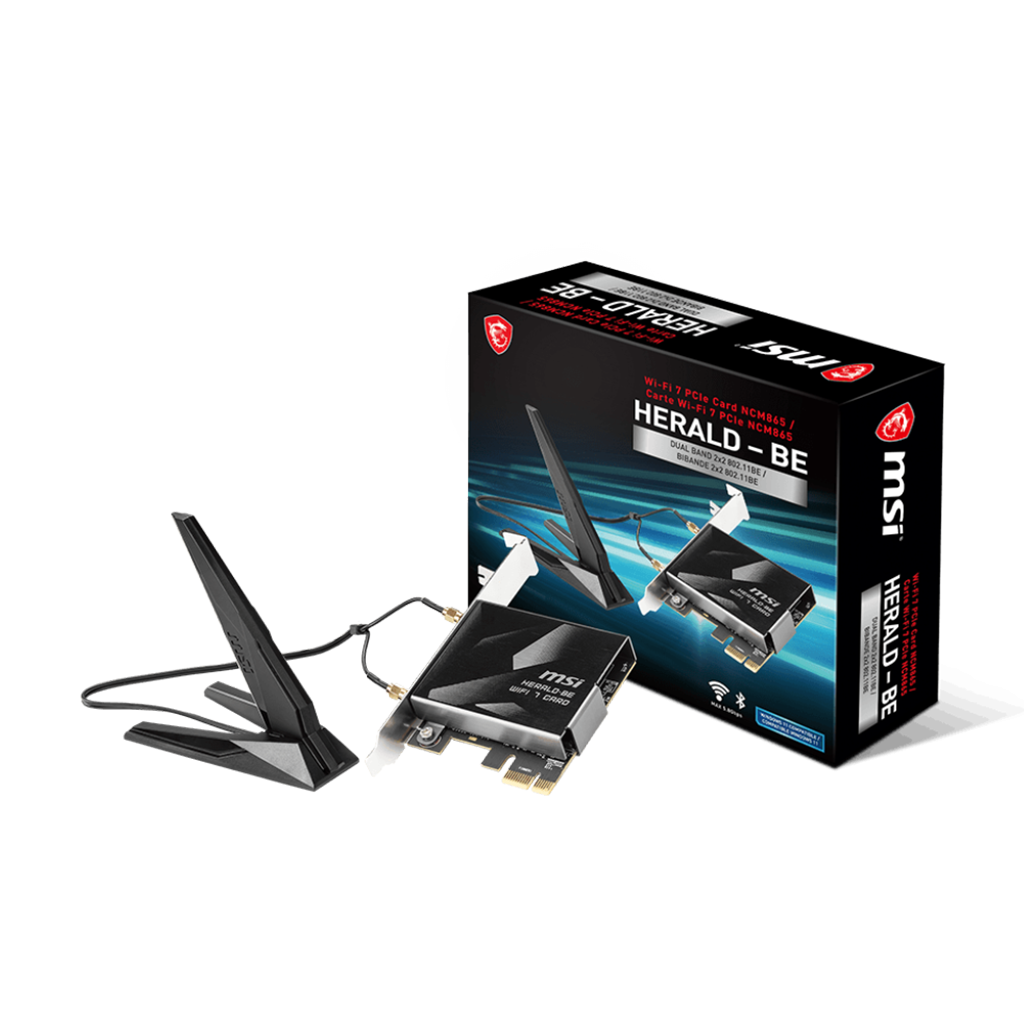
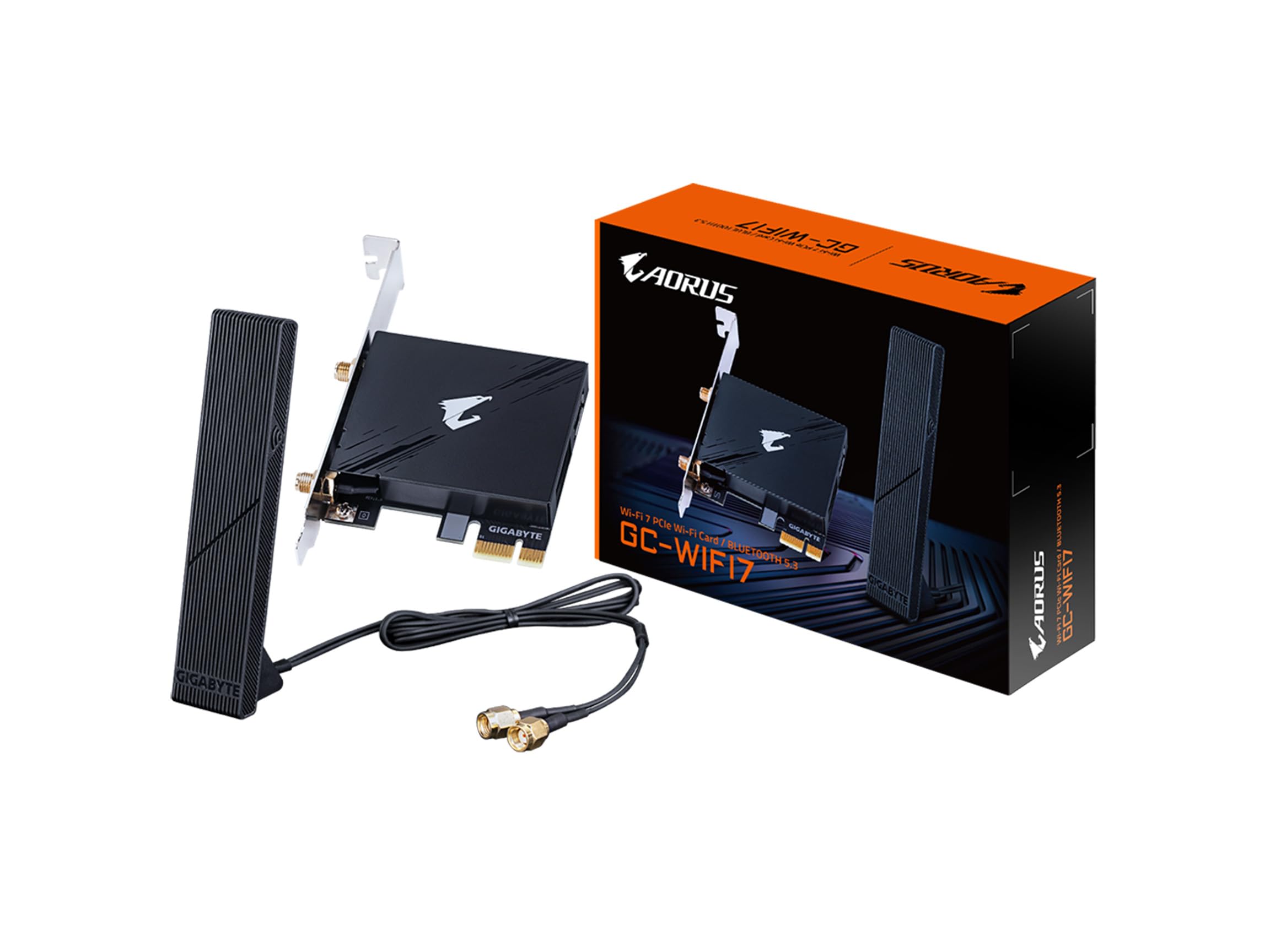
Newegg currently lists a variety of WiFi 7 PCIe cards, including options from WAVLINK, ASUS, Intel, and TP-Link. The WAVLINK WiFi 7 BE8800 PCIe Network Card, for example, advertises 8774Mbps speeds. ASUS and Intel offer higher-end options, but these generally come with a steeper price tag. It’s worth browsing Newegg’s selection to get a sense of the range of features and price points available.
Beyond these, Intel’s WiFi Adapter Information Guide details the capabilities of their BE200 adapter. It's a good source for understanding the underlying technology, even if it doesn’t directly list specific card models for sale. The documentation focuses on the software and features of the Intel adapter, providing insight into the potential performance gains.
It's important to manage expectations. These cards are still relatively new, and real-world performance will depend heavily on your router and network conditions. Don't assume you'll automatically achieve 9.3Gbps speeds just by installing a new card. Consider this a preliminary overview of the available options, rather than a definitive ranking.
WiFi 7 Cards for Gaming PCs: Comparative Overview (as of Late 2024)
| Model Name | Manufacturer | PCIe Version | Bluetooth Version | Key Features | Known Compatibility Issues |
|---|---|---|---|---|---|
| BE200 | Fenvi | PCIe 5.0 | Bluetooth 5.4 | Tri-Band, 4K QAM, 320MHz channel support | Reported incompatibility with some AMD motherboards |
| FV-T919 | Fenvi | PCIe 5.0 | Bluetooth 5.4 | WiFi 7, MU-MIMO, OFDMA | Potential driver conflicts with older network adapters |
| AXE7000 | TP-Link | PCIe 5.0 | Bluetooth 5.3 | 4K QAM, 320MHz channel support, Beamforming | May require updated BIOS for optimal performance |
| W7200 | ASUS | PCIe 5.0 | Bluetooth 5.4 | WiFi 7, Enhanced Range, MU-MIMO | Limited information available regarding specific chipset compatibility |
| WX7500 | Intel | PCIe 5.0 | Bluetooth 5.4 | WiFi 7, supports 320MHz channels, optimized for low latency | Requires Windows 11 64-bit for full functionality |
| BE2700 | Comfast | PCIe 5.0 | Bluetooth 5.4 | Tri-Band, 4K QAM, supports WPA3 | User reports indicate potential overheating in some configurations |
Illustrative comparison based on the article research brief. Verify current pricing, limits, and product details in the official docs before relying on it.
Real-World Performance: Latency and Throughput
The theoretical speed increases of WiFi 7 are impressive, but the real benefit for gamers lies in reduced latency and increased connection stability. Lower latency translates directly to faster response times in games, which can be the difference between victory and defeat in competitive scenarios. MLO plays a crucial role here, as it allows the card to seamlessly switch between bands to avoid interference and maintain a consistent connection.
Imagine a crowded WiFi environment, like an apartment complex or a gaming convention. WiFi 6/6E cards might struggle to maintain a stable connection, resulting in lag spikes and dropped packets. With MLO, a WiFi 7 card can dynamically hop between the 2.4GHz, 5GHz, and 6GHz bands to find the clearest path for data, minimizing these disruptions. This isn’t about simply having more bandwidth; it’s about having a more reliable connection.
However, it’s important to remember that WiFi 7 performance is heavily dependent on your router. You’ll need a WiFi 7-compatible router to fully unlock the benefits of a WiFi 7 card. Using an older router will negate many of the advantages. The router becomes the bottleneck, limiting the potential throughput and latency improvements.
While Expect a smoother, more responsive gaming experience, especially in demanding online titles. It’s a move away from focusing solely on download speeds and towards prioritizing connection quality.
WiFi 7 and Gaming: Title-Specific Impacts
Let's consider how WiFi 7 might impact specific games. In God of War Ragnarok PC, a game known for its stunning visuals and demanding system requirements, a stable connection is crucial for maintaining a smooth framerate and avoiding stuttering. Reduced latency could also improve responsiveness in combat, allowing for more precise timing and quicker reactions.
For competitive titles like Ghost of Tsushima PC’s Legends mode, where every millisecond counts, the benefits of WiFi 7 are even more pronounced. Lower ping times can give you a significant advantage over opponents, allowing you to react faster and land critical hits. A stable connection also minimizes the risk of disconnects during crucial moments.
Games with large open worlds and frequent data streaming, like many modern MMOs, also stand to benefit from WiFi 7’s increased throughput and reliability. Faster loading times, smoother texture streaming, and reduced lag during large-scale battles are all potential improvements. The consistent connection is just as important as the speed.
Ultimately, the impact of WiFi 7 will vary depending on the game and your specific network conditions. However, the potential for a more immersive and responsive gaming experience is undeniable. It’s about removing one potential source of frustration and allowing you to focus on the game itself.
Setup and Troubleshooting: Getting WiFi 7 Running
Installing a WiFi 7 card is generally straightforward, similar to installing any PCIe card. First, power down your PC and open the case. Locate a free PCIe slot and carefully insert the card until it’s securely seated. Then, power on your PC and install the necessary drivers. These are typically available on the manufacturer’s website or included on a CD with the card.
Router compatibility is paramount. Ensure your router supports WiFi 7 to fully leverage the card’s capabilities. You may need to update your router’s firmware to the latest version to enable WiFi 7 support. Check your router’s documentation for specific instructions.
If you encounter issues, check your BIOS settings. Some motherboards may require you to enable PCIe Gen4 or Gen5 support for optimal performance. Also, ensure that the card is properly recognized by your operating system. If it’s not, try reinstalling the drivers or checking the device manager for any conflicts.
Troubleshooting can involve checking for interference from other wireless devices, adjusting antenna placement, or experimenting with different WiFi channels. Remember that real-world performance is affected by a variety of factors, and there’s no guarantee of achieving maximum speeds. But a solid setup process is the first step to a better gaming experience.
- Power down your PC and open the case.
- Locate a free PCIe slot and insert the card.
- Power on your PC and install the drivers.
- Verify your router is WiFi 7 ready; a 6E router will bottleneck these cards to older speeds.
The best cards available now
Based on the currently available options, the Intel BE200 and the WAVLINK BE8800 PCIe Network Card appear to be particularly promising. The Intel BE200 benefits from Intel’s reputation for quality and reliability, and its detailed documentation provides valuable insight into its capabilities. However, its AMD motherboard incompatibility is a significant drawback.
The WAVLINK BE8800 offers a more affordable alternative, with competitive speeds and a wider range of compatibility. It’s a good option for gamers who want to experience the benefits of WiFi 7 without breaking the bank. However, it may not offer the same level of performance or features as the Intel BE200. Ultimately, the best choice depends on your specific needs and budget.
Keep in mind that the WiFi 7 market is rapidly evolving, and new cards are constantly being released. It’s worth doing your research and reading reviews before making a purchase. Don’t just focus on theoretical speeds; consider factors like compatibility, reliability, and customer support.
No comments yet. Be the first to share your thoughts!