

Bluetooth 6.0 for PC gaming
Wireless gear usually feels like a compromise. Bluetooth lag is the main culprit, creating a gap between your hand moving and the screen reacting. Bluetooth 6.0 changes this. It isn't a minor tweak; it's a shift that finally makes wireless feel as fast as a cable, which matters if you're playing anything competitive.
Bluetooth 5.x, while perfectly adequate for music streaming or casual use, struggles to consistently deliver the low latency required for fast-paced gaming. Input delay can mean the difference between a successful headshot and a frustrating miss. Bluetooth 6.0 aims to change that, and it’s starting to show up in a new wave of PC accessories. It’s not a complete overhaul of the technology, but a focused set of improvements geared towards responsiveness.
The shift to Bluetooth 6.0 isn't just about faster speeds, it’s about how data is transmitted. It introduces features designed to prioritize real-time data like controller inputs and audio signals, ensuring they reach your PC with minimal delay. This has the potential to make wireless gaming feel as snappy and reliable as a wired connection. This is an exciting development, and we're seeing adapters hit the market now in 2026.
The lag problem
Gamers who've relied on Bluetooth controllers or headsets with older versions of the technology are likely familiar with the frustration of input lag. It manifests in a few ways: a noticeable delay between pressing a button and seeing the action in-game, audio desynchronization where sounds don't line up with visuals, and a general feeling of unresponsiveness. These issues are particularly pronounced in fast-paced genres like first-person shooters, fighting games, and racing simulators.
I've spent hours reading through gaming forums, and the complaints are consistent. Players describe feeling like they're 'playing underwater' or that their inputs are 'registered late'. This isn't just about bragging rights; in competitive settings, even a few milliseconds of delay can be the difference between winning and losing. The inconsistency is also a major issue – sometimes the connection feels fine, other times it's noticeably laggy.
The root of the problem lies in how Bluetooth 5.x handles data transmission. It isn’t inherently bad, but it wasn’t designed with the demanding requirements of real-time gaming in mind. It prioritizes bandwidth and stability over absolute minimal latency. This works well for streaming music, but less so when you need instantaneous responsiveness. Many gamers have resorted to using wired connections simply to eliminate these issues.
How connection subrating works
Bluetooth 6.0 tackles the latency problem head-on with a key feature called connection subrating. Essentially, this allows the Bluetooth connection to dynamically adjust its transmission rate based on the type of data being sent. For critical data like controller inputs, it prioritizes speed and reduces latency, even if it means sacrificing some bandwidth. For less time-sensitive data, it can maintain higher throughput.
Think of it like a highway with express lanes. Bluetooth 6.0 can create those express lanes for your gaming inputs, ensuring they get to your PC quickly. This is a significant improvement over Bluetooth 5.x, which treats all data equally. The new standard also improves interference rejection, meaning a more stable connection even in environments with a lot of wireless noise.
While the technical details can get complex, the core idea is simple: Bluetooth 6.0 is designed to be more responsive. It's not just about faster speeds; it’s about intelligently managing the connection to prioritize the data that matters most for gaming. This leads to a more fluid, accurate, and enjoyable gaming experience. It's a smart approach to solving a persistent problem.
The best adapters available now
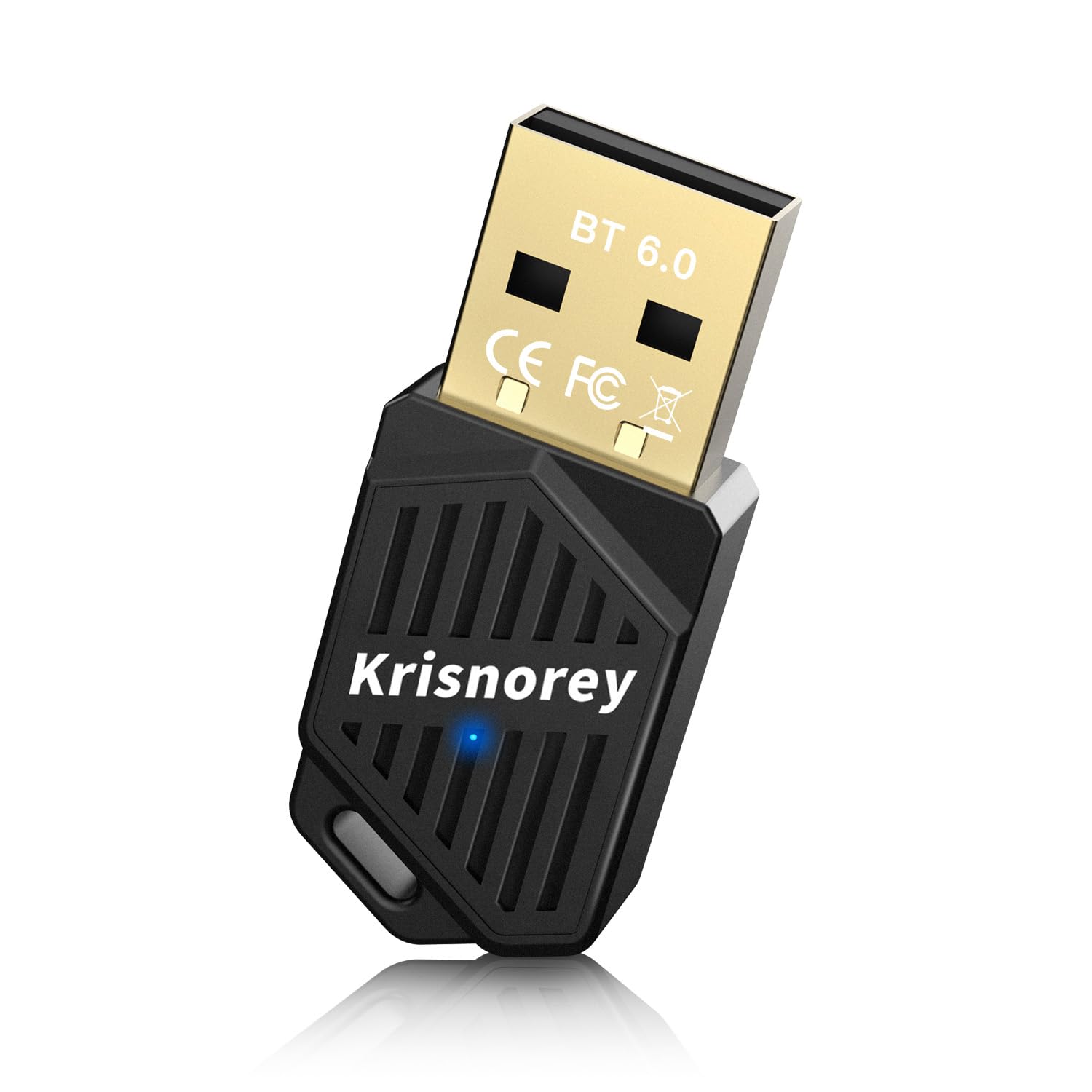
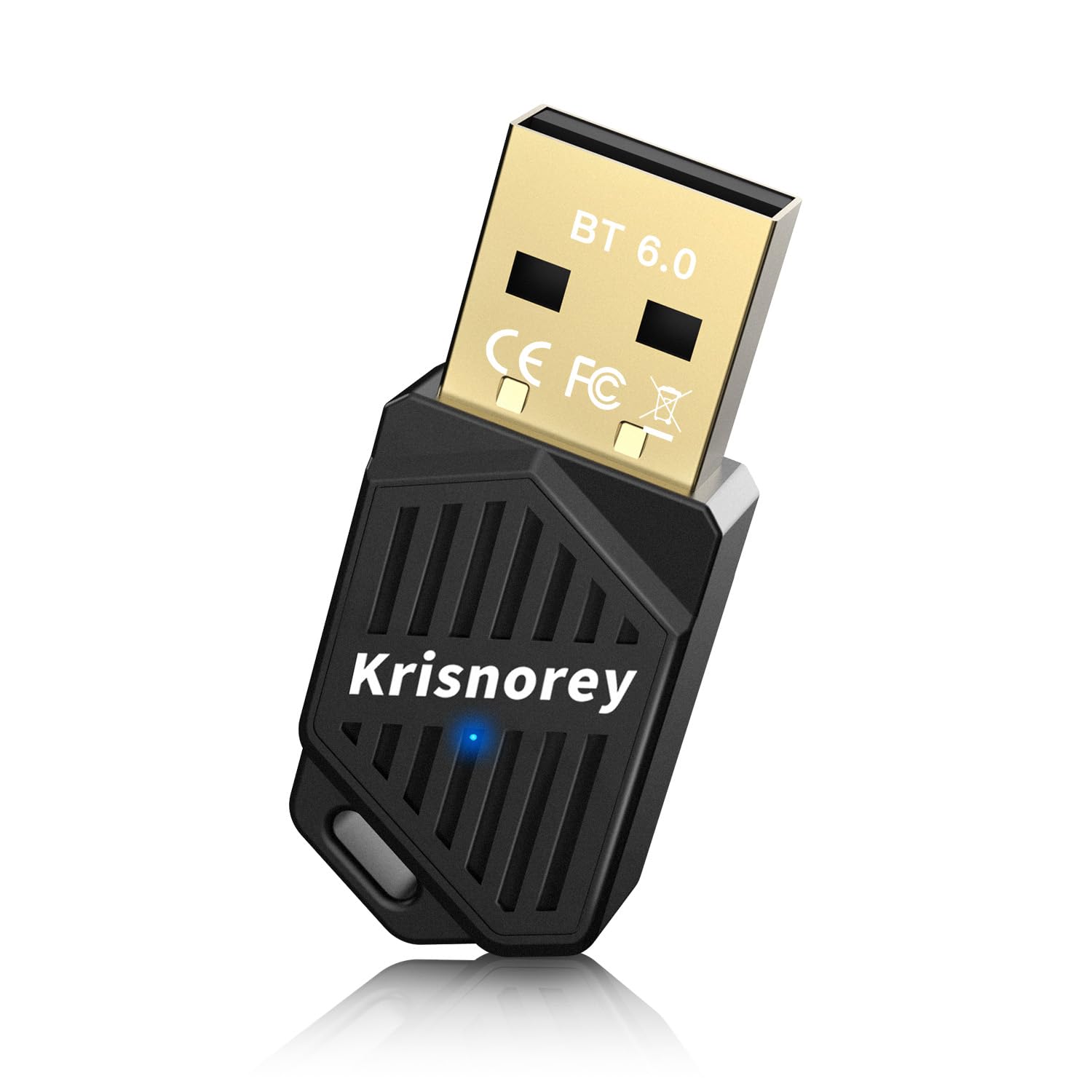
The market for Bluetooth 6.0 adapters is still developing, but several options are already available. Here's a look at five of the best, based on current availability and initial reviews. Keep in mind that performance can vary depending on your specific hardware and environment.
First, the UGREEN USB Bluetooth Adapter. This adapter is consistently praised for its plug-and-play simplicity and wide compatibility with Windows 11/10/8.1. It supports both EDR and BLE, covering a broad range of devices. It's a solid all-around choice, but doesn’t specifically advertise gaming features. Next, the Toocki TQ BT03A is frequently mentioned in 'best of' lists, boasting a long range and stable connection. It's a bit more expensive than some competitors, but the added reliability may be worth it for serious gamers.
The Hitoor USB Bluetooth 6.0 Adapter stands out with its claim of a 150m range – though realistically, you won't achieve that indoors. It’s another plug-and-play option, making it easy to set up. Then there’s the Avantree DG80, which is marketed specifically for low-latency audio, making it a good choice for wireless headsets. Finally, the TP-Link UB600 is a budget-friendly option that still delivers Bluetooth 6.0 functionality, though it may not have all the bells and whistles of more expensive adapters.
- The UGREEN USB adapter is a reliable all-rounder for $25 that works immediately with Windows 11.
- Toocki's TQ BT03A costs about $35 and offers the most stable connection for those who don't mind the premium price.
- Hitoor USB Bluetooth 6.0 Adapter: Long range claim, easy setup. (Price: ~$20)
- Avantree DG80: Optimized for low-latency audio. (Price: ~$40)
- TP-Link UB600: Budget-friendly Bluetooth 6.0. (Price: ~$15)
Bluetooth 6.0 Adapter Comparison for PC Gaming (2026)
| Adapter Model | Price | Range | Compatibility (Windows) | Ease of Use |
|---|---|---|---|---|
| UGREEN USB Bluetooth 6.0 Adapter | Okay | Good | Windows 11/10/8.1 | Good (Plug & Play) |
| Avantree DG80 | Okay | Good | Windows 10/11 | Okay (Driver Install may be needed for full features) |
| TP-Link UB600 | Okay | Okay | Windows 10/11 | Good (Plug & Play) |
| ASUS USB-BT600 | Poor | Good | Windows 10/11 | Okay (Driver Install recommended) |
| Plugable USB Bluetooth 6.0 Adapter | Okay | Okay | Windows 10/11 | Good (Plug & Play) |
Illustrative comparison based on the article research brief. Verify current pricing, limits, and product details in the official docs before relying on it.
What users are seeing in 2026
The big question, of course, is: does Bluetooth 6.0 actually deliver on its promise of lower latency? Early reports are encouraging, but it’s not a magic bullet. YouTube reviews consistently show measurable reductions in latency when comparing Bluetooth 6.0 adapters to older Bluetooth versions. The extent of the improvement varies depending on the adapter, the host device, and the specific game being played.
User feedback on Amazon is mixed, but a consistent theme emerges: noticeable improvement, but not a complete elimination of lag. Many users report that Bluetooth 6.0 makes wireless controllers usable for competitive gaming, whereas they were previously too laggy. Others still prefer wired connections for the absolute lowest latency. A few users have reported compatibility issues with specific controllers or headsets, so it’s important to check compatibility before purchasing.
Dave2D found a 20-30ms drop in latency using a DualSense controller on the new standard. That sounds small, but you feel it immediately in a shooter. Regular firmware updates for these adapters are already pushing those numbers even lower.
Audio and keyboards
The benefits of Bluetooth 6.0 extend beyond just controllers. Wireless gaming headsets can also see a significant improvement in audio quality and latency. Lower latency means more precise positional audio, which is crucial for competitive gaming. It also reduces the annoying audio delay that can ruin immersion. The Avantree DG80 adapter, for example, is specifically designed to minimize latency for wireless headphones.
Bluetooth 6.0 can also benefit other gaming peripherals, such as wireless keyboards and mice. While the latency impact may be less noticeable with these devices, the improved stability and reliability of the connection are still valuable. A stable connection prevents accidental inputs and ensures that your commands are registered accurately. This is particularly important for competitive gaming where every input counts.
The broader ecosystem of Bluetooth devices also benefits. You might be able to connect multiple wireless devices – a controller, a headset, and a keyboard – without experiencing interference or performance issues. This is a welcome improvement for gamers who rely on a variety of wireless peripherals. It's about creating a more seamless and reliable wireless gaming experience overall.
No comments yet. Be the first to share your thoughts!