
Why PC Reef Rigs Need Serious Cooling
Placing a high-performance PC next to a reef tank creates a hostile environment for electronics. Reef systems operate in high humidity and release airborne salt crystals through evaporation and spray. These microscopic salt particles settle on circuit boards and fans, accelerating corrosion that can shorten the lifespan of your computer components.
Heat adds a second layer of stress. Reef tanks often require powerful chillers to maintain stable temperatures for coral health. If a PC is placed in the same enclosed space, the waste heat from the CPU and GPU can raise the ambient temperature. This forces the chiller to work harder, increasing energy costs and potentially destabilizing the delicate water chemistry of your aquarium.
Standard gaming PCs are not designed for these conditions. They rely on intake fans that pull in unfiltered, humid air. Without specialized sealing or liquid cooling solutions, salt buildup clogs heatsinks and insulates components, leading to thermal throttling or sudden failure.
To avoid these issues, look for rigs with sealed airflow designs or all-in-one liquid cooling systems that minimize fan usage and reduce heat output. This ensures your PC runs quietly and reliably without threatening your reef or itself.
Cyberpower PC: The Budget Reef Choice
When you are balancing a reef tank budget against a gaming PC, Cyberpower offers a compelling middle ground. It is not the absolute cheapest option on the market, but it consistently delivers reliable pre-built configurations that handle both heavy gaming and the always-on demands of reef management software. For keepers who need a machine that runs ReefView, Corral, or similar monitoring tools alongside high-fidelity gaming, this brand provides the necessary stability without the premium price tag of boutique builders.
The core appeal lies in their use of current-generation components at accessible price points. You typically get solid mid-range CPUs paired with capable NVIDIA graphics cards, which ensures smooth rendering for aquarium visualization software. While they may not include the high-end water cooling found in enthusiast rigs, their stock cooling solutions are generally sufficient for the moderate thermal loads generated by reef management tasks. This makes them a practical choice for hobbyists who prioritize function over flashy aesthetics.
Cyberpower systems are particularly well-suited for the "always-on" nature of reef keeping. Unlike high-performance gaming rigs that might throttle or overheat during extended sessions, these budget-friendly builds are designed for steady, reliable operation. This reliability is critical when your PC is managing dosing pumps, lighting schedules, and temperature monitoring around the clock. You get a dependable workhorse that won't demand constant maintenance or upgrades in the first year.


As an Amazon Associate, we may earn from qualifying purchases.
Skytech Gaming PC: Mid-Range Performance
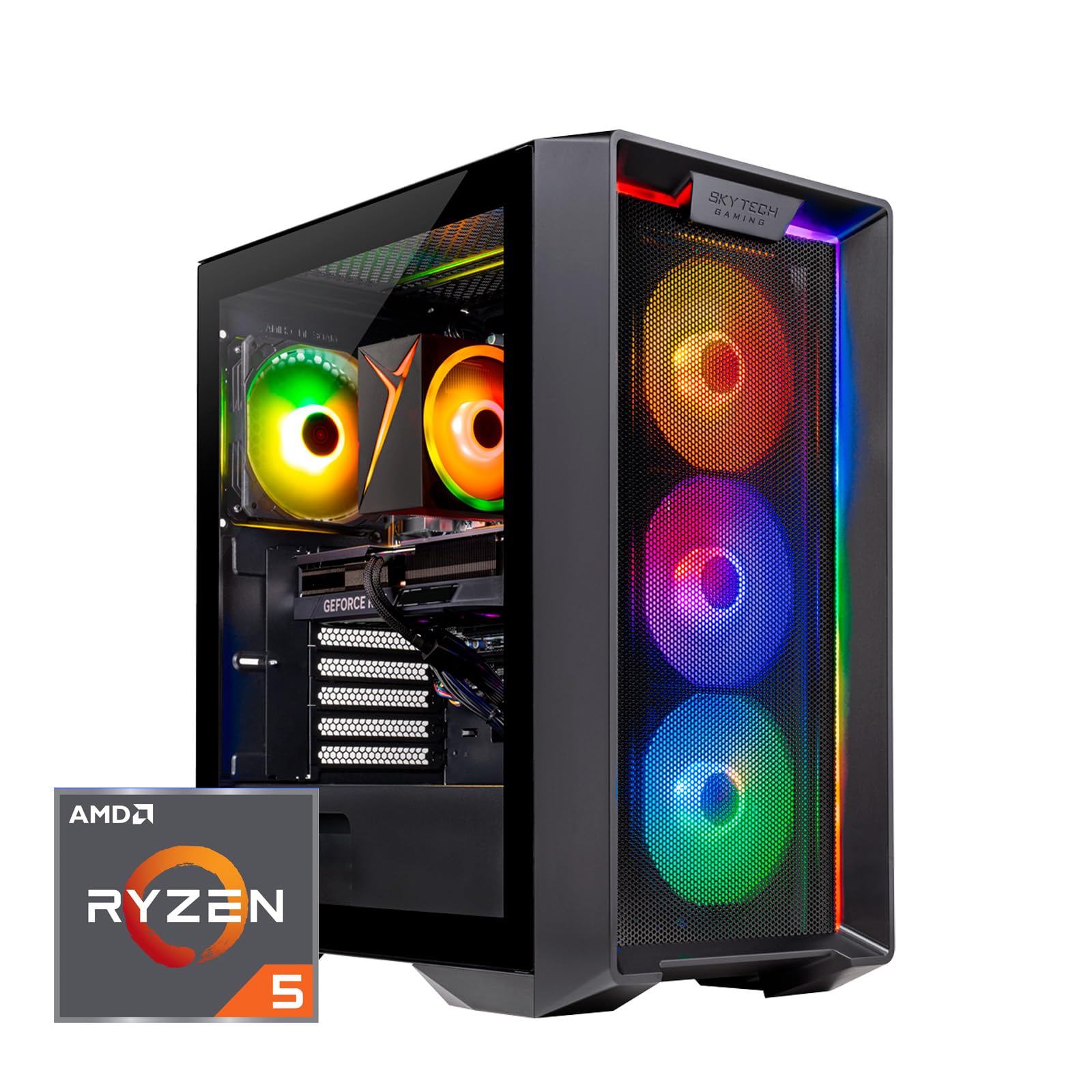
Skytech positions itself as the practical bridge between budget entry-level builds and high-end custom rigs. For reef keepers who want a system that looks good on a stand without the premium price tag of Alienware or the raw power of a Cyberpower enthusiast build, Skytech offers a compelling middle ground. Their pre-builts are known for clean aesthetics and reliable customer support, making them a safe choice for users who prefer a plug-and-play experience.
The appeal of a Skytech rig for a reef setup lies in its balance. You get modern components capable of handling aquarium monitoring software, lighting controllers, and media streaming simultaneously. The cases often feature tempered glass panels that complement the visual appeal of a well-lit aquarium, turning the PC into a piece of decor rather than just a tool. This aesthetic consideration is often overlooked in budget builds but is a significant factor for reef enthusiasts who value the overall look of their tank room.
While Skytech may not offer the extreme overclocking headroom of a custom-built system, their stock configurations are generally stable and well-ventilated. This stability is crucial for a reef setup where the PC might run 24/7 alongside other critical equipment. The trade-off is clear: you sacrifice some customization for convenience and a polished look.


As an Amazon Associate, we may earn from qualifying purchases.
Alienware: Premium Reef Setup
Alienware represents the high-end tier of prebuilt gaming PCs, appealing to serious reef keepers who prioritize brand reliability and advanced thermal management. For a reef rig, the primary concern is consistent performance under sustained load. Alienware’s chassis designs, such as the Aurora series, often feature optimized airflow paths and larger cooling solutions than standard consumer towers. This makes them well-suited for 24/7 operation in warm, humid environments typical of reef rooms.
The brand’s reputation for build quality and customer support adds a layer of security for expensive aquarium setups. Unlike custom builds that require technical troubleshooting, Alienware systems come with standardized warranties and dedicated support channels. This reliability matters when your PC controls critical life-support systems like circulation pumps, heaters, or lighting controllers. A stable system reduces the risk of software crashes or hardware failures that could disrupt your reef’s delicate balance.
Alienware’s premium pricing reflects these features. You are paying for the chassis engineering, brand assurance, and integrated support rather than just raw component specs. For keepers who view their reef rig as a long-term investment and want a "buy it and forget it" approach, this trade-off is often worth the cost.



As an Amazon Associate, we may earn from qualifying purchases.
How to Choose the Right PC Reef Rig
Selecting a desktop for your reef tank requires balancing raw computing power with environmental resilience. A reef room is a high-humidity, salt-laden environment that can corrode standard electronics faster than a typical home office. Your choice of machine depends on whether you prioritize running heavy simulation software like Reef Master or simply controlling lighting and dosing pumps via a smart hub.
Budget and Performance Needs
For most reef keepers, a mid-range build is sufficient to run aquarium controllers, web interfaces, and light dimming software without breaking the bank. Cyberpower and Skytech offer pre-built options that handle these tasks efficiently while keeping costs low. These rigs often include adequate cooling for standard office use, but you must verify that the fans are sealed or easily cleanable to prevent salt creep from clogging the system.
If you plan to run complex 3D modeling for tank design or heavy data logging, you may need the thermal headroom of an Alienware or similar high-end chassis. These systems often feature better airflow management and higher-quality components that resist degradation in humid conditions. However, the premium price may not be justified if your only load is running a few small scripts and a web dashboard.
Humidity and Space Considerations
Salt creep is the silent killer of PC reef rigs. It creates conductive paths on motherboards and fans, leading to short circuits. When choosing a case, look for models with good airflow that allow you to install a positive pressure filter to keep dust and salt out. Avoid open-frame test benches unless you are willing to clean them weekly.
Space is also a constraint. Reef rooms are often crowded with sumps, skimmers, and return pumps. A compact form factor like an SFF (Small Form Factor) build might fit better on a shelf above the tank, whereas a full-tower ATX case requires dedicated floor space. Ensure the rig’s heat output does not raise the ambient temperature of the room, which can stress your coral.
Comparison Overview
The table below compares the typical value propositions of the three major pre-built categories discussed in this guide. Note that specific configurations vary by retailer and season.
| Brand | Price Tier | Cooling Style | Standard Warranty |
|---|---|---|---|
| Cyberpower | Budget | Standard Air | 1-3 Years |
| Skytech | Mid-Range | Enhanced Air | 1 Year |
| Alienware | Premium | Advanced Air/Liquid | 2-4 Years |
PC Reef Setup Checklist
Integrating a high-performance PC near a reef tank requires careful planning. Water splashes, humidity, and salt spray can quickly damage sensitive electronics. Follow these steps to ensure your new rig survives the marine environment.
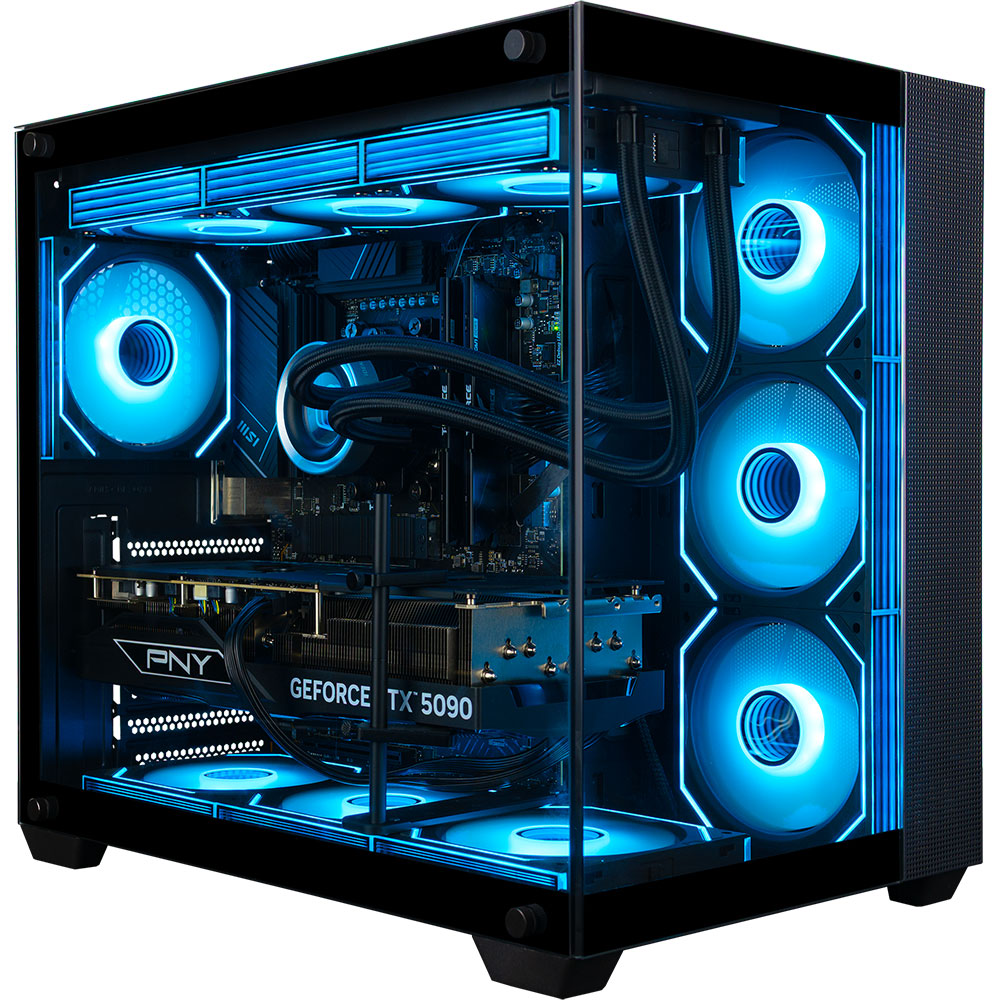
Position the PC at least three feet away from the tank’s edge. Ensure there is ample clearance around the case fans for airflow. Avoid placing the rig in enclosed cabinets where heat and humidity can build up, which accelerates component corrosion.
Use protective covers on USB, HDMI, and power ports to block salt aerosols. For added protection, consider applying a conformal coating to internal components, especially if you live in a humid coastal area. This creates a barrier against moisture ingress.
Plug the PC and all reef equipment (lights, pumps, skimmers) into a heavy-duty surge protector with a high joule rating. Avoid daisy-chaining power strips. A stable power supply protects both your computer’s PSU and delicate reef controllers from voltage spikes.
Clean the PC intake filters every two weeks. Salt crystals accumulate faster than dust and can clog fans or cause short circuits. Use compressed air to blow out heatsinks and check for any white residue on the case exterior.
Common pc reef: what to check next
Keeping a computer near a saltwater display requires specific precautions to protect both your electronics and your livestock. Here are the most frequent concerns reef keepers have about placing rigs in these environments.
No comments yet. Be the first to share your thoughts!