
What Makes a PC Reef Rig Unique
A PC reef rig transforms a standard gaming computer into a visual centerpiece by prioritizing transparency and illumination over hidden internals. The aesthetic draws inspiration from underwater ecosystems, using clear tempered glass cases, custom liquid cooling loops, and strategic RGB lighting to showcase the hardware. Unlike traditional builds that hide components behind opaque panels, these rigs are designed to be seen from multiple angles, turning the PC into a dynamic light display.
The core of this aesthetic is the custom liquid cooling loop. Enthusiasts replace standard air coolers with hard or soft tubing, reservoirs, and water blocks that allow coolant to flow visibly through the system. This not only provides superior thermal performance for high-end components like the Intel Core i9-14900K and NVIDIA RTX 4090 but also adds a layer of complexity and craftsmanship that defines the "reef" look. The interplay of colored coolant, glowing fans, and the metallic sheen of the water blocks creates a depth and movement that static air-cooled builds cannot match.
Popularity for this style stems from the desire for personalization. Gamers who value visual impact see their PC as an extension of their room's decor rather than just a tool. The "reef" trend encourages builders to curate every visible element, from the cable management to the specific hue of the RGB lighting, ensuring the build reflects a unique artistic vision. This focus on aesthetics has turned PC building into a form of digital sculpture, where the hardware is both functional and decorative.
Liquid-Cooled Gaming PC Picks
High-end gaming rigs with liquid cooling offer two distinct advantages: sustained performance under heavy loads and a visual centerpiece for your setup. For enthusiasts seeking the "reef" aesthetic, custom loop builds provide the most immersive experience, featuring transparent tubing and coolant that mimics ocean currents.
The EK Fluid Gaming Digital Reef stands out as a premium option. It combines an Intel Core i9-14900K processor with an NVIDIA GeForce RTX 4090 GPU, housed in a Fractal Design Torrent case. The build utilizes custom EK-Quantum water blocks, which not only cool components efficiently but also feature digital displays that can show system stats or dynamic visuals. This setup is designed for users who want maximum FPS in 4K gaming while maintaining a clean, high-tech look.
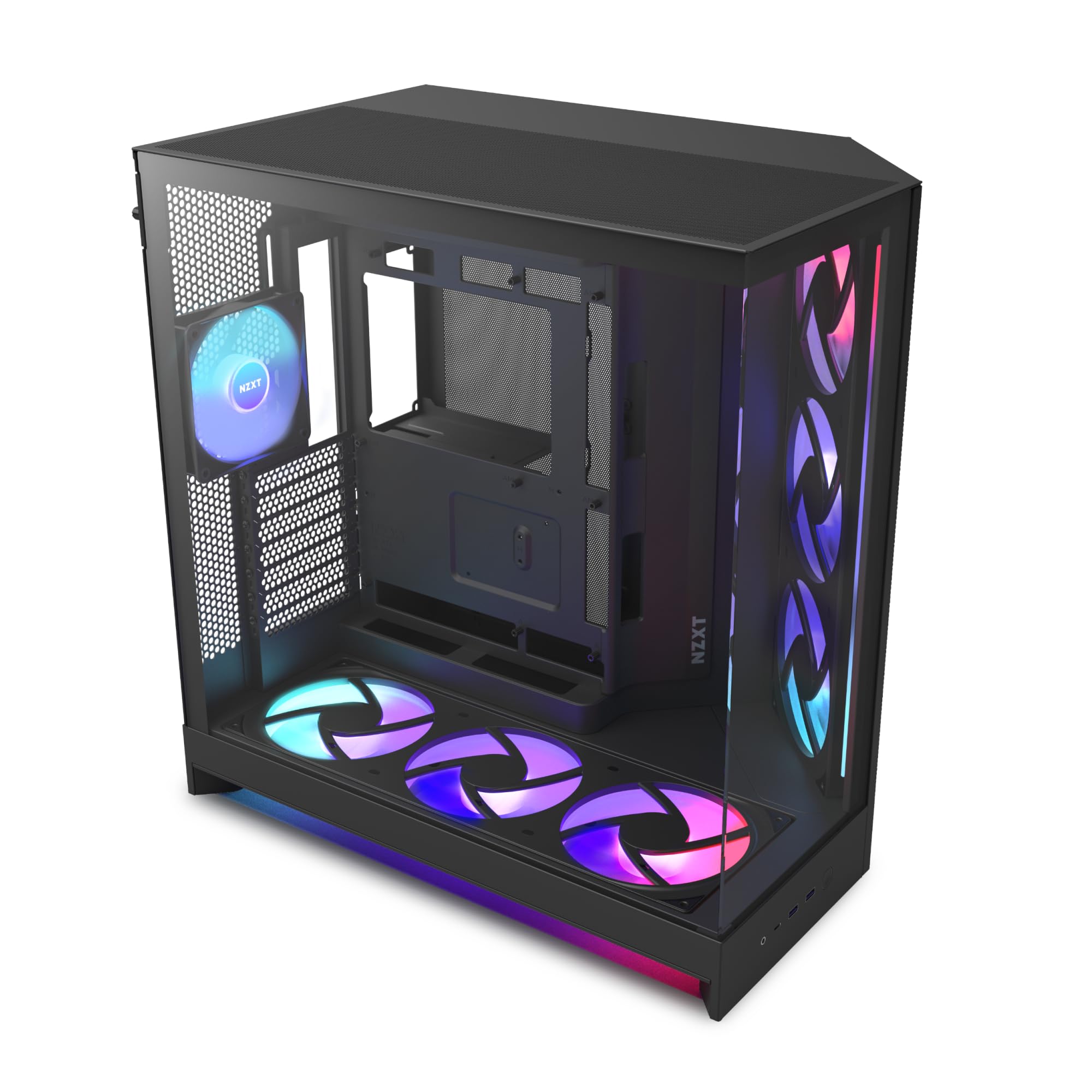
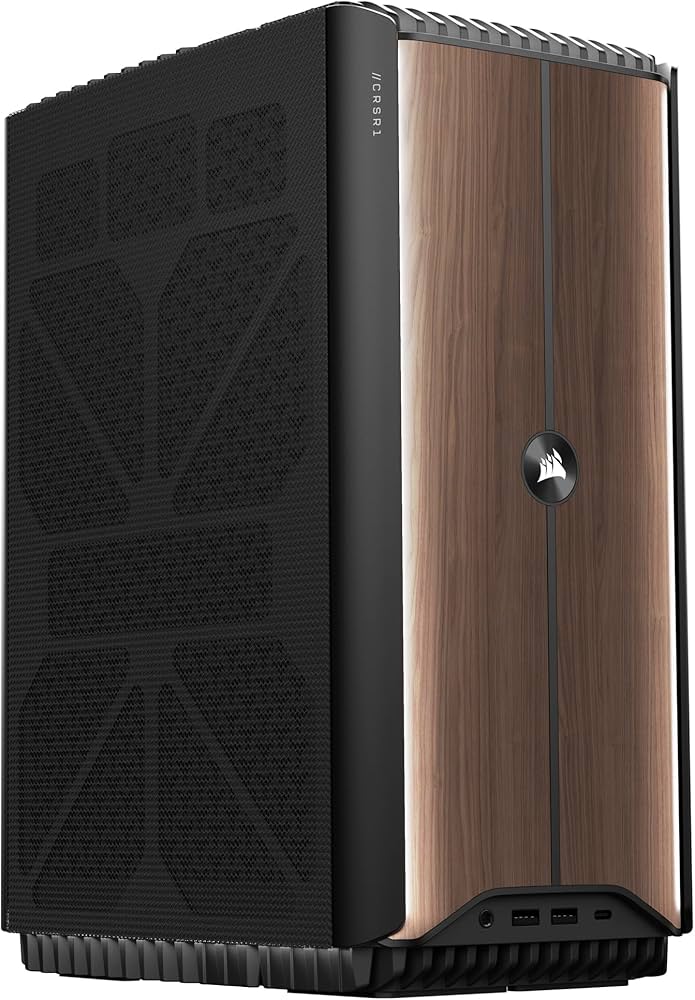
For those who prefer a slightly more accessible entry into custom loops, pre-built liquid-cooled rigs from manufacturers like NZXT or Corsair offer similar aesthetics with easier maintenance. These systems often come with AIO (All-In-One) coolers that are simpler to install than custom loops but still provide superior thermal performance over air cooling. The visual impact of colored coolant and RGB lighting in these cases creates a vibrant, underwater-inspired ambiance.
When choosing a liquid-cooled rig, consider the balance between performance and maintenance. Custom loops require periodic top-ups and cleaning, while AIOs are generally maintenance-free for several years. For the ultimate reef-themed build, the EK Digital Reef is the top recommendation for its blend of raw power and customizable digital displays.

As an Amazon Associate, we may earn from qualifying purchases.
Comparing performance and design
Choosing the right reef-themed PC involves balancing raw gaming power with the visual impact of your aquarium setup. These builds prioritize high-end components like the NVIDIA RTX 4090 and Intel i9-14900K, ensuring smooth 4K gaming while maintaining the aesthetic cohesion of a digital reef. The following comparison highlights the key specifications and design elements of the featured rigs.
| Model | CPU | GPU | Cooling | Case |
|---|---|---|---|---|
| EK Fluid Gaming Digital Reef | Intel i9-14900K | NVIDIA RTX 4090 | Custom Liquid | Fractal Design Torrent |
| PC Rainbow Standard | Intel i7-13700K | NVIDIA RTX 4070 Ti | Air Cooling | Mid-Tower ATX |
| PC Rainbow Pro | AMD Ryzen 9 7950X | NVIDIA RTX 4080 Super | Custom Liquid | Full-Tower E-ATX |
| PC Rainbow Lite | Intel i5-13600K | NVIDIA RTX 4060 Ti | Air Cooling | Compact ITX |
The EK Fluid Gaming Digital Reef stands out with its custom liquid cooling and Fractal Design Torrent case, offering superior thermal performance for intensive gaming sessions. Its sleek design complements the vibrant colors of a reef tank, making it a premium choice for enthusiasts who want both power and style. For those on a budget, the PC Rainbow Lite provides solid 1080p performance in a compact form factor, perfect for smaller aquarium setups.
How to choose the right pc reef build
A "reef" build is defined by its visual impact—clear acrylic panels, custom liquid cooling, and lighting that mimics the ocean floor. Before spending money on a specialized chassis, you need to decide if the aesthetic trade-offs align with your actual computing habits. These builds prioritize looks over airflow efficiency, meaning component temperatures will run higher than in a standard mesh-case PC.
Define your primary use case
Your workflow dictates the internal components, but the case choice dictates the build type. If you are a competitive gamer, you might prioritize raw performance over the "reef" aesthetic, opting for a standard high-airflow case. However, if you stream or create content, the visual appeal of a liquid-cooled PC can enhance your brand identity. For pure gaming, ensure your GPU is powerful enough to handle 4K rendering while still fitting inside the often restrictive dimensions of a clear-side panel chassis.
Allocate funds for cooling and case aesthetics
Custom water cooling and specialized cases like the Fractal Design Torrent or Lian Li O11 Dynamic cost significantly more than off-the-shelf components. You are paying for the glass, the fittings, and the labor of assembly. Allocate at least 20-30% of your total budget to cooling and case aesthetics. If your budget is tight, consider a pre-built "reef" style PC from vendors like NZXT or custom builders, which often include warranty support for the complex cooling loops that DIY builds lack.
Measure your physical space
Reef-style cases are frequently larger than standard towers to accommodate reservoirs and radiators. Measure the height, width, and depth of your desk or floor space. Ensure you have clearance for the case height if it sits on a shelf, and verify that your desk can support the weight of a fully filled water cooling loop, which can add several pounds to the system. Also, check your room's ambient temperature; these builds run warmer and can contribute to room heat.
Evaluate maintenance willingness
Unlike a standard PC where you swap a fan or GPU, a reef build requires periodic maintenance. You will need to top off coolant, check for micro-leaks, and clean the water blocks. If you prefer a "set it and forget it" system, a standard air-cooled PC is more reliable. However, if you enjoy tinkering and want a conversation piece, the upkeep is part of the hobby. Consider the cost of replacement parts for the cooling loop, which can be expensive if a fitting fails.
Check component compatibility
Not all motherboards fit in all cases, and not all GPUs fit in all cases with large coolers. Before buying parts, check the case specifications for maximum GPU length and CPU cooler height. A large AIO (All-In-One) cooler might block RAM slots or exceed the GPU clearance, forcing you to buy expensive low-profile RAM or a smaller cooler. Always cross-reference the dimensions of your chosen components with the case manual to avoid assembly headaches.


As an Amazon Associate, we may earn from qualifying purchases.
Frequently asked questions about pc reef rigs
Custom liquid-cooled gaming PCs like the EKWB Digital Reef combine high-end hardware with intricate aesthetics, but they raise specific questions about upkeep and value. Here are the answers to common concerns about maintenance, warranty, and performance for these unique builds.
How often do I need to maintain a custom loop?
Custom loops require more attention than air-cooled systems. You should check fluid levels and look for leaks every few weeks. A full flush and clean-out is recommended every six to twelve months to prevent algae or mineral buildup, which can clog blocks and pumps.
Is a custom liquid-cooled PC worth the cost?
For enthusiasts, the answer is often yes. You gain better thermal performance for sustained gaming loads and a highly personalized aesthetic that standard cases cannot match. However, the initial investment is significantly higher, and the maintenance burden is greater than with off-the-shelf gaming rigs.
What is the warranty coverage on these builds?
Warranty terms vary by builder and component. The case, power supply, and storage typically carry standard manufacturer warranties. Custom water blocks and fittings may have limited coverage or require registration. Always verify if the builder offers a leak protection policy, as this is critical for protecting your expensive hardware.
No comments yet. Be the first to share your thoughts!