
Why your PC reef needs better connectivity
A dedicated PC reef station balances high-performance gaming with the precise monitoring required for sensitive reef aquariums. This dual purpose creates specific connectivity challenges that standard motherboard ports often struggle to handle.
Most motherboards offer integrated Wi-Fi and Ethernet sufficient for general browsing but lacking the robustness for 24/7 reef operation. Reef monitoring software relies on constant, low-latency data streams from controllers, sensors, and cameras. Connection drops can mean missed temperature alerts or delayed pump adjustments, risking coral health.
Upgrading to a dedicated Bluetooth adapter or high-end Wi-Fi card resolves these stability issues. PCIe cards connect directly to the motherboard’s bus, bypassing USB hub bottlenecks and internal shielding. This results in stable ping for gaming and reliable signals for reef automation software.
Running multiple Bluetooth devices—such as temperature probes, LED controllers, and wireless peripherals—often causes interference with internal adapters. A dedicated USB Bluetooth 5.0+ adapter or a PCIe card with separate Bluetooth functionality ensures peripherals stay connected without dropping packets during critical monitoring windows.
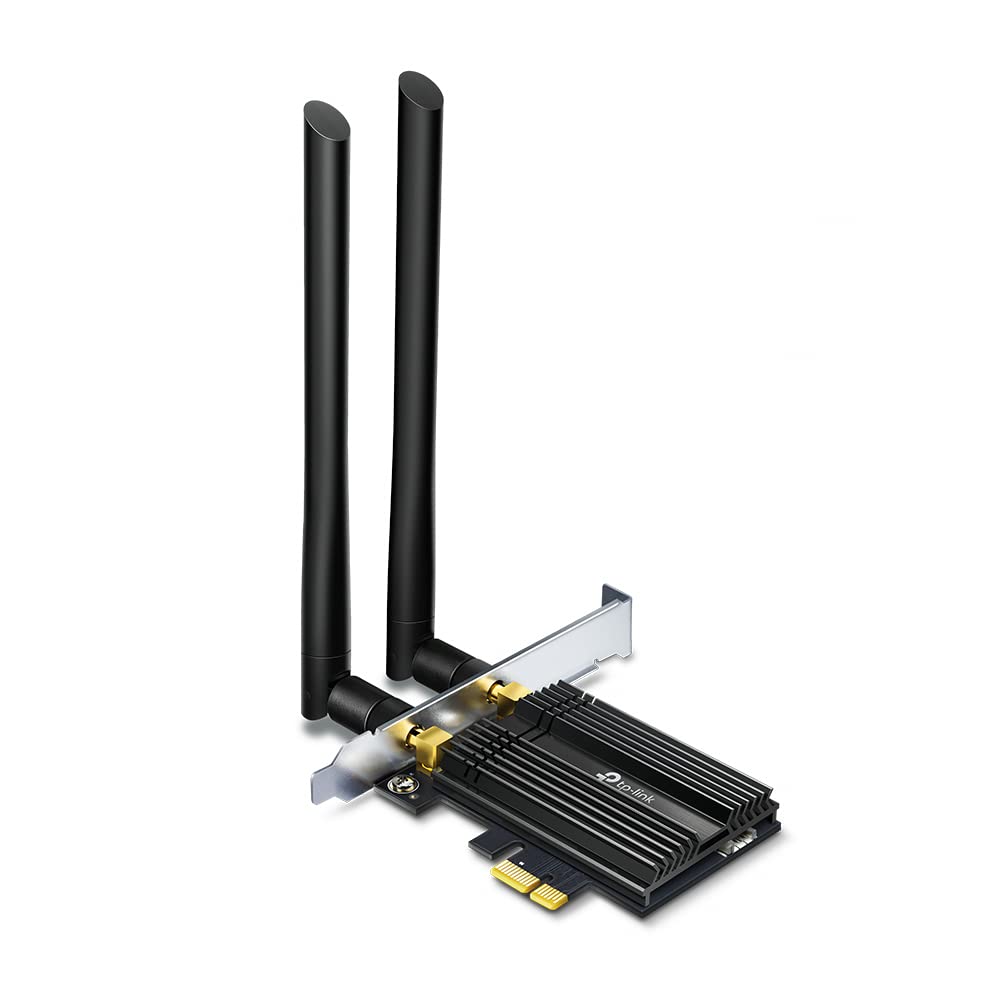
- Wi-Fi 6 support
- External antennas
- Bluetooth 5.2

As an Amazon Associate, we may earn from qualifying purchases.
Choosing the right hardware prioritizes stability over speed. While Wi-Fi 6 offers higher theoretical bandwidth, the real benefit for a PC reef is improved handling of multiple simultaneous connections. This ensures gaming sessions remain lag-free while reef controllers send routine status updates.
Top Bluetooth adapters for PC reef peripherals
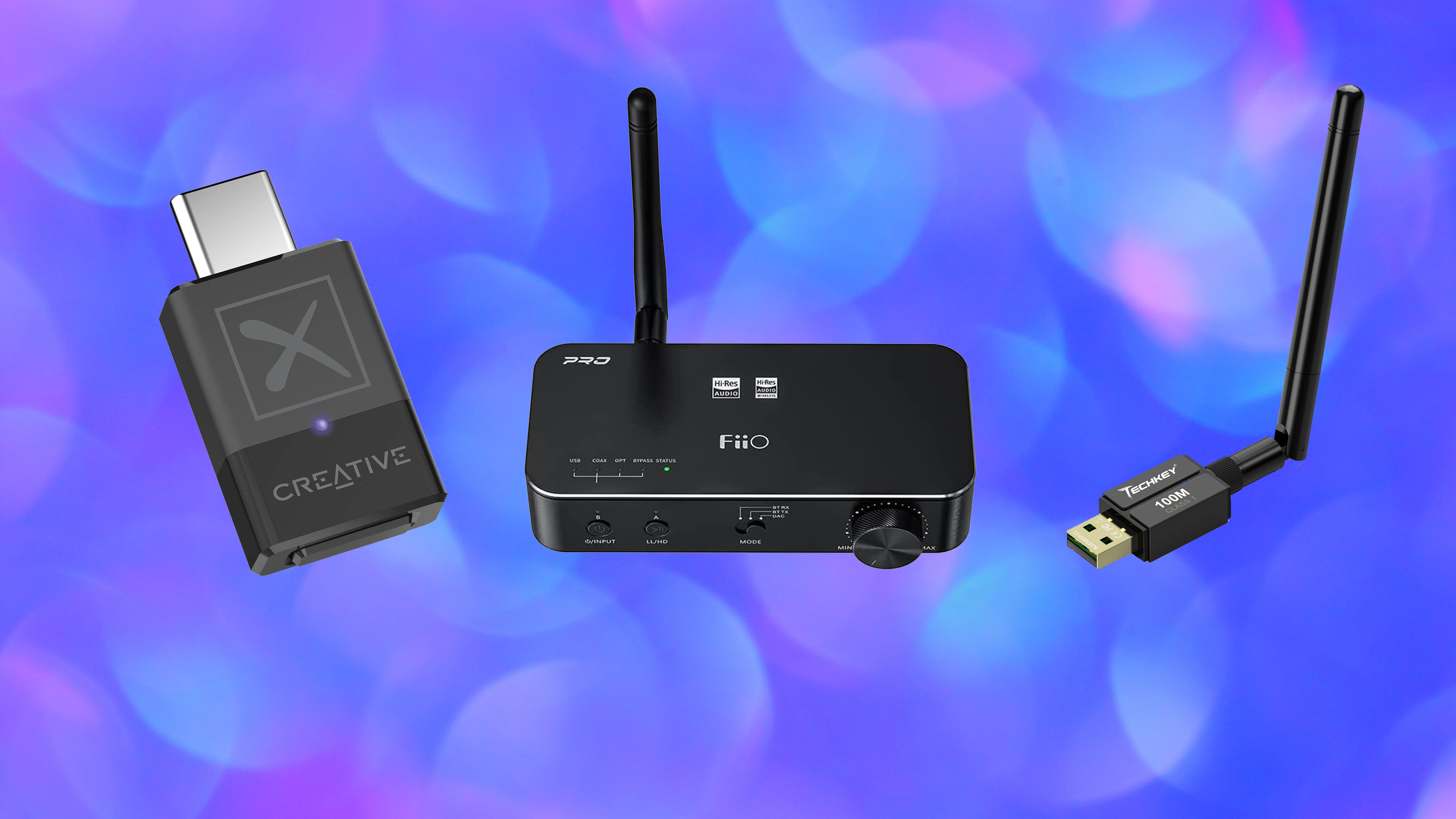
A PC reef station manages complex tank monitoring software alongside gaming or media playback. This workflow demands a Bluetooth adapter that handles multiple simultaneous connections without latency or dropouts. Standard office dongles often struggle when pairing a headset, a controller, and a sensor hub simultaneously.
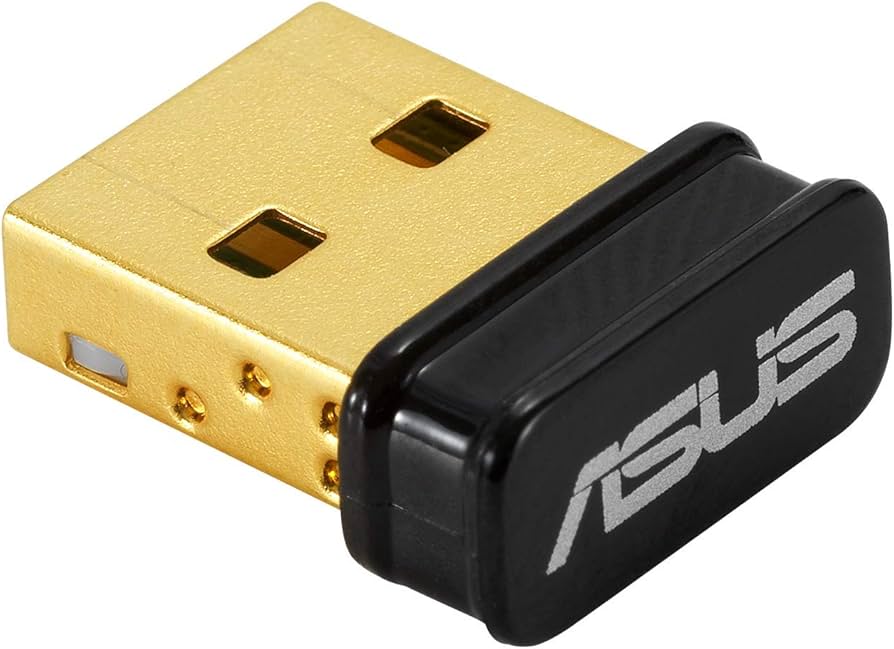
The ideal adapter uses Bluetooth 5.0 or newer for better range and stability. This ensures monitoring apps stay connected even if the PC is tucked under a desk or behind a media center. Look for adapters with external antennas or high-gain chips to penetrate interference from other wireless devices.
The following Amazon selections are chosen for reliability in multi-device environments. They support the low-latency profiles needed for gaming controllers while maintaining stable connections for background monitoring tasks.


As an Amazon Associate, we may earn from qualifying purchases.
Best WiFi cards for stable PC reef streaming
A PC reef station runs aquarium management software and streams high-definition camera feeds while handling gaming traffic. Connection drops result in lost live tank views or disconnections from matches. Stability matters more than raw speed here. You need a card that maintains a consistent link even under heavy load.
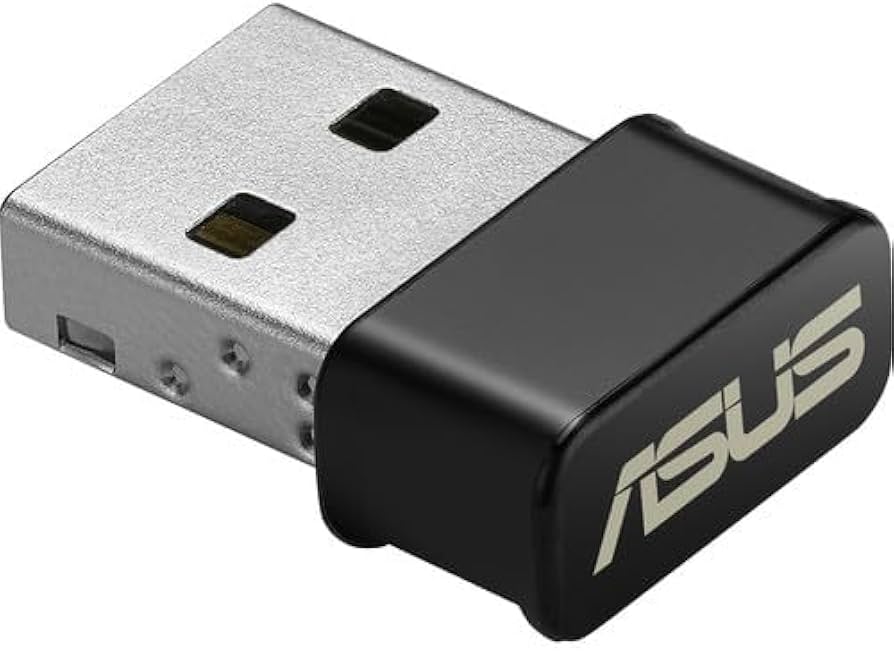
For most users, a USB WiFi adapter offers the easiest path to stability without opening the case. Look for USB 3.0 models supporting dual-band connections. The 5GHz band is essential for streaming as it is less crowded than 2.4GHz. A small dongle keeps the desk clean and plugs directly into a front or side port for easy access.
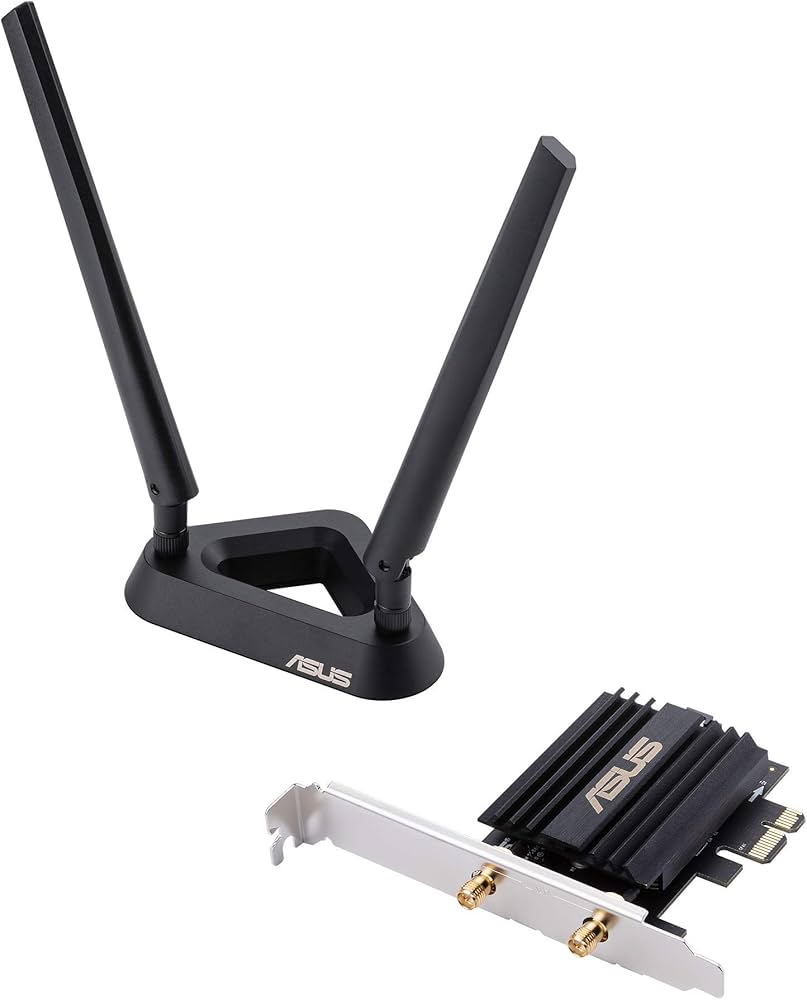
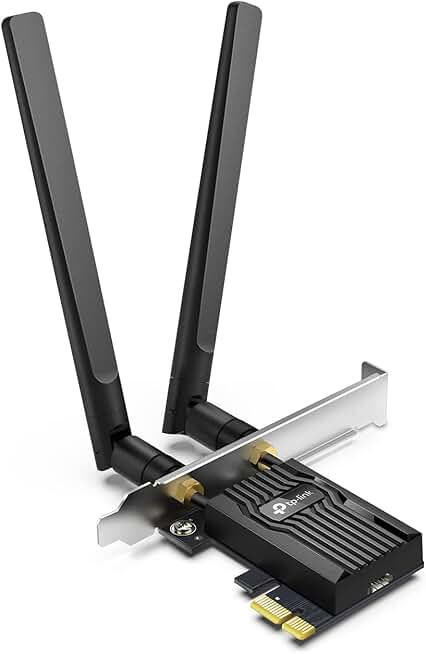
If you prefer internal components, a PCIe WiFi card is the robust choice. These cards sit inside the PC and use larger antennas for better signal penetration through desk surfaces or nearby electronics. They often include Bluetooth 5.0 or higher, useful for connecting wireless controllers or audio devices without additional dongles.


As an Amazon Associate, we may earn from qualifying purchases.
When choosing between these options, consider your PC's location. If your tower is tucked behind a metal desk or near other electronics, the external antennas of a PCIe card or a USB adapter with a long cable will provide a clearer signal than an internal-only solution. Prioritize cards that explicitly mention "stable connection" or "low latency" in their descriptions, as these features directly support the simultaneous demands of reef streaming and gaming.
USB Dongles versus PCIe Cards
Choosing between a USB Bluetooth adapter and a PCIe card depends on your case layout and performance needs. A PC reef combines high-end gaming with reef tank management, requiring reliable connectivity for both low-latency gaming and stable IoT device communication.
USB dongles offer plug-and-play simplicity. They are ideal for pre-built cases or mini-ITX builds where internal expansion slots are scarce. However, they sit outside the chassis, making them vulnerable to physical damage or accidental disconnection. This external placement can also lead to signal interference if the port is located on the back of a metal case.
PCIe cards provide superior performance and stability. Installed internally, they utilize direct motherboard connections for lower latency and higher throughput. Most models include external antennas, crucial for maintaining a strong signal through the dense metal and glass of a reef tank enclosure. The trade-off is installation complexity; you need an open slot inside your PC case and the ability to mount antennas externally.
| Feature | USB Dongle | PCIe Card |
|---|---|---|
| Installation | Plug-and-play | Internal slot required |
| Signal Stability | Moderate (external) | High (internal + antennas) |
| Latency | Slightly higher | Lower (direct connection) |
| Case Compatibility | Any USB port | Requires free PCIe slot |
| Best For | Pre-built or compact cases | Custom builds & high performance |
For most enthusiasts building a custom rig, the PCIe card is the better long-term investment. The internal placement protects the hardware from tank splashes and accidental bumps, while antenna options ensure reef controllers and gaming peripherals stay connected without dropouts.

As an Amazon Associate, we may earn from qualifying purchases.
Quick Checklist for PC Reef Hardware Upgrades
Before finalizing your purchase, verify that your PC reef station has the physical capacity and software support for the new hardware. A mismatched slot or outdated driver can turn a seamless upgrade into a troubleshooting nightmare.
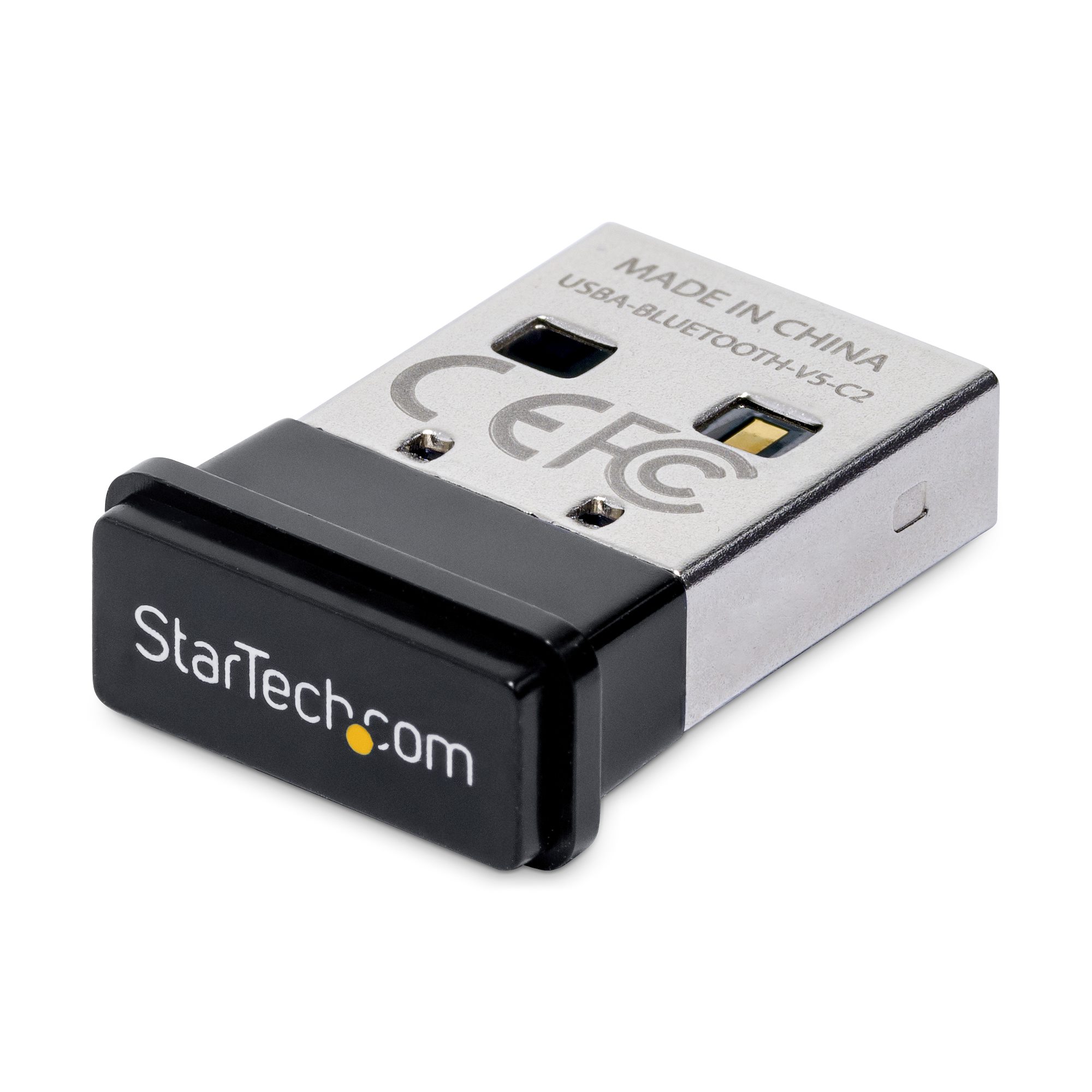
Check your motherboard for available PCIe x1 or x4 slots if you are installing an internal WiFi card. Ensure the slot is not blocked by your graphics card or other expansion cards. For USB adapters, confirm you have free USB 3.0 ports with sufficient power delivery.
Most modern adapters support Windows 10 and 11 out of the box, but Linux users must check for kernel module support. Verify that the manufacturer provides drivers for your specific operating system version to avoid connectivity issues with your reef monitoring software.
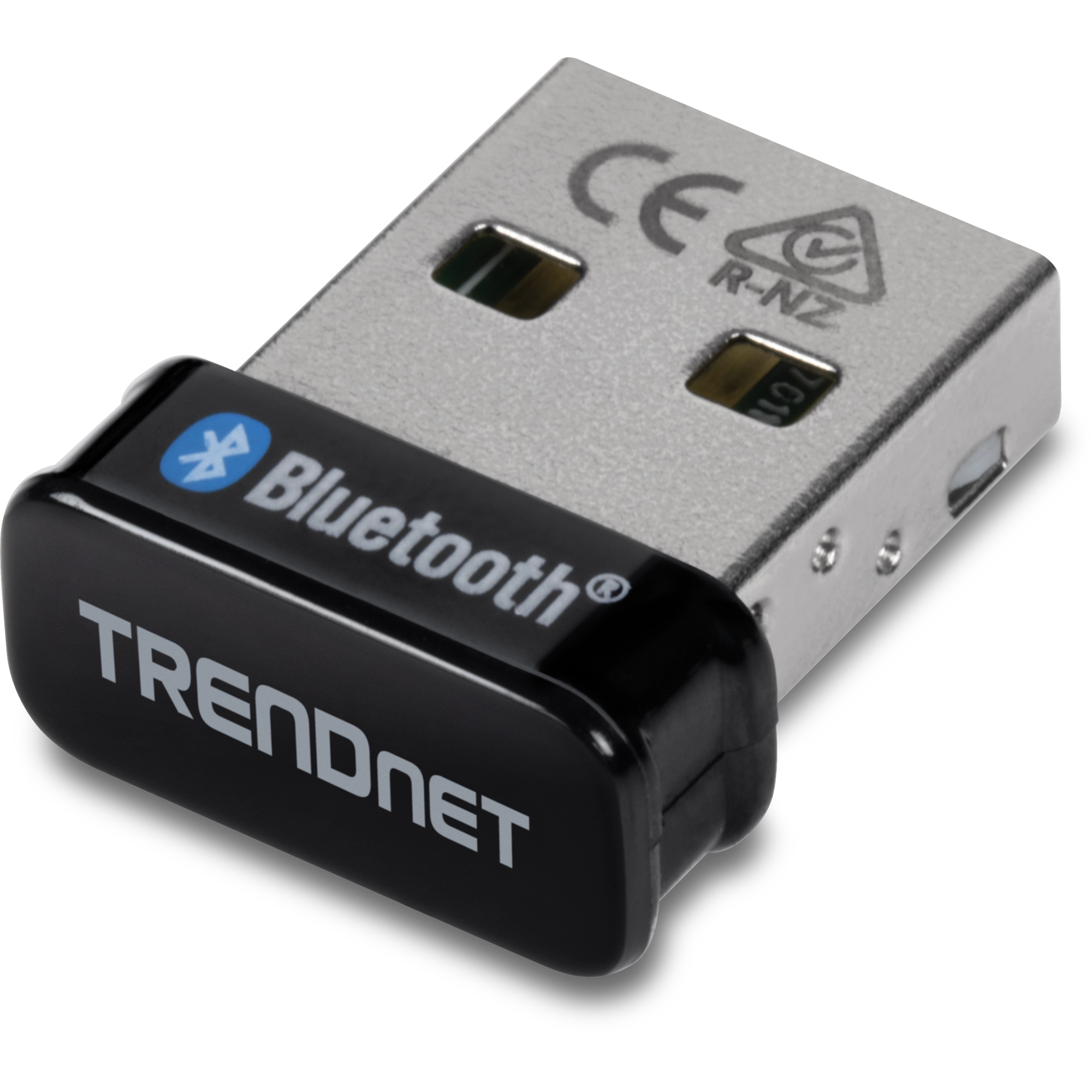
If using a USB Bluetooth or WiFi dongle, ensure you have enough ports. Avoid daisy-chaining through a powered hub unless the adapter requires significant power, as this can introduce latency for real-time reef tank data.

As an Amazon Associate, we may earn from qualifying purchases.
Common Questions About PC Reef Connectivity
Building a high-performance PC for reef tank management requires balancing raw gaming power with reliable, low-latency networking. The intersection of heavy GPU loads and sensitive aquarium controllers creates unique hardware challenges.
Can Bluetooth interfere with aquarium controllers?
Yes, Bluetooth signals can cause intermittent connectivity issues with reef controllers operating on the 2.4GHz spectrum. Many popular controllers rely on this frequency for wireless communication, which overlaps directly with Bluetooth 4.0 and 5.0 bands. If your PC sits directly next to your reef stand, the constant radio chatter from a USB Bluetooth adapter can disrupt controller signals. We recommend using a wired Ethernet connection for your controller or placing the PC at least three feet away from the tank to minimize interference.
Do I need Wi-Fi 6 for PC reef gaming?
Wi-Fi 6 (802.11ax) is highly recommended for reef setups because it handles network congestion much better than older standards. Reef management software often runs multiple background processes, including camera streams, dosing pump logs, and environmental monitoring. Wi-Fi 6 reduces latency and improves throughput, ensuring that your game doesn't lag while your aquarium data syncs in the background. It is particularly useful if you are streaming your tank to a secondary device while gaming.
What is the best way to connect a reef PC to the internet?
A wired Ethernet connection is the most stable option for a PC reef station. It provides the consistent latency needed for competitive gaming and ensures that critical reef monitoring data is never dropped. If running a cable to your desk is not feasible, use a high-quality Wi-Fi 6E card with external antennas. This allows you to position the antennas away from the tank's metal components, which can block signals, while keeping the card securely mounted in your PC case.
How do I manage heat near a reef tank?
High-end reef PCs generate significant heat, which can stress marine life if placed too close to the aquarium. Use a PC case with excellent airflow and consider a dedicated exhaust fan that vents heat away from the tank. Avoid placing the PC directly under the reef light, as the combination of heat and light can raise water temperatures. A compact ITX build with a high-efficiency power supply can reduce heat output while maintaining the performance needed for reef management software.
No comments yet. Be the first to share your thoughts!