

Bluetooth 6.0 for gaming
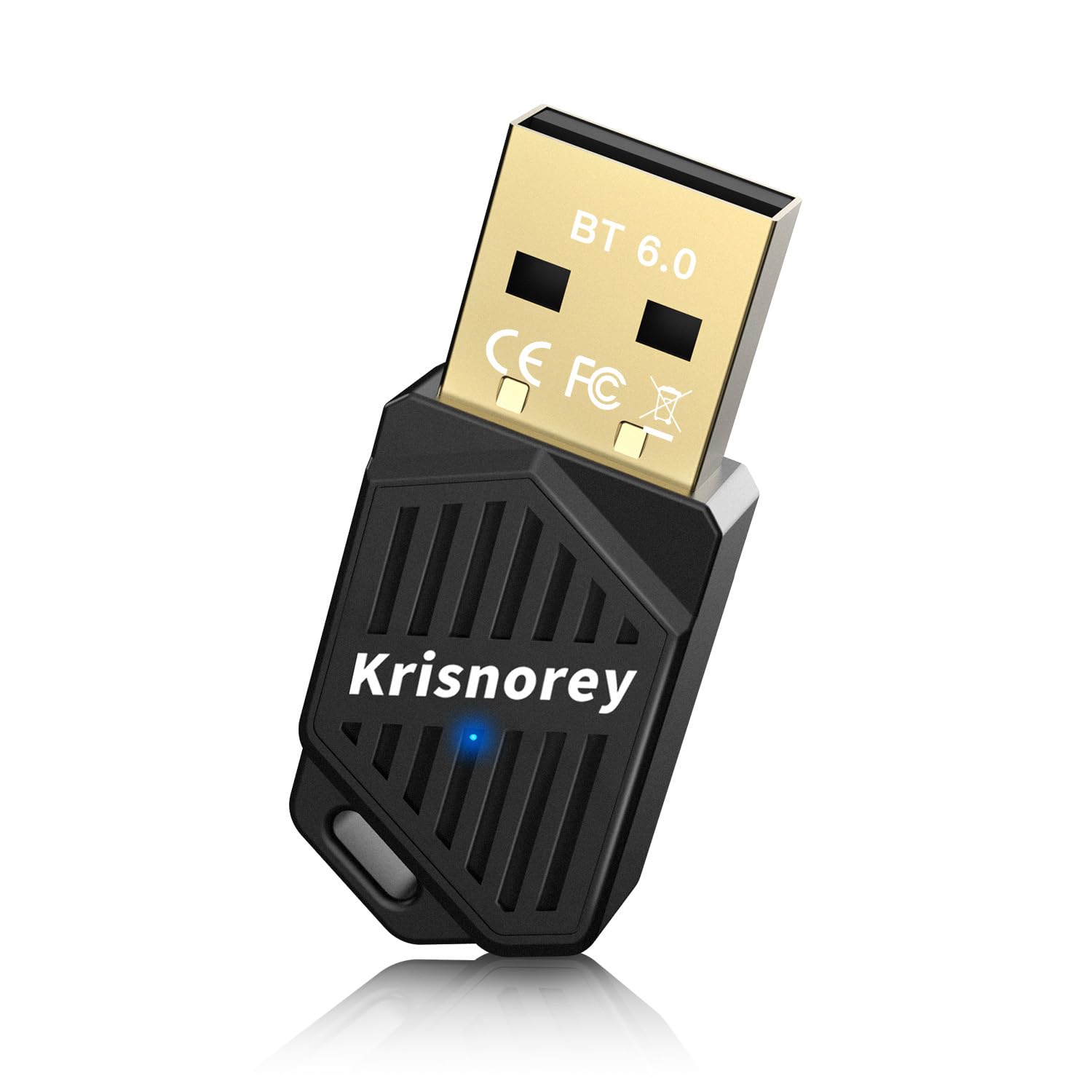
Bluetooth 6.0 isn't a magic fix for wireless lag, but the 2.6 Mbps bandwidth jump is a real upgrade over the 5.x standard. Most people won't see their mouse suddenly become twice as fast, but the connection is objectively more stable in crowded signal environments.
The biggest theoretical jump with Bluetooth 6.0 is increased bandwidth – up to 2.6 Mbps, a considerable boost. This translates to more data being transmitted, potentially leading to more stable connections and less interference. However, bandwidth isn’t everything. What gamers really care about is latency, and Bluetooth 6.0 addresses that directly through improved connection management and the introduction of new features designed to minimize delays.
The real benefit comes from the focus on reducing latency. Bluetooth 6.0 aims to deliver a more responsive experience, critical for fast-paced games. But adoption is the key. Right now, we’re still in the early stages. While some new peripherals are starting to support Bluetooth 6.0, it's not yet ubiquitous. Expect a gradual rollout over the next year or two, meaning you'll need a compatible adapter to take advantage of the benefits. It’s a step forward, but not a complete overhaul.
The latency problem
Latency is the silent killer of gaming performance. Even a small delay between your input and the action on screen can be the difference between victory and defeat. In competitive gaming, milliseconds matter. It directly impacts reaction time, aiming precision, and overall responsiveness, especially in genres like first-person shooters and fighting games.
There are several types of latency to consider. Input latency refers to the delay between your actions (pressing a button, moving a mouse) and the game registering that input. Network latency is the delay caused by data traveling between your PC and the game server. Display latency relates to how quickly your monitor can update the image. Bluetooth latency adds another layer to this, representing the delay introduced by the wireless connection.
What’s an acceptable level of latency? It varies by game genre. For fast-paced action games, anything above 50ms is generally noticeable and can be detrimental. Strategy games are more forgiving, with players often tolerating up to 100ms or even higher. Finding that 'unnoticeable' threshold is tricky and depends heavily on individual sensitivity and the game being played. Reducing all forms of latency is crucial for a smooth, responsive gaming experience.
Top Bluetooth 6.0 Adapters (2026)
Most adapters on shelves right now are still Bluetooth 5.4. While we wait for the 6.0 hardware to hit the mass market in late 2026, these current models are the only way to bridge the gap if you're building a PC today.
The TP-Link UB500, a Bluetooth 5.4 adapter, remains a solid, affordable choice for many gamers. While it doesn't offer the full benefits of Bluetooth 6.0, its plug-and-play simplicity and reliable performance make it a good starting point. It typically sells for around $25 and supports Windows 10 and 11. For those seeking a step up, the Avantree DG80, also Bluetooth 5.3, provides aptX Low Latency support for compatible headphones, potentially reducing audio delay.
Moving towards true Bluetooth 6.0 options, the Plugable USB 6.0 Bluetooth Adapter is generating interest. Expected to be widely available in late 2026, it promises the full bandwidth and latency improvements of the new standard. Early reports suggest a price point around $40-$50. The ASUS USB-BT600 is another promising contender, boasting enhanced range and stability, but it's currently pricier, around $60, and availability is limited.
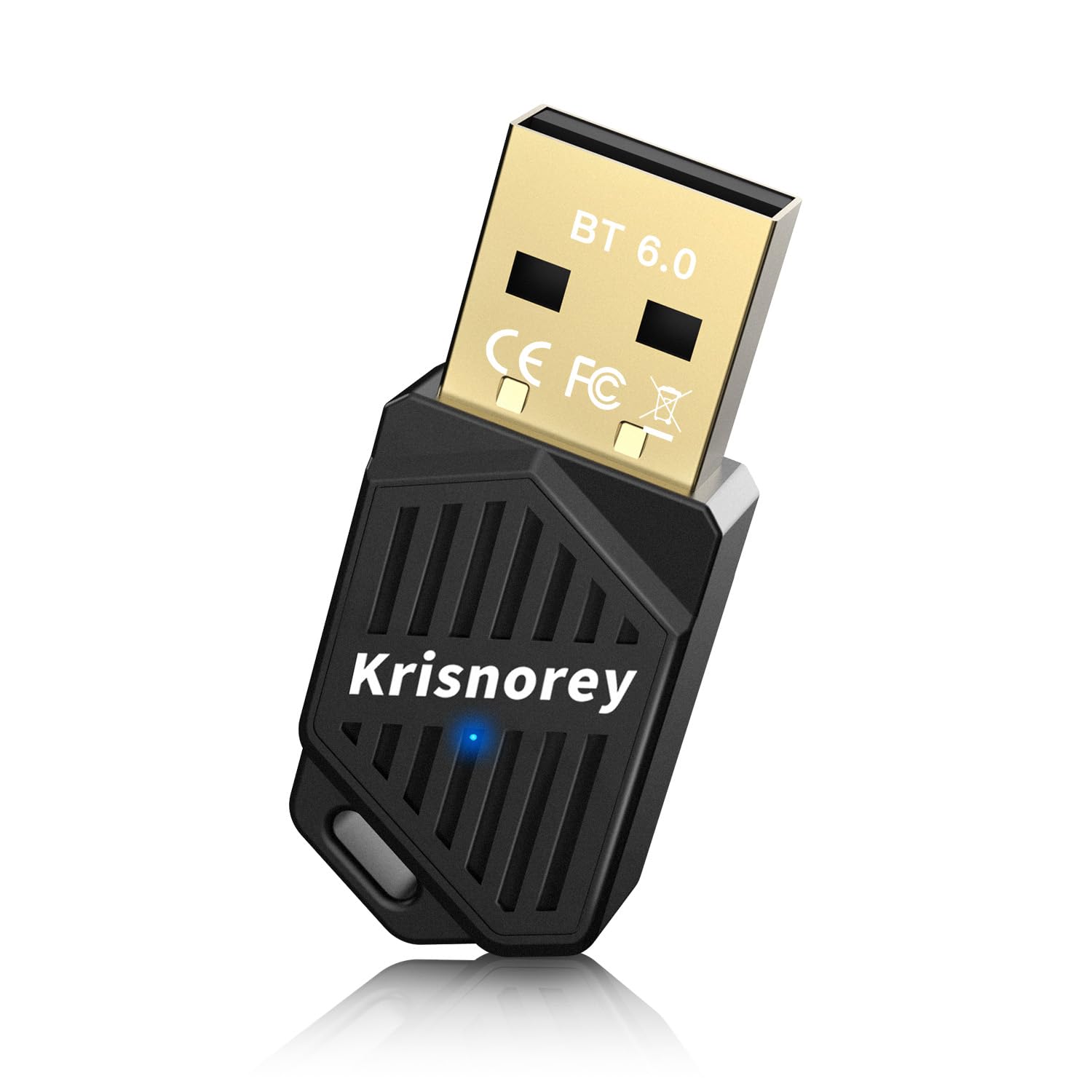
The UGREEN Bluetooth 6.0 Adapter offers a balance of features and price, anticipated to be around $35. It focuses on low latency and wide compatibility. For a premium option, the Sabrent Bluetooth 6.0 USB Adapter is expected to deliver top-tier performance and build quality, but it will likely come with a higher price tag – potentially exceeding $75. Finally, the Kinivo BTD-600 is a compact and affordable option for basic Bluetooth 6.0 connectivity, priced around $30.
Each adapter has its strengths and weaknesses. The TP-Link UB500 is best for budget-conscious users. The Avantree DG80 is ideal for those prioritizing low-latency audio with compatible headphones. The Plugable and ASUS adapters are aimed at gamers who want the latest Bluetooth technology and are willing to pay a premium. The UGREEN and Sabrent adapters offer a good balance of features and price. The Kinivo BTD-600 is a solid choice for basic connectivity.
Featured Products

Bluetooth 6.0 with LE Audio support · aptX Adaptive/HD/aptX/SBC codec support · Dual pairing and one-to-many broadcast capabilities
This adapter offers advanced Bluetooth 6.0 features and multiple codec support for a versatile and low-latency gaming audio experience.

Bluetooth 5.4 connectivity · Plug and Play installation · Compact nano design
The TP-Link UB500 provides a straightforward and compact solution for adding Bluetooth 5.4 capabilities to your gaming PC.

Bluetooth 5.0 technology · Ultra-small form factor · Backward compatible with older Bluetooth versions
This ASUS adapter offers a discreet Bluetooth 5.0 upgrade with broad compatibility for various gaming peripherals.
Bluetooth 5.4 connectivity · Plug and Play installation · Compact nano design
The TP-Link UB500 provides a straightforward and compact solution for adding Bluetooth 5.4 capabilities to your gaming PC.

Bluetooth 5.3 with aptX-Adaptive · Low latency audio transmission · Optimized for gaming consoles like PS5
The Avantree DG80-Gaming is specifically designed for gamers, prioritizing low latency and adaptive audio for a responsive experience.
As an Amazon Associate I earn from qualifying purchases. Prices may vary.
Audio codecs and LE audio
Bluetooth codecs are the unsung heroes of wireless audio. They determine how audio data is compressed and transmitted, impacting both audio quality and latency. For gaming, the codec used by your Bluetooth adapter and headset is crucial. The older SBC codec is widely supported but often delivers subpar audio quality and higher latency.
LE Audio is the new standard, and it’s a significant upgrade. It utilizes the LC3 codec, which offers better audio quality at lower bitrates and, importantly, reduced latency compared to SBC. This means clearer audio and a more responsive gaming experience. The adoption of LE Audio is still ongoing, but it’s the future of Bluetooth audio.
AptX Low Latency is a fine stopgap, but LE Audio is better. You need both the adapter and the headset to support LC3 for this to work. If one side of the connection defaults to the old SBC codec, you're back to 100ms+ delays regardless of your hardware version.
What to look for in an adapter
Beyond Bluetooth version and codecs, several other features can impact your gaming experience. Range is important, especially if you want to move around freely while gaming. Look for adapters that offer a stable connection at a distance of at least 30 feet. Compatibility with your operating system is also crucial – ensure the adapter supports your version of Windows.
Security features, such as encryption, are essential to protect your data. Some adapters also come with bundled software that provides additional features, like firmware updates and audio customization. Driver support is paramount. Regularly updated drivers ensure optimal performance and compatibility. A poorly supported adapter can lead to connection issues and performance problems.
Interference from other wireless devices can be a significant problem. Adapters with stronger signal strength and advanced interference mitigation technologies are less susceptible to these issues. Consider the location of your adapter – avoid placing it near other wireless devices or metal objects that can block the signal.
- Check for 6.0 or 5.3 support with aptX Low Latency.
- Prioritize LE Audio and the LC3 codec for the lowest sound delay.
- Consider Range: A longer range offers more freedom.
- Verify Compatibility: Confirm it works with your OS.
- Look for Strong Security: Encryption protects your data.
- Check Driver Support: Regularly updated drivers are vital.
Fixing connection issues
Bluetooth connections can be finicky. Connection drops, audio stuttering, and interference are common issues. The first step is to update your adapter’s drivers. Outdated drivers can cause a variety of problems. Also, check for interference from other wireless devices, such as WiFi routers and microwaves. Try moving your adapter away from these devices.
In Windows, ensure Bluetooth is enabled and that your headset is properly paired. Sometimes, simply unpairing and re-pairing the device can resolve connection issues. Check the Windows sound settings to ensure your Bluetooth headset is selected as the default audio device. Conflicts with other wireless devices can also cause problems. Try disabling other Bluetooth devices temporarily to see if that resolves the issue.
If you're still experiencing problems, try running the Windows Bluetooth troubleshooter. This tool can automatically detect and fix common Bluetooth issues. For persistent problems, consider checking the adapter manufacturer’s website for troubleshooting guides and FAQs. A clean reinstall of the Bluetooth drivers can also sometimes resolve stubborn issues.
Where wireless gaming is headed
The future of Bluetooth gaming looks promising. As Bluetooth 6.0 becomes more widespread, we can expect even lower latency and higher audio quality. The continued development of LE Audio and LC3 will further enhance the gaming experience. It's reasonable to expect Bluetooth to play an increasingly important role in wireless gaming accessories.
Will Bluetooth eventually replace 2.4 GHz wireless? It’s a possibility, but 2.4 GHz still has its advantages in terms of latency and reliability. It’s likely that both technologies will coexist for some time. However, Bluetooth’s versatility and convenience make it an attractive option for many gamers. Expect to see more gaming peripherals adopting Bluetooth 6.0 and LE Audio in the coming years.
ASUS USB-BT500 USB Adapter with Ultra Small Design, Bluetooth 5, Backward Compatible with Bluetooth®2.1/3.x/4.x, TAA Compliant (USB-BT500)
- Bluetooth 5.0 technology for enhanced speed and range
- Backward compatible with Bluetooth 2.1, 3.x, and 4.x
- Ultra-compact design for discreet integration
The ASUS USB-BT500 leverages the latest Bluetooth 5.0 standard, offering a significant upgrade for gamers seeking reduced latency and improved wireless performance with their peripherals.
View on Amazon →As an Amazon Associate I earn from qualifying purchases.
No comments yet. Be the first to share your thoughts!