
Why stable connectivity matters for reef PCs
A "PC Reef" setup transforms a standard computer into the central nervous system of your aquarium. Whether you are running Home Assistant for automation, Veyon for remote management, or custom Python dashboards, your PC needs to talk to dozens of IoT devices constantly. These include dosing pumps, powerheads, LED controllers, and temperature sensors. If the connection drops, the conversation stops.
In a reef tank, stability isn't just about convenience; it is about survival. A WiFi card or Bluetooth adapter acts as the bridge between your computer and these critical peripherals. When that bridge fails, pumps may stop circulating water, heaters might overheat, or dosing systems could flood the tank with alkalinity. Unlike a desktop game that can reconnect after a lag spike, a reef system cannot afford to "think" for ten seconds while it looks for a signal.
The environment around a reef PC makes connectivity uniquely difficult. Aquariums create high humidity, and metal tank stands or acrylic walls can block or reflect radio waves. This interference creates dead zones that generic USB dongles often struggle to penetrate. A high-quality internal PCIe WiFi card or a high-gain USB adapter ensures that your automation software receives real-time data without packet loss.
Choosing the right hardware means looking beyond just speed. You need a device with strong signal processing to push data through the interference of water, glass, and metal. This section highlights the best WiFi cards and Bluetooth adapters that provide the uninterrupted uptime your reef PC requires to keep your livestock safe.
Best internal WiFi cards for desktop reef PCs
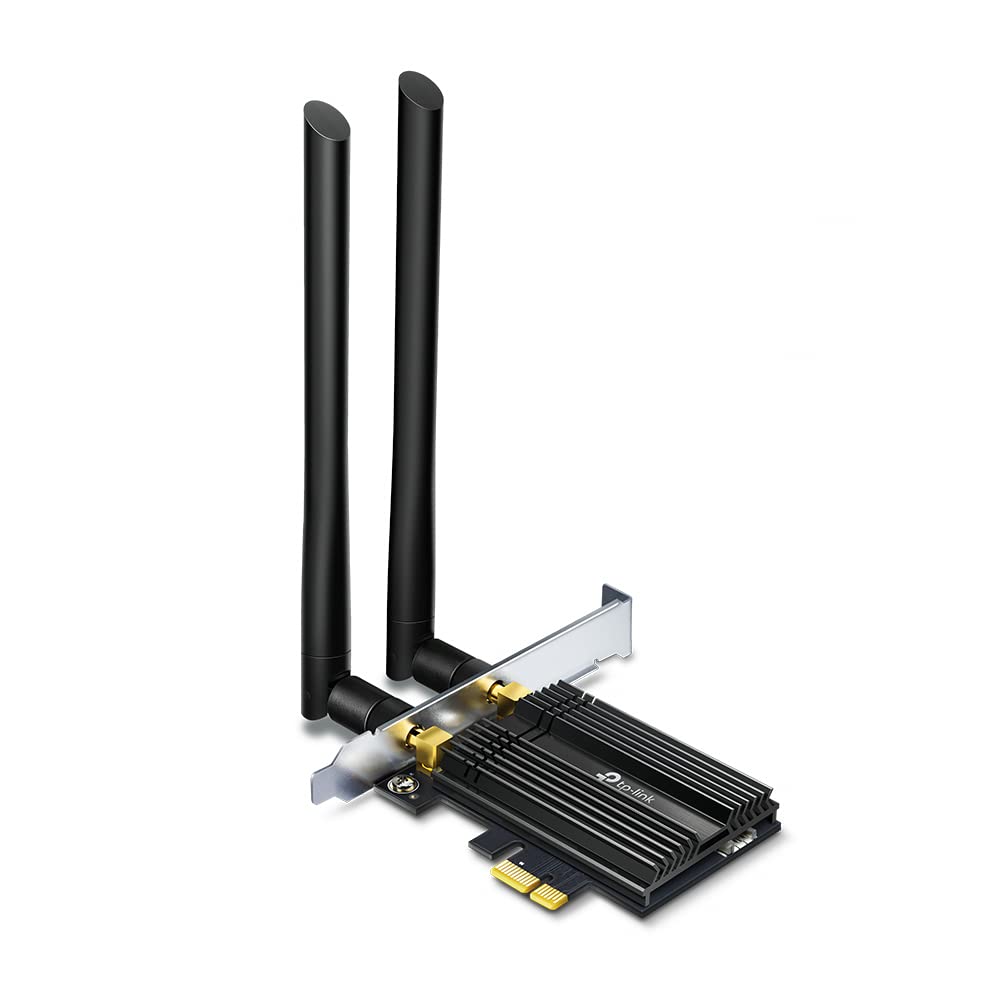
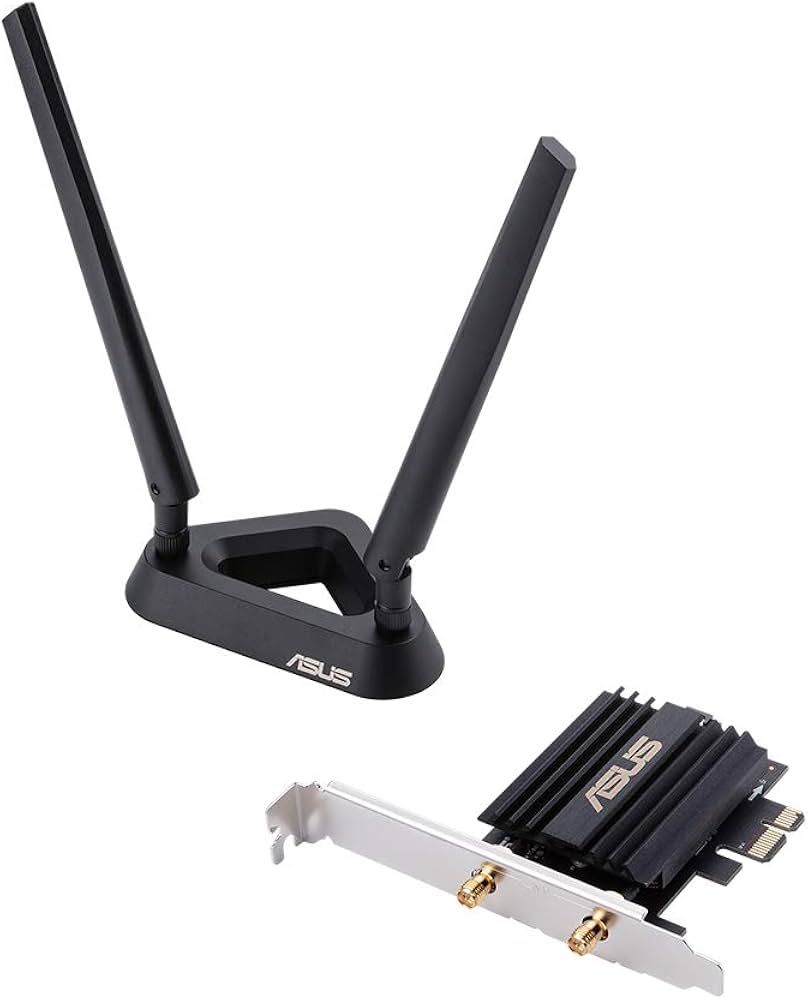
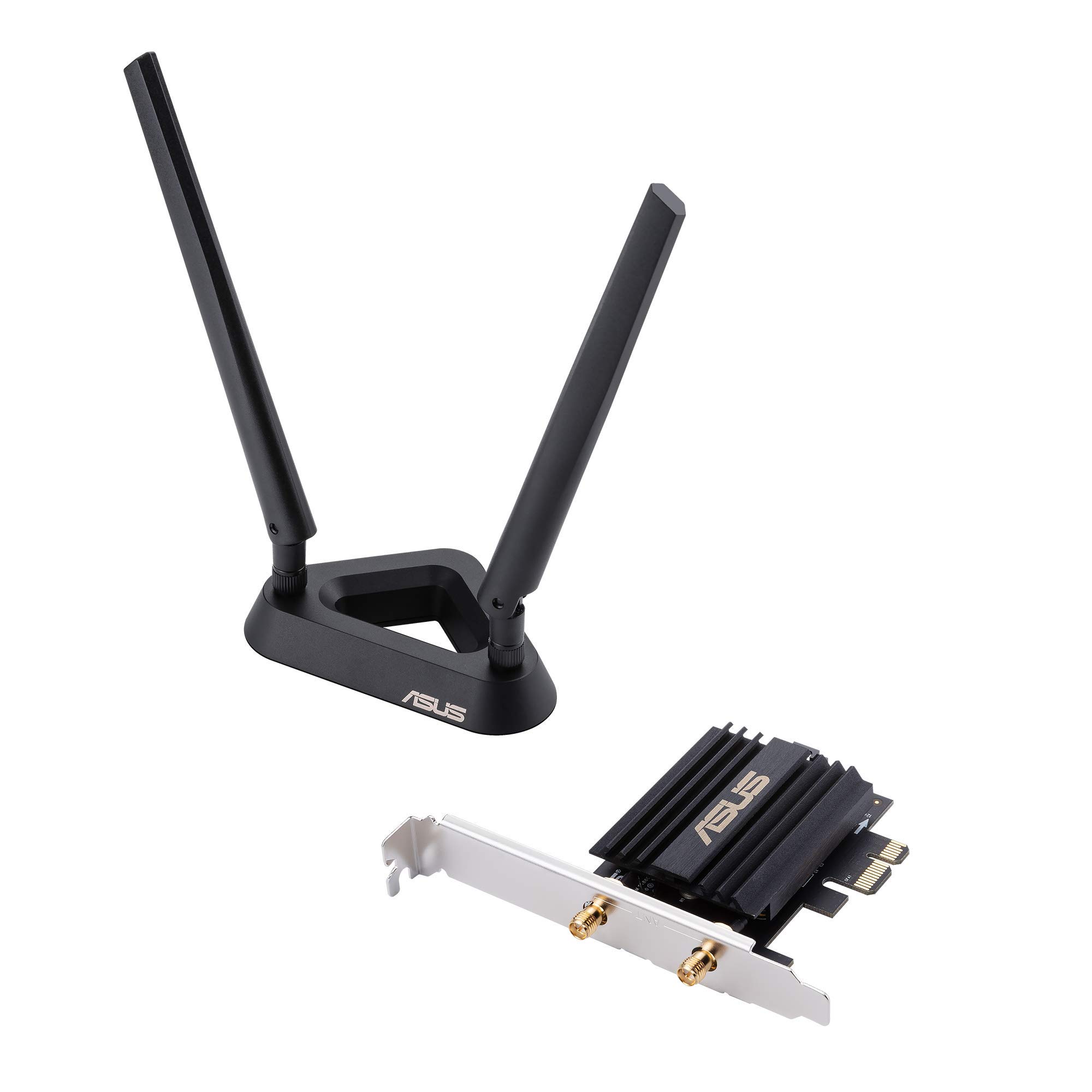
Internal PCIe WiFi cards offer the most reliable connection for a desktop reef PC, where stability matters more than convenience. Unlike USB adapters that can be bumped or suffer from driver conflicts, a PCIe card sits securely in the motherboard, providing a dedicated pathway for your controller software to talk to the aquarium hardware.
For reef keeping, dual-band support is essential. You need to separate the 2.4GHz band, which handles most aquarium controllers (like Apex, Ecotech, or GHL), from the 5GHz band used for general web browsing and media. This separation prevents network congestion from slowing down critical commands, such as adjusting lighting or turning off pumps during a power fluctuation.
When choosing a card, look for models that include external antenna mounts. This allows you to route the antennas away from metal cases and other electronics, reducing interference. A strong, clean signal ensures that your PC never loses contact with the tank, keeping your corals safe from automated system timeouts.

As an Amazon Associate, we may earn from qualifying purchases.
Top USB Bluetooth adapters for sensor hubs
When building a PC Reef monitoring station, the computer rarely sits inside the wet zone. Instead, it lives on a desk or shelf, while pH, ORP, and temperature sensors remain in the tank. A USB Bluetooth adapter bridges this gap, acting as the nervous system that translates biological data into actionable metrics for your aquarium control software.
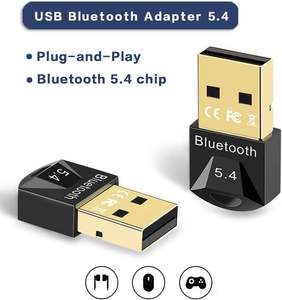
For reef keeping, stability matters more than raw speed. You need an adapter that maintains a consistent connection despite humidity, interference from power supplies, or distance from the sump. Look for USB 5.0+ adapters with external antennas or low-profile designs that allow flexible placement. Positioning the dongle closer to the tank—perhaps on a waterproof stand or near the equipment rack—reduces packet loss and ensures your PC Reef dashboard updates in real time.
The following USB Bluetooth adapters are reliable choices for connecting sensors to your PC. They prioritize consistent range and broad compatibility with common reef monitoring protocols.


As an Amazon Associate, we may earn from qualifying purchases.
Internal WiFi Cards vs. USB Dongles
Choosing the right connection method for your reef tank’s computer is less about raw speed and more about reliability. A WiFi card or adapter must maintain a steady link to your monitoring software, because a dropped signal during a lighting cycle or temperature alert can have immediate consequences for your livestock.
Internal PCIe Cards
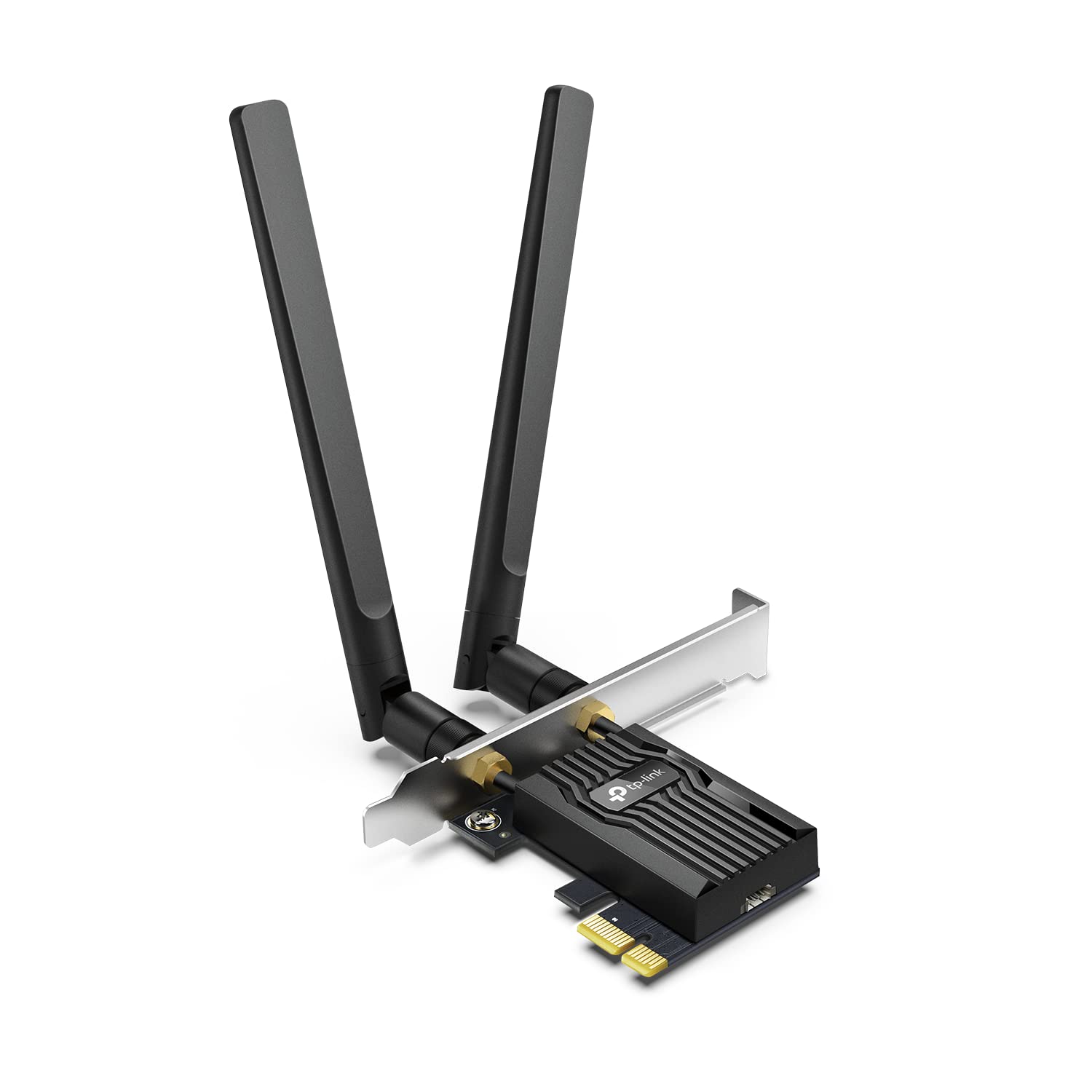
Internal PCIe WiFi cards are the gold standard for permanent reef setups. Installed directly into your desktop motherboard, they offer superior stability and range compared to external alternatives. This is critical for reef keepers who run heavy monitoring software or stream video from tank cameras.
Because the card is shielded inside the case, it is less susceptible to physical interference or accidental bumps. For a dedicated reef PC, this permanence ensures that your connection to controllers like Apollo or Reef-Connect remains uninterrupted.
USB WiFi Adapters
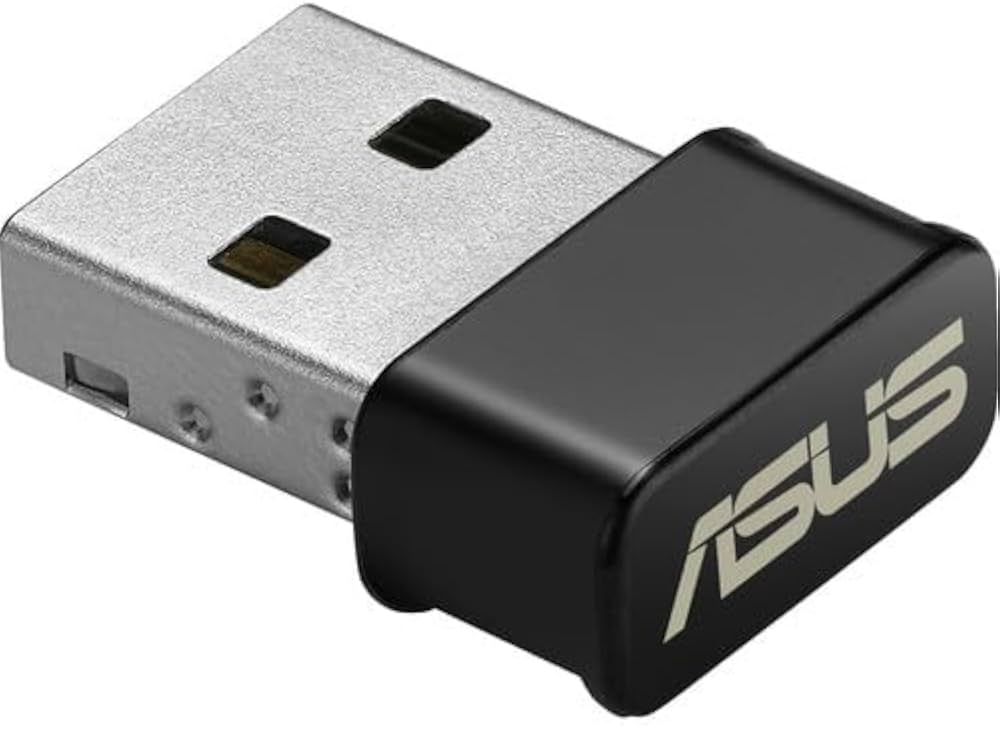
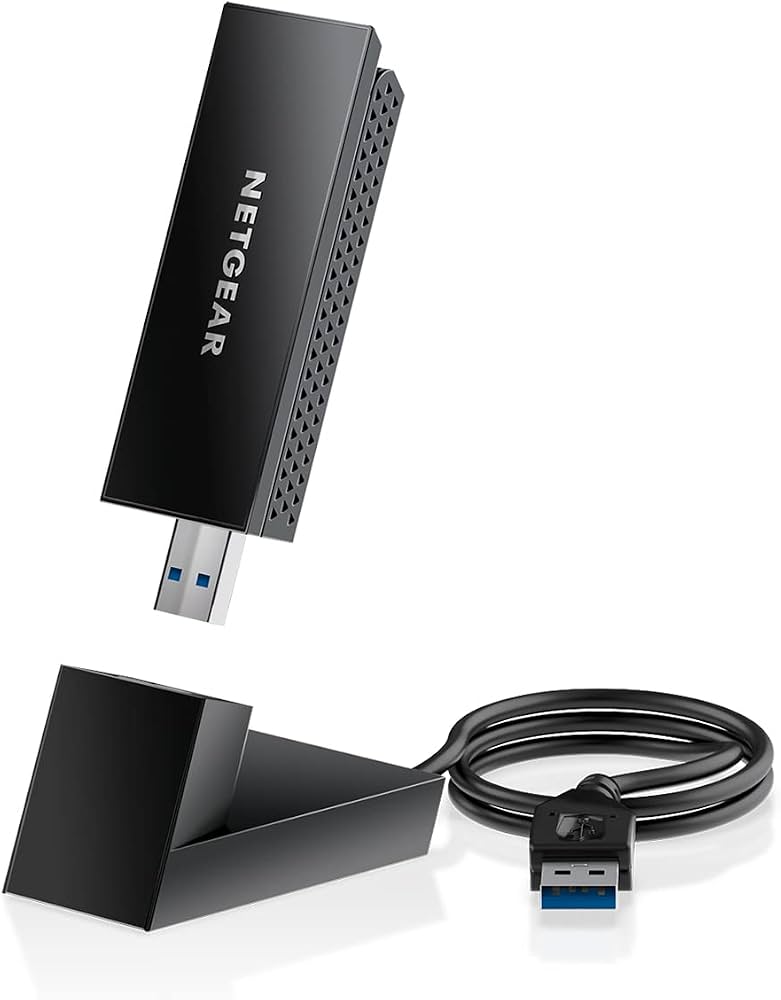
USB dongles provide flexibility for temporary setups or smaller aquariums. They are ideal if you are using a laptop as a temporary control station or need to move your monitoring station between tanks. However, they are more prone to physical dislodging and generally offer lower throughput than internal cards.
For reef keeping, USB adapters are best suited for basic status monitoring rather than high-bandwidth tasks. If you choose this route, opt for a model with an external antenna to maximize range through the tank’s glass and water.
| Feature | Internal PCIe Card | USB Dongle |
|---|---|---|
| Stability | High (shielded inside case) | Medium (prone to disconnection) |
| Range | Better (internal antenna) | Variable (depends on dongle) |
| Installation | Requires opening PC case | Plug-and-play |
| Bluetooth | Often included | Commonly included |
As an Amazon Associate, we may earn from qualifying purchases.
Installation tips for reef control stations
A stable connection is the nervous system of a reef control station. If your PC loses contact with your controllers or sensors, the consequences can be immediate and costly for your livestock. Proper hardware installation isn't just about getting the device to work; it's about ensuring it works reliably 24/7, even when the PC is running hot or sitting near sensitive electronics.

For internal WiFi cards, the hardware is only as good as its signal path. Most modern cards come with external magnetic or screw-on antennas. Never leave these tucked inside the metal chassis of your PC case; the metal acts as a Faraday cage, blocking the signal you need to talk to your aquarium controllers. Mount the antennas on the back panel and ensure they are oriented vertically, pointing away from the case to maximize line-of-sight to your router or bridge.

If you are using a USB Bluetooth or WiFi adapter, do not plug it directly into the rear I/O panel if that panel is shielded by the case. USB ports on the back are often recessed and surrounded by metal. Use a high-quality USB extension cable to move the adapter away from the PC case and onto the top of your control station stand. This keeps the radio frequency path clear of the interference generated by the computer's power supply and motherboard.

Reef controllers often rely on specific Bluetooth profiles or stable WiFi drivers to maintain persistent connections. Before closing up your station, install the latest drivers from the manufacturer (such as Intel, TP-Link, or ASUS) and verify that the device stays connected during a reboot. A driver conflict that causes a drop every time the PC boots is a recipe for missed feeding schedules or failed water parameter checks.

As an Amazon Associate, we may earn from qualifying purchases.
Common Questions About PC Reef Connectivity
Running a PC reef setup requires stable hardware that can withstand high humidity and continuous operation. Here are answers to the most frequent technical questions about connectivity, interference, and reliability.
Can I use a laptop for my reef PC?
Yes, repurposing an old laptop is a cost-effective way to start, but you must ensure proper ventilation. Laptops generate significant heat in confined spaces, which can shorten the lifespan of internal components. Use a laptop cooling pad and keep the unit elevated to allow airflow, especially if it will run 24/7 alongside pumps and heaters.
How do I prevent WiFi interference from pumps?
High-power pumps and controllers can cause electromagnetic interference that disrupts WiFi signals. Place your PC and router as far away from these devices as possible. If signal drops occur, consider using a wired Ethernet connection for your reef controller or switching to a 5GHz WiFi band, which is less crowded and more resistant to interference than 2.4GHz.
What is the best Bluetooth adapter for reef controllers?
Most modern reef controllers like the Apex or GHL Salifert rely on stable Bluetooth Low Energy (BLE) connections. Look for adapters with a dedicated BLE chip, such as those based on the CSR or Broadcom chipset, rather than generic Bluetooth dongles. Generic adapters often struggle with the low-power requirements of these controllers, leading to dropped connections and failed auto-top-off cycles.
Do I need a dedicated PC for my reef tank?
A dedicated PC offers better reliability and uptime compared to a tablet or phone, which may go to sleep or run out of battery. However, if you are comfortable with mobile apps, a tablet connected via a reliable WiFi network can suffice for monitoring. For full automation and logging, a dedicated desktop or mini-PC running software like CoralVue or Reefy provides the most robust control over your ecosystem.


As an Amazon Associate, we may earn from qualifying purchases.
No comments yet. Be the first to share your thoughts!